4-10
Chapter 4 Example of Use
Contents General Description
Checks and Preparation
Settings and Measurement
Example of Use Specification
3. Capturing
After the capturing settings are complete, start capturing.
Start capturing
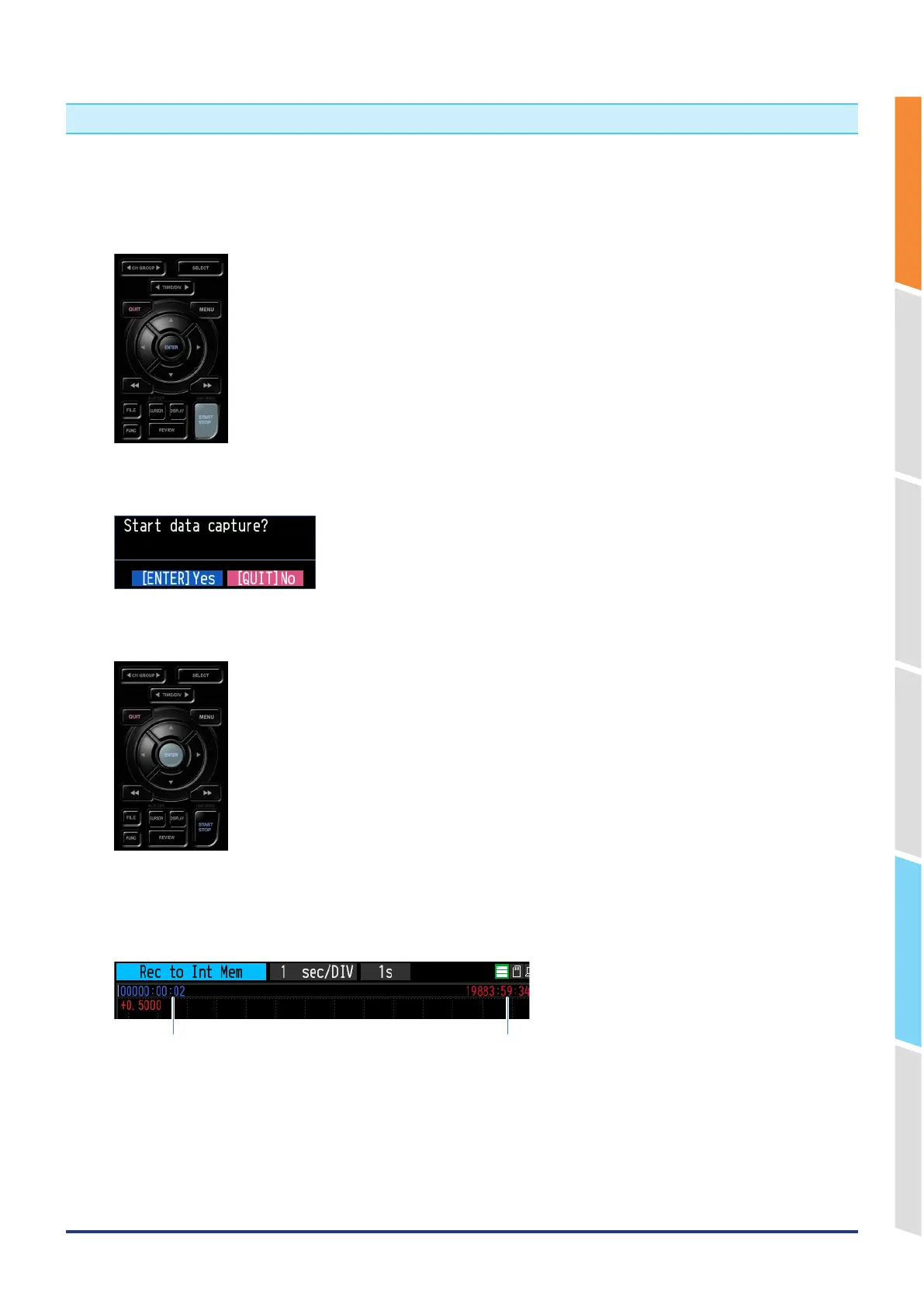
1. Press the "START/STOP" key.
2. A confirmation message is displayed.
3. Press the "ENTER" key to start capturing.
Capturing state
When capturing starts, the elapsed time and available capturing time are displayed.
Elapsed time Available capturing time















 To Next Page