4 -11
Chapter 4 Example of Use
Contents General Description
Checks and Preparation
Settings and Measurement
Example of Use Specification
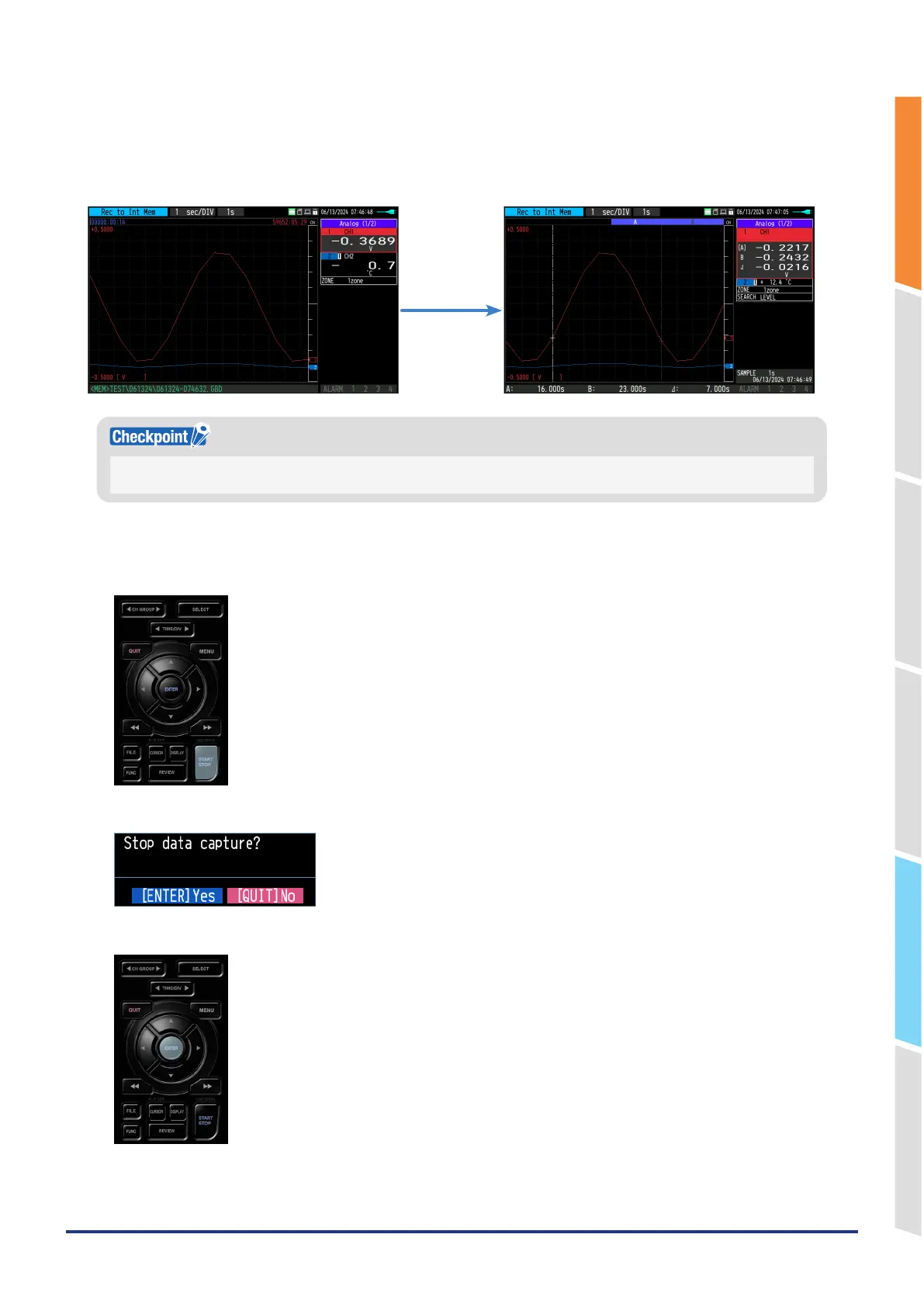
Replaying during capture
When you press the "REVIEW" key during capturing, a replay can be performed during capture.
While capturing data, you can replay the data from the beginning of the data to the point at which capturing was
performed.
“REVIEW” key
During replay, you can move the cursor to check any data value.
Press the “REVIEW” key again to return to the capturing screen.
Stop capturing
1. Press the "START/STOP" key.
2. A confirmation message is displayed.
3. Press the "ENTER" key to finish capturing and enter the free-running state.
Data capturing is now complete.















 To Next Page