3-20
Chapter 3 Settings and Measurement
Contents General Description
Checks and Preparation
Settings and Measurement
Example of Use Specification
1. Free Running
In free-running, you primarily perform the settings for data capture.
You can check the currently input signal in the waveform or digital value.
Main operations available during Free Running
Measurement parameters settings The [MENU] key is used to change various setting items in configuration menus.
SPAN/POSITION/TRACE Press the [ENTER] key to open the Span/Position/Trace settings and make settings.
Display mode The [DISPLAY] key is used to change the display mode.
File operations The [FILE] key is used to perform file-related operations.
Data replay The [REVIEW] key is used to replay the captured data.
Time axis change The [TIME/DIV] key is used to change the time axis scale.
Screen display operations
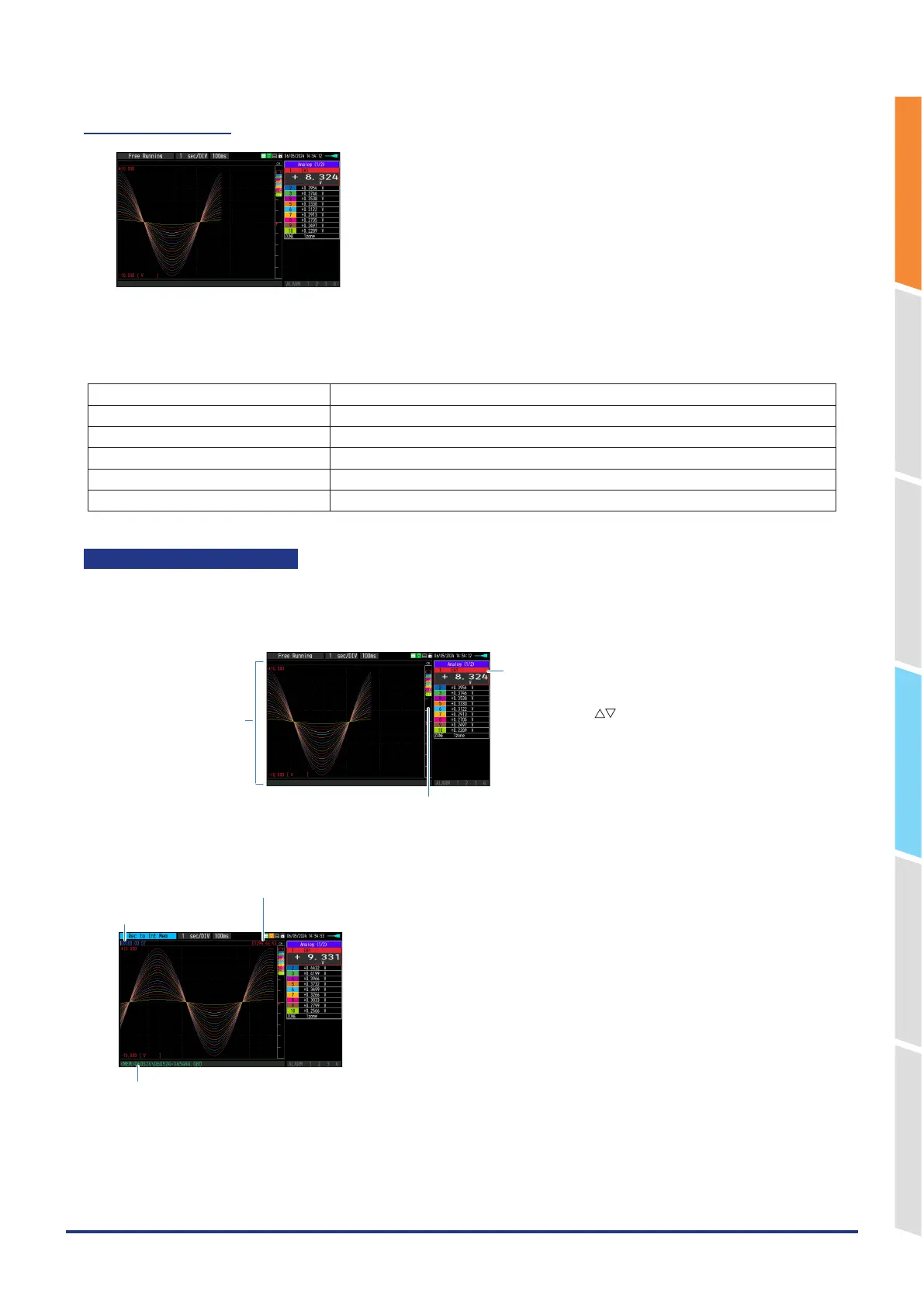
The information in the screen display is changed by switching the selected channel.
The operation of screen display can be performed during free-running, capturing, and replaying.
<Display when CH1 is selected on Free running waveform + Digital screen>
The scale of the selected
channel is indicated.
The selected channels are displayed
with a colored frame.
The selected channel can be switched
by operating the “ ” keys.
The selected channel is displayed without coloration.
2. Capturing
Capture destination and file name
Time of Capturing
The remaining capacity of memory
(Remaining time more than 99999 hours is displayed as “++++:++:++”.)
The captured data is saved in the internal memory or SD memory card during data capture.
You cannot use the [MENU] key to change the setting.















 To Next Page