3-21
Chapter 3 Settings and Measurement
Contents General Description
Checks and Preparation
Settings and Measurement
Example of Use Specification
Operations available during capture
SPAN/POSITION/TRACE change Press the [ENTER] key to open the Span/Position/Trace settings and make settings.
Screen display mode switch Used to change the screen mode with the [DISPLAY] key.
Replay while capturing The [REVIEW] key is used to replay captured data in two windows at the same time.
Save to device While data is replayed in two windows, the [FILE] key is used to save data to a device.
Setting check Display the setting information with the [MENU] key.
Time axis change Change the time axis with the [TIME/DIV] key.
3. Data replaying during capture
Displays the voltage at a point
indicated by Cursor A or B or the
selected cursor.
Displays the measurement time at
a point indicated by Cursor A or B
or the selected cursor.
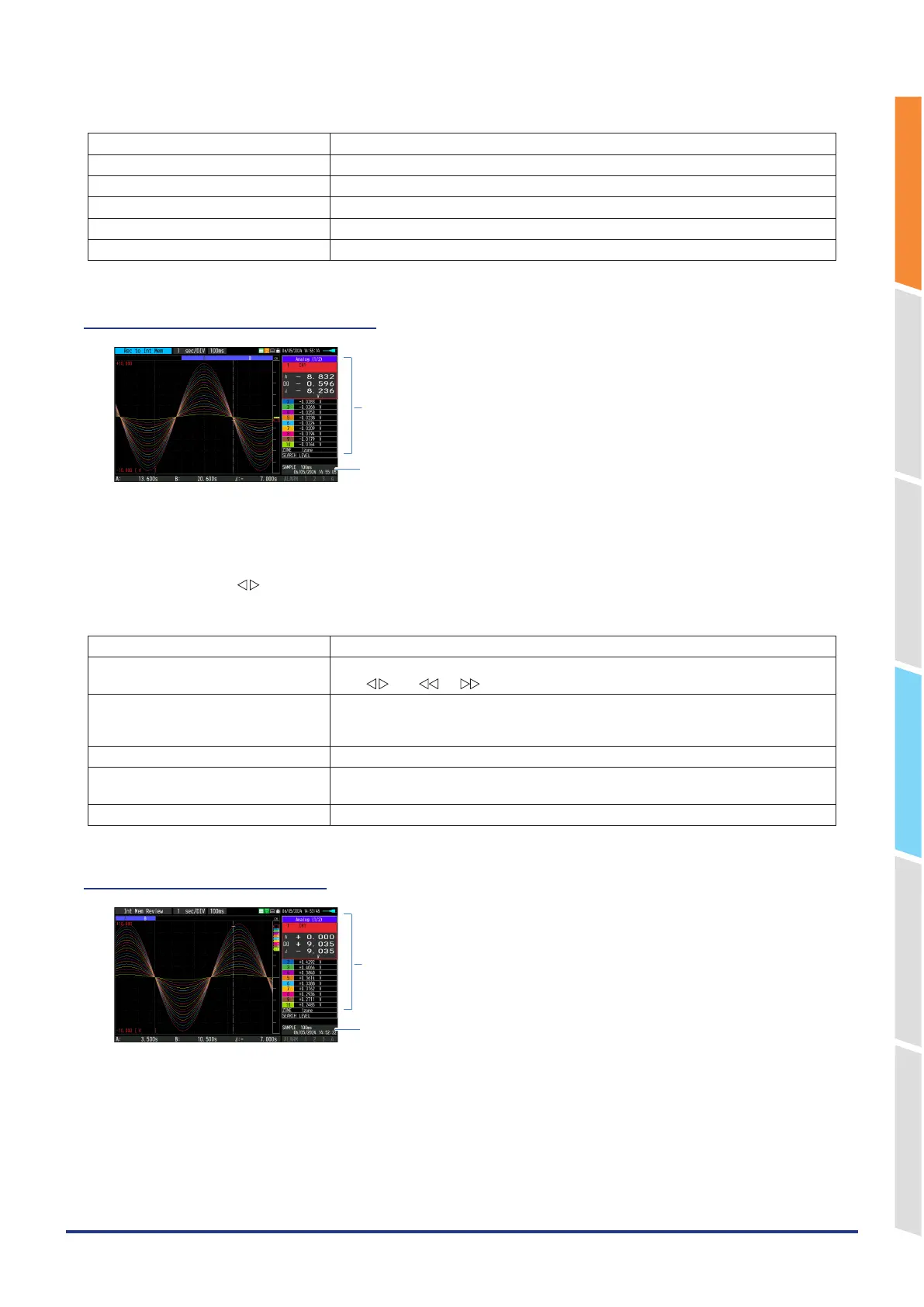
The captured data while capturing can be replayed by pressing the [REVIEW] key.
You can switch between the 1-screen (replayed data) and 2-screens (replayed data during data capture) by pressing
the [DISPLAY] key.
Use the Direction keys ( ) to move the cursor and captured data to check digital values.
Main operations to replay during data capture
Operation in the menu during data replay Use the [MENU] key to move the cursor and search data.
Cursor movement You can switch between cursors A and B using the [CURSOR] key.
The " " or " ", " " keys are used to move the cursors.
Save to device The save to the device can be performed from the [FILE] key.
(During capturing, you can save the captured data up to the present or the data of the
section between the A and B cursors in a separate file.)
Screen copy Copy the screen with the [FILE] key.
Switching between screen You can switch between 1-screen and 2-screens during data replaying by pressing the
[DISPLAY] key.
Time axis change Change the time axis with the [TIME/DIV] key.
4. Captured data replaying
Displays the voltage at a point
indicated by Cursor A or B or the
selected cursor.
Displays the measurement time at
a point indicated by Cursor A or B
or the selected cursor.
Displays the captured data.















 To Next Page