3-40
Chapter 3 Settings and Measurement
Contents General Description
Checks and Preparation
Settings and Measurement
Example of Use Specification
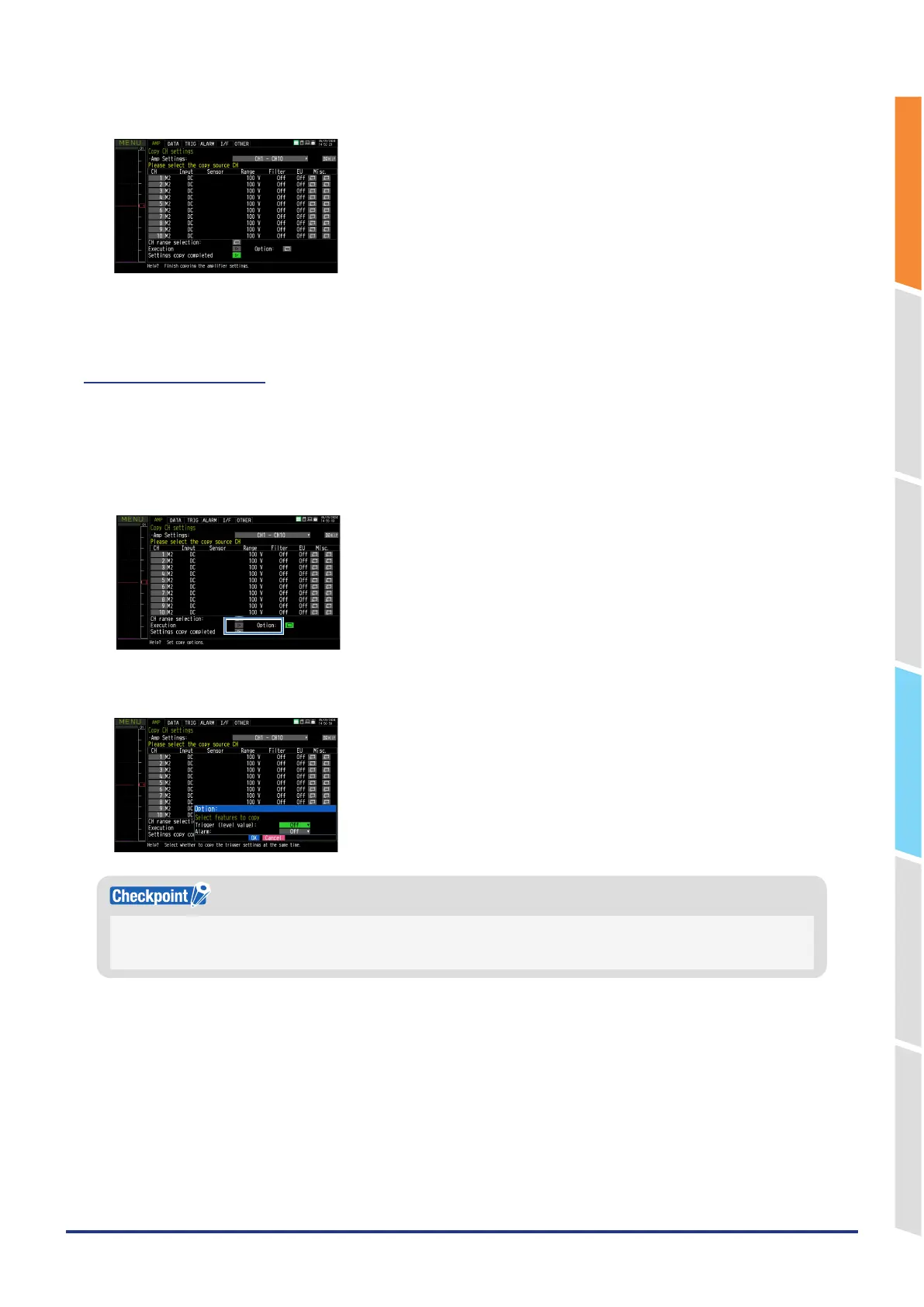
5. The specified CH will be copied.
6. When the settings are copied, the copy mode ends.
(1)-17 Copy Options
In addition to the AMP settings, you can also choose whether to copy the trigger (level value) and alarm settings at the
same time with the copy function.
The selection is made in the “Options” section.
1. Select an option item.
2. Select ON if you want to copy the trigger (level value) and alarm settings, or select OFF if you do not want to copy
them.
If the trigger or alarm function is set to OFF in the custom menu, the corresponding function will not be displayed in the
options submenu.
If both are OFF, the options menu itself will not be displayed.















 To Next Page