3-81
Chapter 3 Settings and Measurement
Contents General Description
Checks and Preparation
Settings and Measurement
Example of Use Specification
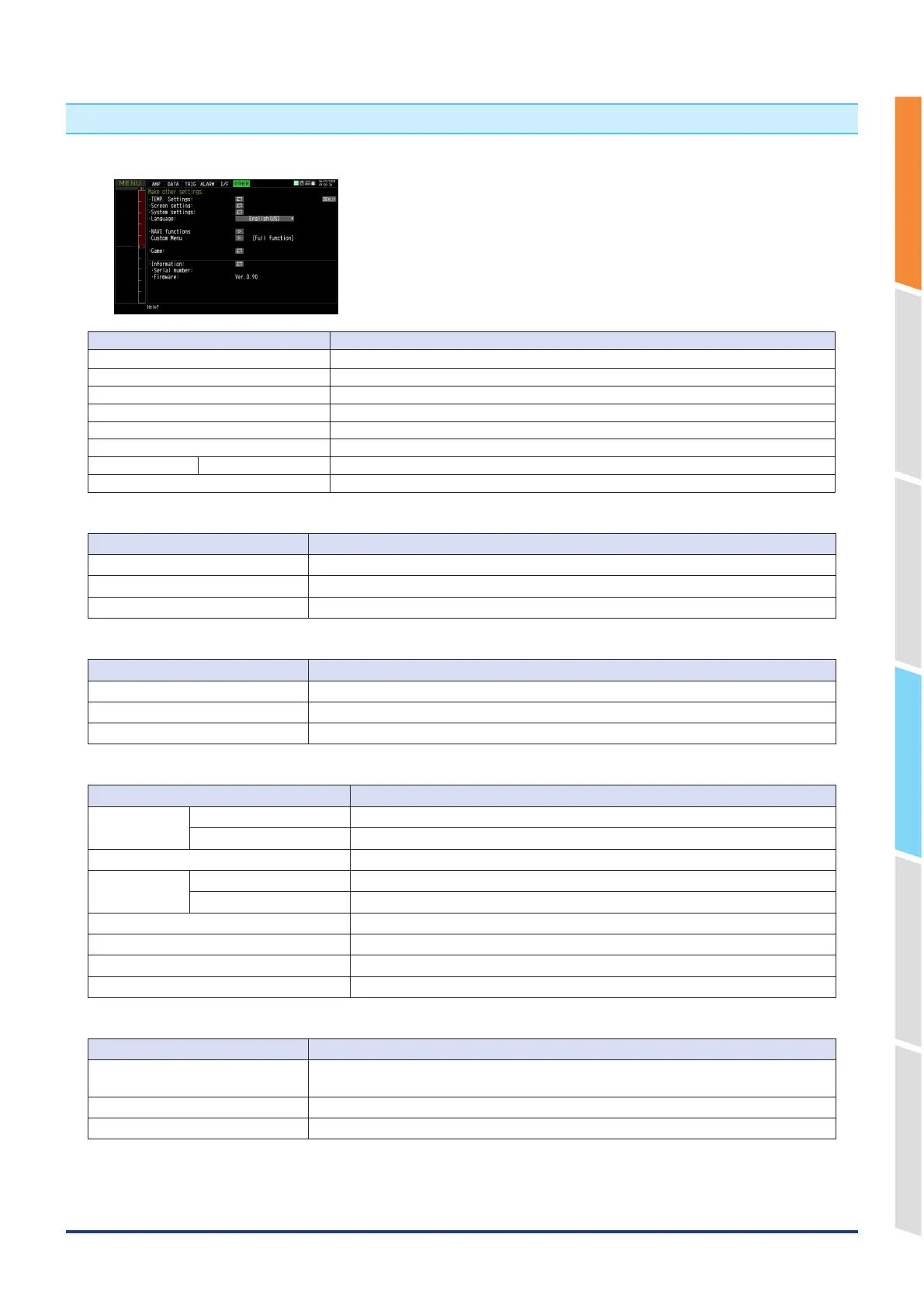
6. OTHER settings
Various conditions can be set.
Setting Selections available
TEMP Settings Make function settings related to temperature.
Screen settings Make function settings related to the screen display.
System settings Make function settings related to the system operation.
Language Japanese
・
English(US)
・
English(UK)
・
French
・
German
・
Chinese
・
Korean
・
Russian
・
Spanish
Navigation function Executes the NAVI function.
Custom Menu Select the function to use.
GAME Various games Select the game you want to play.
Information The system information on the GL860, such as the firmware version is displayed.
Temperature settings
Setting Selections available
Room Tempe Internal, External
Temp unit ℃, ℉
Burnout Off, On
Screen settings
Setting Selections available
LCD brightness Bright, Middle, Dark
Screen Saver Off, 10, 30 (sec.), 1, 2, 5, 10, 30, 60 (min.)
Background Color Black, White
System settings
Setting Selections available
Date/Time Date From 1/1/2024 to 12/31/2035
Time From 0:0:0 to 23:59:59
AC Line cycle 50Hz, 60Hz
Return to
default settings
Operation settings Restore Operation settings
Communication settings Restore Communication settings
Power On Start Disable, Enable
Warm-up time Off, 30 minutes, 1 hour, 2 hours
Key Click Sound On,Off
Demo waveform Off, Sine wave, Triangular wave, Square wave
Navigation function
Setting Selections available
Easy Capture Settings Configure the minimum settings required for data recording, such as input settings, sampling
settings, and recording destination settings, using a wizard.
Easy Trigger Settings Trigger settings are configured using a wizard.
Wireless LAN Settings Wireless LAN connection settings are configured using a wizard.















 To Next Page