3-41
Chapter 3 Settings and Measurement
Contents General Description
Checks and Preparation
Settings and Measurement
Example of Use Specification
2. DATA settings
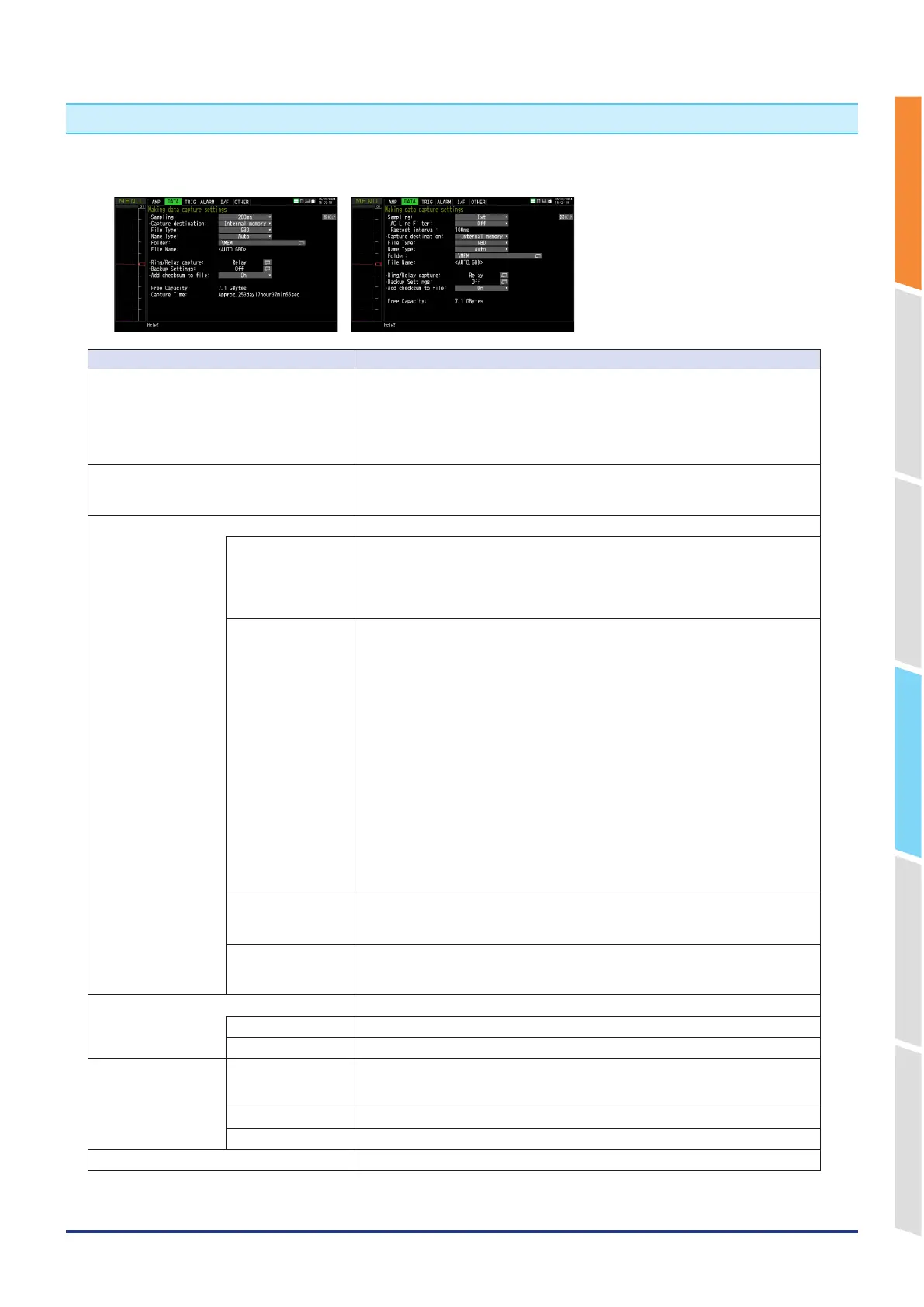
This is used to specify capture-related items and calculations.
<Sampling> <Sampling (at external input)>
Setting Selections available
Sampling 110, 20, 50, 100, 125, 200, 250, 500 ms, 1, 2, 5, 10, 20, 30s, 1, 2, 5, 10, 20, 30
min, 1h, Ext.
*
Available sampling intervals vary depending on the input settings and the number
of channels to be used.
* Refer to “2-1. Sampling Interval” for details.
* For details on external sampling (external), refer to “2-2. External sampling”.
AC Line Filter On, Off
* Displayed when the sampling interval is external.
* For details on the AC line filter, refer to “2-3. AC line filter”.
Capturing destination Internal memory, SD CARD
File Type GBD, CSV
Set the file format used to save data.
GBD: Creating a data file in Graphtec’s proprietary binary format
* It is not possible to change the data.
CSV: Creating a data file in text format
Name Type Auto, Arbitrary, Sequential number
Set how a data file should be named.
Auto: Automatically supplies the file name.
Example: 20230201-123456_UG.GBD
Number part : File creation date
* The file is created on February 1, 2023, 12:34:56 in this
example.
Arbitrary: Data is captured in a file with an entered file name.
Sequential number: A file is created with an arbitrary file name that has been
entered, followed by a sequential number.
Example: If the file name is “TEST”
• First file: TEST_SER1.GBD
• Second file: TEST_SER2.GBD
• Third file: TEST_SER3.GBD
* If the same file name already exists, _CP* is added to the end of a file name to
prevent overwriting.
The asterisk ( * ) represents a number.
Example: TEST_CP1.GBD
Folder Capturing destination: Internal memory, SD CARD
Folder: Character entering (when the naming method is Auto)
* For details on the folder, refer to “2-4 Capturing destination file name”.
File Name File: Character entering (when the naming method is Arbitrary, Sequential
number)
* For details on the file, refer to “2-4 Capturing destination file name”.
Ring/Relay capture Off, Ring, Relay
Ring capture Number of capturing points
Relay capture Relay mode (capacity/time), Internal memory/SD relay (Off, On)
Backup
Backup Interval Off, 1, 2, 6, 12, 24 hours, Each file
*Selection of individual files is possible when “Files recorded when the backup is
successful” in “FT
P client settings” is set to “Delete.”
Backup Destination
Internal memory, SD CARD, FTP
Save Folder Folder name
Data corruption check Off, On















 To Next Page