3-85
Chapter 3 Settings and Measurement
Contents General Description
Checks and Preparation
Settings and Measurement
Example of Use Specification
Selection item Description
Off The warm-up time is not displayed.
30 minutes The warm-up time is displayed for 30 minutes after the power is turned on.
1 hour The warm-up time is displayed for 1 hour after the power is turned on.
2 hours The warm-up time is displayed for 2 hours after the power is turned on.
6-3-6. Key Click Sound
This function allows you to change the settings for the clicking sound that occurs when you operate the keys.
Selection item Description
On Enables a clicking sound when keys are pressed.
Off Enables no clicking sound when keys are pressed.
6 -3 -7. Demo Waveform Mode
This parameter displays demo waveforms without analog signal input.
Selection item Description
Off The demo waveform is not displayed.
Sine wave The demo waveform (Sine wave) is displayed.
Triangular wave The demo waveform (Triangular wave) is displayed.
Square wave The demo waveform (Square wave) is displayed.
6-4. Language
Set the display language (9 languages Japanese, English (US), English (UK), French, German, Chinese, Korean,
Spanish and Russian).
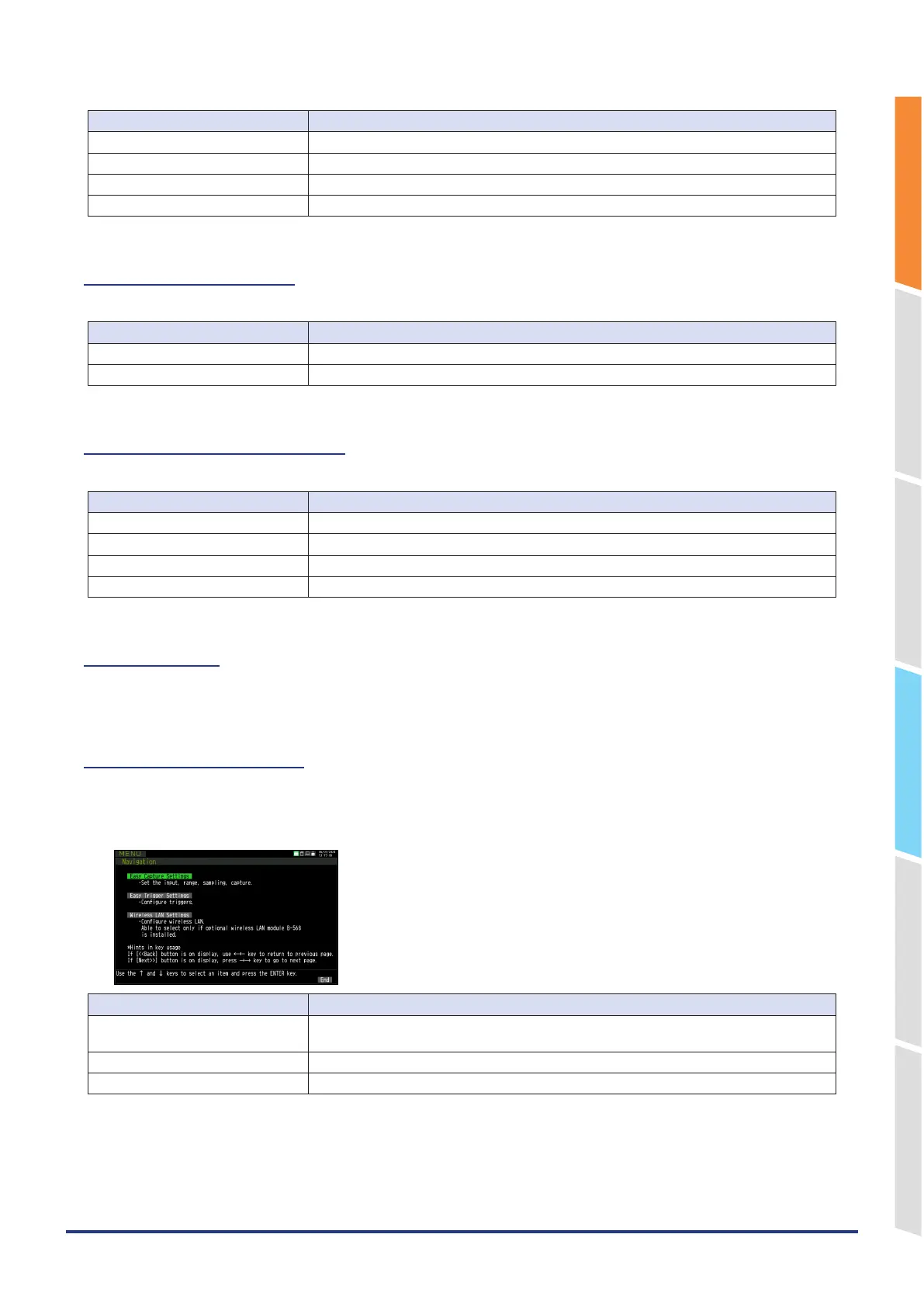
6-5. Navigation function
By following the on-screen instructions, you can set up recording, triggers, wireless LAN, and other settings in wizard
format..
Navigation Screen
Setting Selections available
Easy Capture Settings Configure the minimum settings required for data recording, such as input settings, sampling
settings, and recording destination settings, using a wizard.
Easy Trigger Settings Trigger settings are configured using a wizard.
Wireless LAN Settings Wireless LAN connection settings are configured using a wizard.















 To Next Page