3-13
Chapter 3 Settings and Measurement
Contents General Description
Checks and Preparation
Settings and Measurement
Example of Use Specification
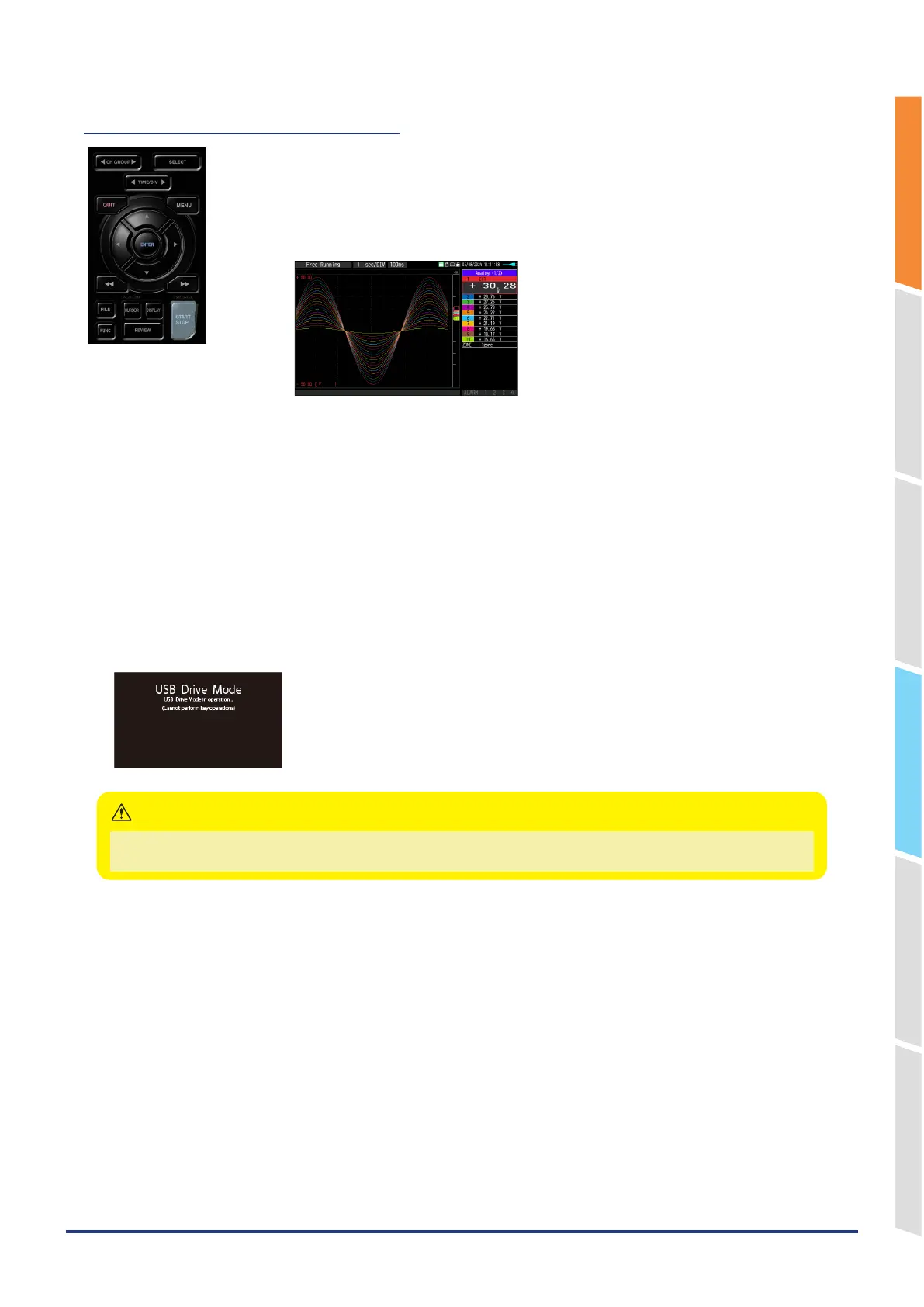
(9) START/STOP (USB Drive Mode)
This key performs the following two operations:
<Starts/stops capture>
•
When free-running, start recording.
•
If recording is in progress, recording is stopped.
USB Drive Mode Operation Procedure
In the "USB Drive Mode", the internal memory and SD memory card can be check on a PC as an external storage
device.
When two SD memory cards are inserted into the SD CARD respectively, they are recognized as two external storage
media.
Since the SD memory card is recognized as a removal disk, this mode facilitates file manipulation such as transfer and
deletion.
1. Use a USB cable to connect the GL860 and a PC.
2. While pressing the GL860 [START/STOP] key, turn the power ON.
3. The external storage media is recognized by the PC and data exchange becomes possible.
* In USB Drive Mode, the display becomes as follows:
•
To exit USB Drive Mode, turn off and on the power again.
•
In USB Drive Mode, no operation including data capture and data replay is available.
CAUTION















 To Next Page