1-7
CHAPTER 1 General Description
Contents General Description
Checks and Preparation
Settings and Measurement
Example of Use Specification
1.9 Custom Menu Settings
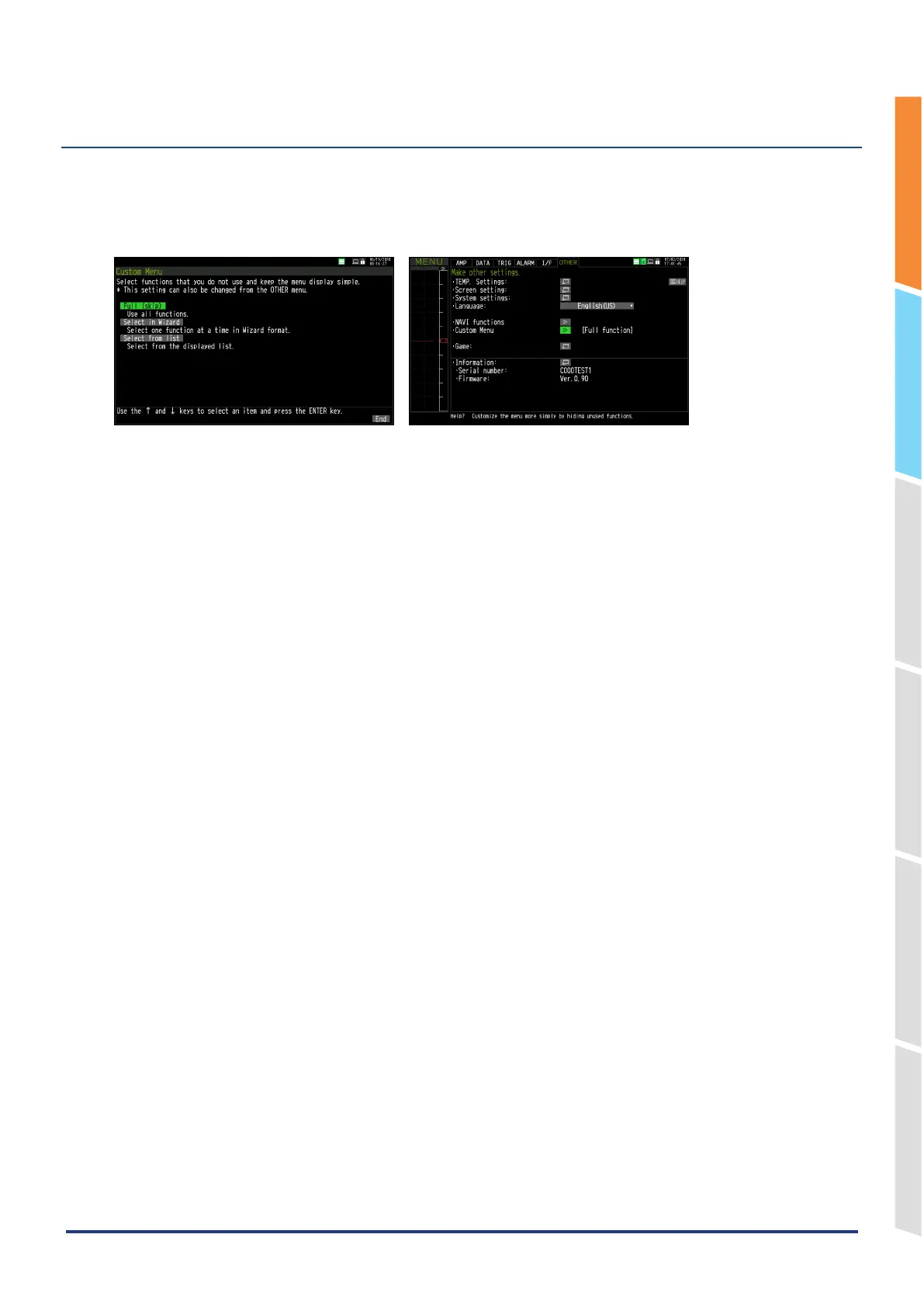
The GL860 allows you to customize the menus that are displayed.
By turning off functions that are not used, they will not appear in the settings menu, etc.
To change this setting, set “Custom Menu” which is displayed when the GL860 is first started, or “Custom Menu” in the
“OTHER Menu”.















 To Next Page