4-18
Chapter 4 Example of Use
Contents General Description
Checks and Preparation
Settings and Measurement
Example of Use Specification
4. Remote control service cooperation function
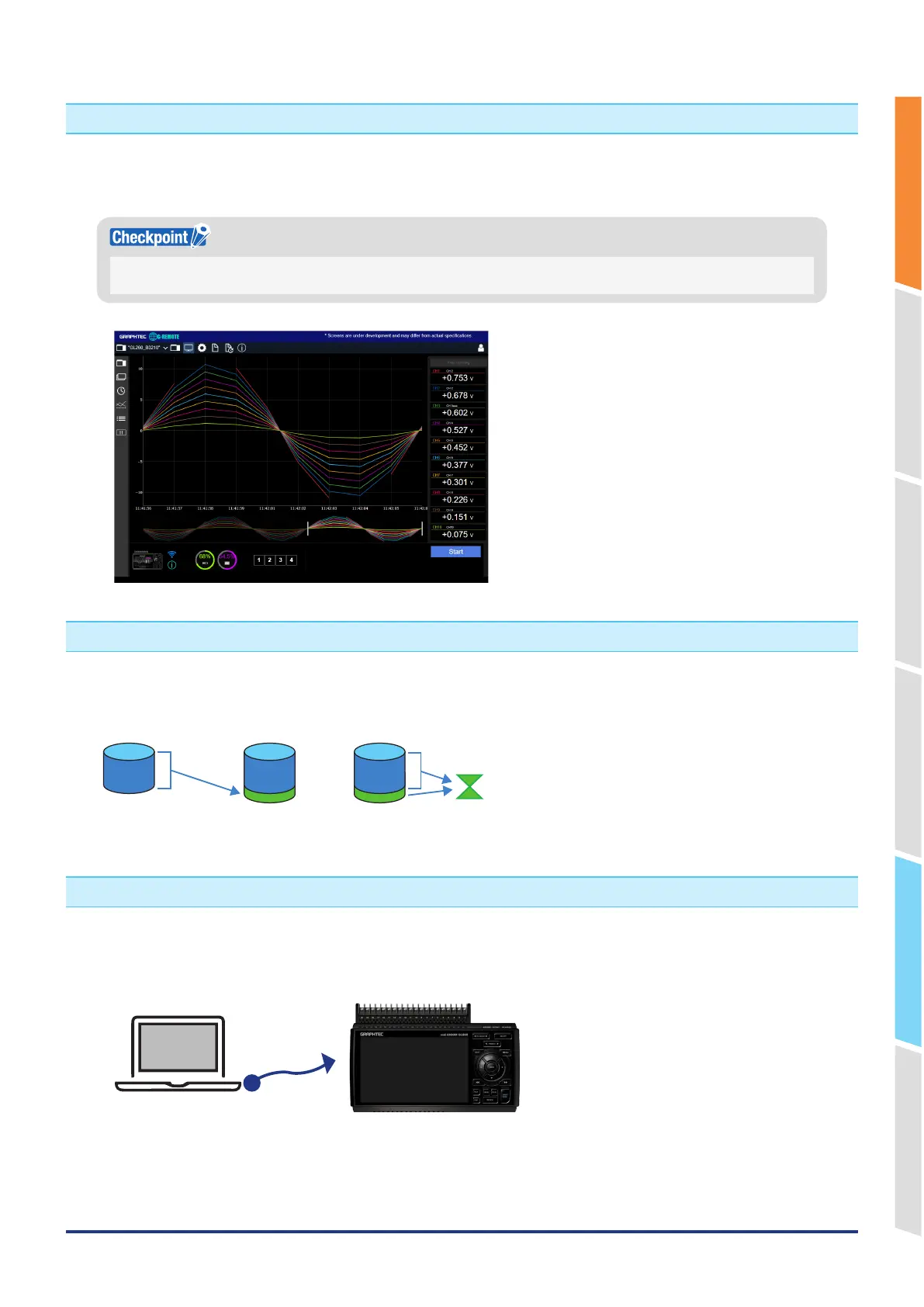
The GL860 can be linked with the remote control service "G-REMOTE" operated by our company.
Waveforms on GL devices can be checked and operated remotely.
For details on G-REMOTE and how to apply, please visit our website (http://www.graphteccorp.com/).
An optional wireless LAN module is required separately.
An environment that can connect to the network is required to use the service.
5. Data corruption check function
When data is captured in our original captured data format (GBD format), a checksum can be added to the data.
By confirming this checksum, it is possible to confirm data corruption and prevent data tampering.
Computes and appends
the checksum.
Computes and compares
checksums.
<When capturing> <Before replaying>
6. USB drive mode
When the GL860 and PC are connected via USB, the GL860 can be recognized by the PC as a USB mass storage.
This function allows you to access the data of the internal memory and SD CARD of the GL860 from a PC via USB.
By turning on the power while holding down the "START/STOP" key, it will be in USB drive mode.















 To Next Page