3-80
Chapter 3 Settings and Measurement
Contents General Description
Checks and Preparation
Settings and Measurement
Example of Use Specification
Selection item Description
Network time
settings
Internet Time Off, On
Set whether or not to use this function.
Off: This function is not used. No time adjustment is performed.
On: Use this function to adjust the time.
NTP Server Character string: up to 127 characters
Enter the domain name or address of the clock server (NTP server) to use.
Time Zone UTC-12:00 to UTC+13:00
Set the time zone for the region where the GL860 is used. (Japan: +09:00)
Synchronized
Time
00:00 to 23:59
Set the time to synchronize with the clock server.
When the set time is reached, the time is synchronized by the method set in the sync mode.
Adjust Mode Synchronize immediately, Synchronize gradually.
Set the method for synchronizing with the clock server.
Synchronize immediately: The clock server time is synchronized as soon as the synchronization
time is reached.
Synchronize gradually: Not synchronized immediately when the synchronization time is reached.
It gradually synchronizes with the time of the clock server.
The amount of adjustment is about 43 seconds per day. (The amount of adjustment is about 10
ms in 20 seconds.)
Connection
Test
When executing a connection test, a message is displayed.
If you cannot connect, check the settings and execute the connection test again.
Synchronization is not performed if the error with the clock server is within 500 ms.
CAUTION
Log settings
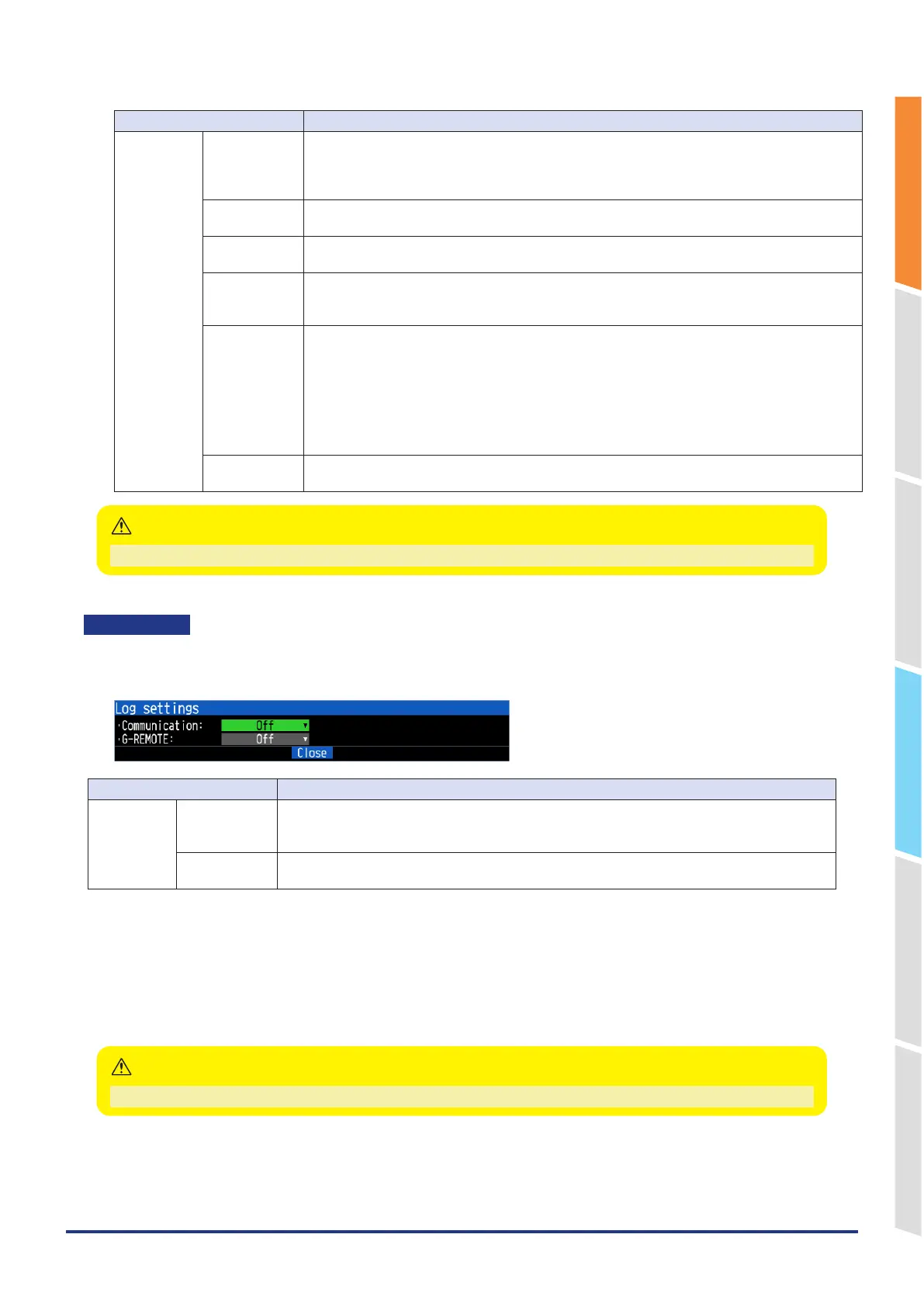
Make log settings.
<Log settings>
Selection item Description
Log settings Communication Off, On
Sets the LAN interface for collecting logs.
If set to anything other than Off, the destination file name will be displayed.
G-REMOTE Off, On
If set to anything other than Off, the destination file name will be displayed.
•
Communication
Communication logs in pcap format will be saved to a file displayed in the setting other than Off.
If you select Off, logs will not be collected.
Wireless LAN is displayed as a selection item only when the wireless LAN option is installed and is set to anything
other than Off.
•
G-REMOTE
Save the communication log in text format to the file displayed when set to On.
When the communication log is set to On, the communication speed may decrease.
CAUTION















 To Next Page