3-44
Chapter 3 Settings and Measurement
Contents General Description
Checks and Preparation
Settings and Measurement
Example of Use Specification
2-4. Captured data file name
This is used to select the name of a file or folder to which you want to save capture data.
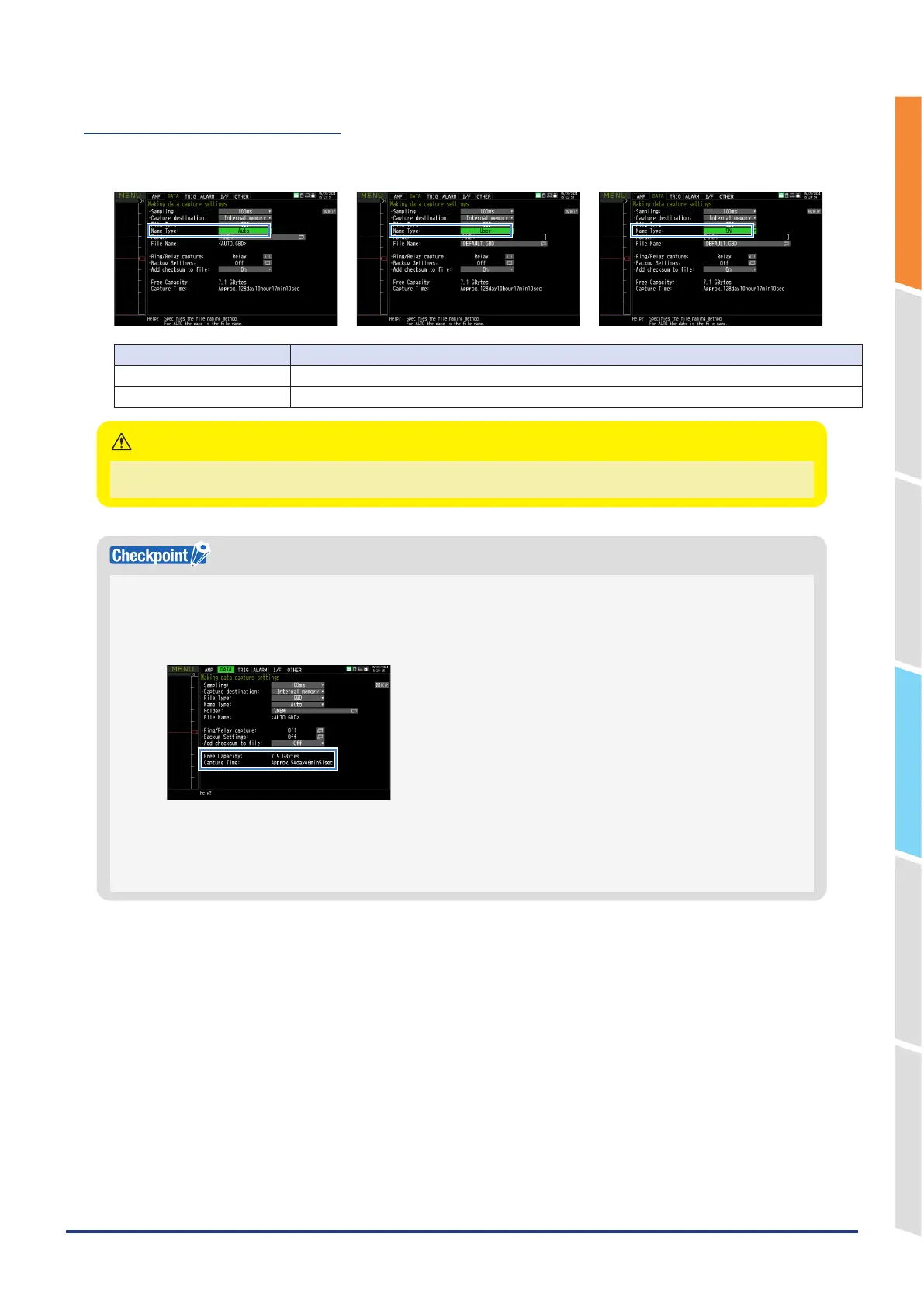
<If the naming method is Auto> <If the naming method is Arbitrary> <If the naming method is Sequential>
Setting Description
Folder Specify the capturing destination (or save destination) folder. For details, refer to "9. File dialog".
File Specify the capturing destination (or save destination) file. For details, refer to "9. File dialog".
The file should be saved in the folder you created. When the data files are continued to be saved in the root folder, the data file
may be not saved regardless of the memory remaining capacity due to the limitations of the file system.
CAUTION
Changing the sampling interval, capture destination, number of measuring channels (number of channels for which the
input is not Off), etc. will change the Capture Space and Capture Time on the screen.
If find that the measurement time exceeds the Capture Time, take one of the following measures:
•
Change the sampling interval.
•
In the case of SD CARD, change to the SD memory card with more free space.
Capture Space: Displays the amount of memory space available for data capture.
Capture Time: Displays time available for at the SD memory card.
* The Capture Time is calculated for 2 GB at the maximum.
The Capture Time more than 366 days is displayed as 366 day over.
When Relay capture is ON, the time that can be captured in the free space is displayed.















 To Next Page