3-64
Chapter 3 Settings and Measurement
Contents General Description
Checks and Preparation
Settings and Measurement
Example of Use Specification
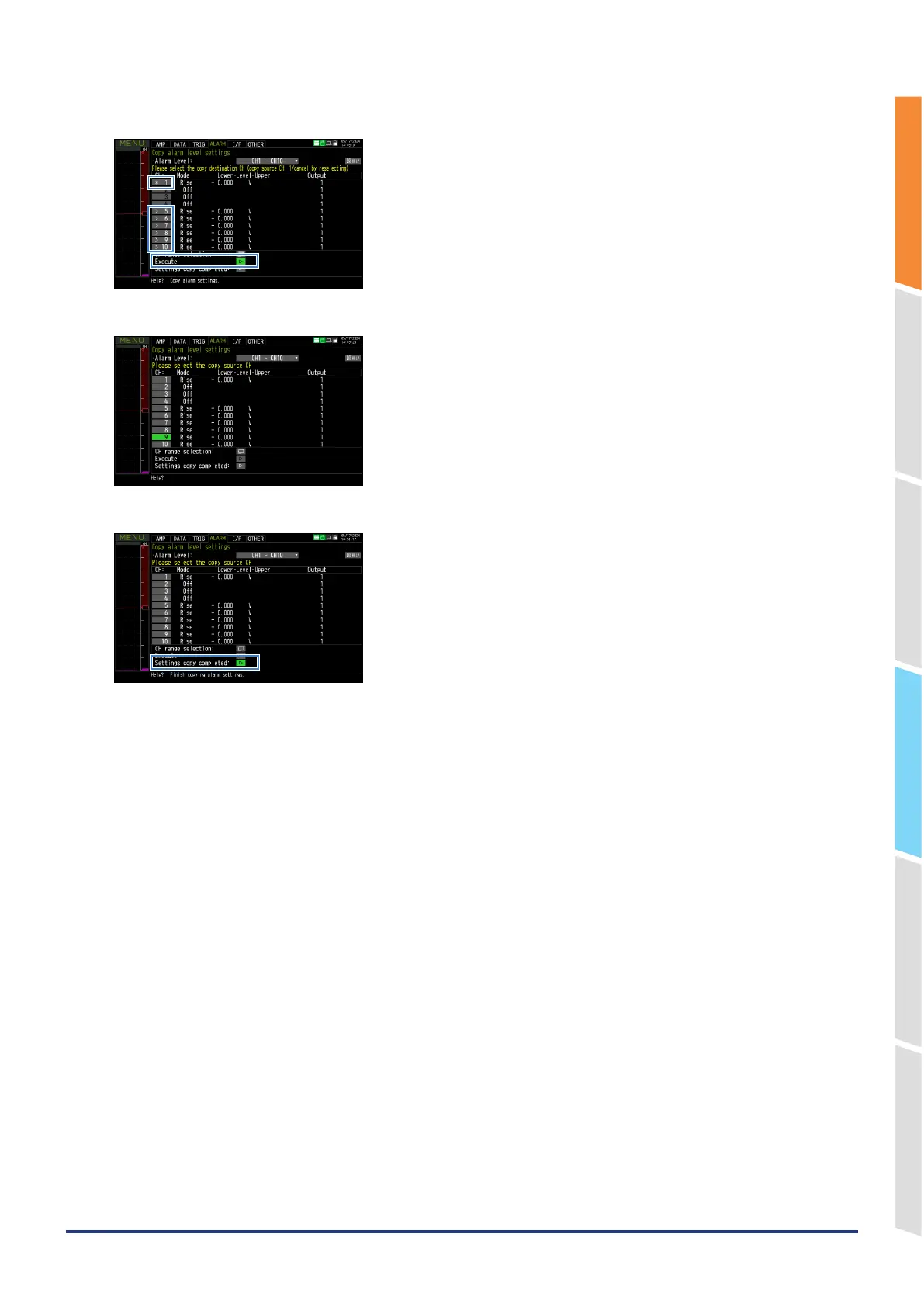
4. Verify that the source CH has an “*” mark and the destination CH has an “>” mark and click Execute.
5. The copy will be executed.
6. When you finish copying the settings, the copy mode will end.















 To Next Page