3-70
Chapter 3 Settings and Measurement
Contents General Description
Checks and Preparation
Settings and Measurement
Example of Use Specification
<Operation procedure>
1. Select the station, and then execute the wireless LAN restart.
The "Wireless LAN restarting" is displayed and the restart is executed by the station setting.
2. Set the automatic setting (WPS).
The wireless LAN is automatically set in the WPS system.
3. In the absence of the use of automatic configuration (WPS), it is necessary to undertake a manual configuration of
the access point to be connected.
Set the SSID of the access point you want to connect to.
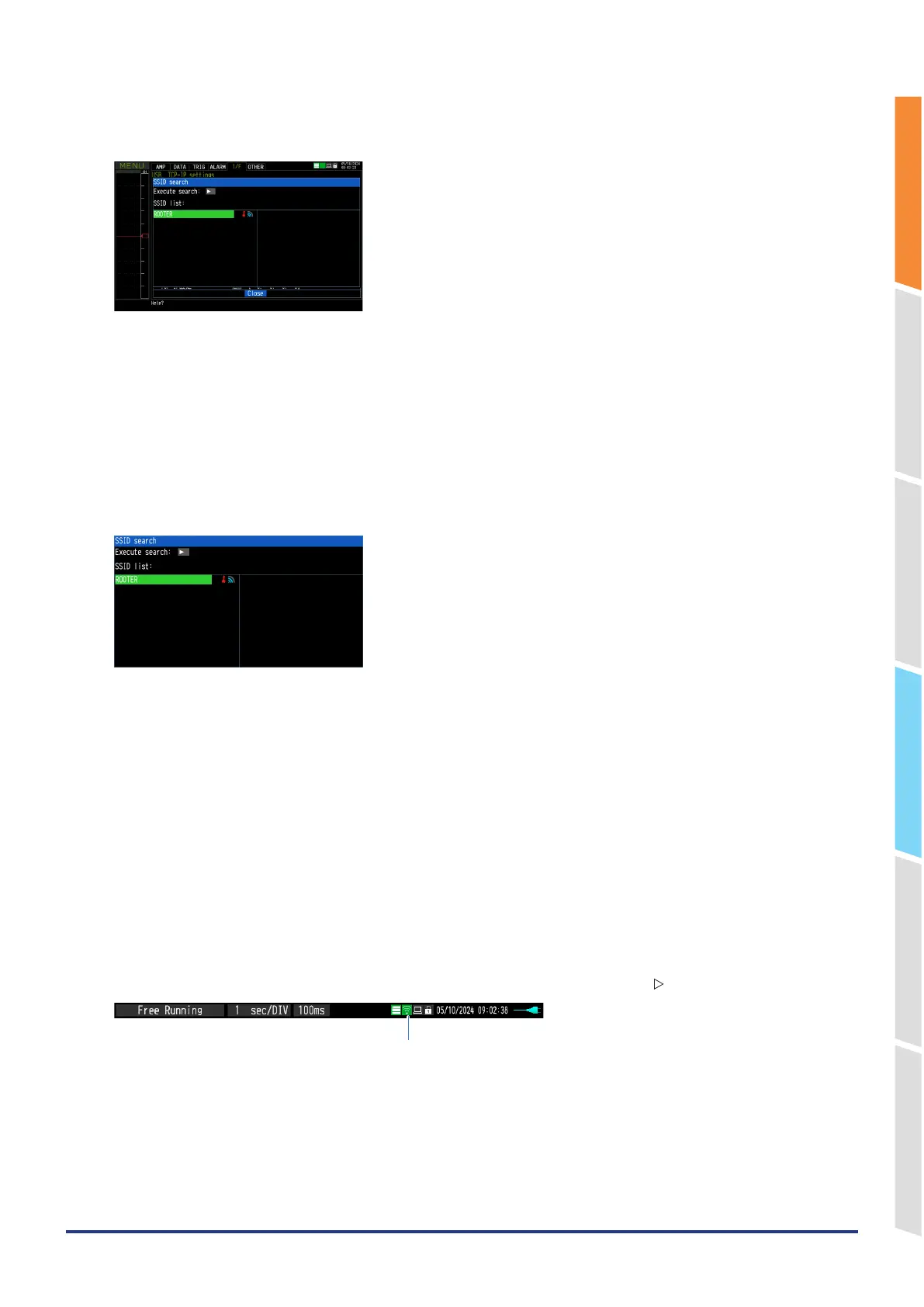
If you select “Search for SSID”, the SSID search dialog will be displayed.
The SSID will be searched and displayed in a list.
When the SSID is selected from this list, the SSID is automatically reflected in “SSID Input”.
You can also enter the SSID manually.
Enter according to the procedure in “10. Text input” described later.
4. Set the encryption method.
WEP or WPA-PSK/WPA2-PSK settings can be performed.
When you select “WEP”, the “WEP key” is displayed. When “WPA-PSK/WPA2-PSK” is selected, “Password” is
displayed. Enter according to the procedure in “10. Text input” described later.
When “WPA-PSK/WPA2-PSK” is selected, the highest strength for WPA and WPA2 of wireless LAN authentication
methods and TKIP and AES of encryption methods is automatically selected.
5. Set the wireless standard 11n.
When the IEEE802.11n is used, set it to “ON”.
6. After completing the above settings, execute “Setting reflection (connection)” with the “ ” key.
Effective display
* If disconnection is executed while connected, the connection with the base unit is disconnected















 To Next Page