3 -113
Chapter 3 Settings and Measurement
Contents General Description
Checks and Preparation
Settings and Measurement
Example of Use Specification
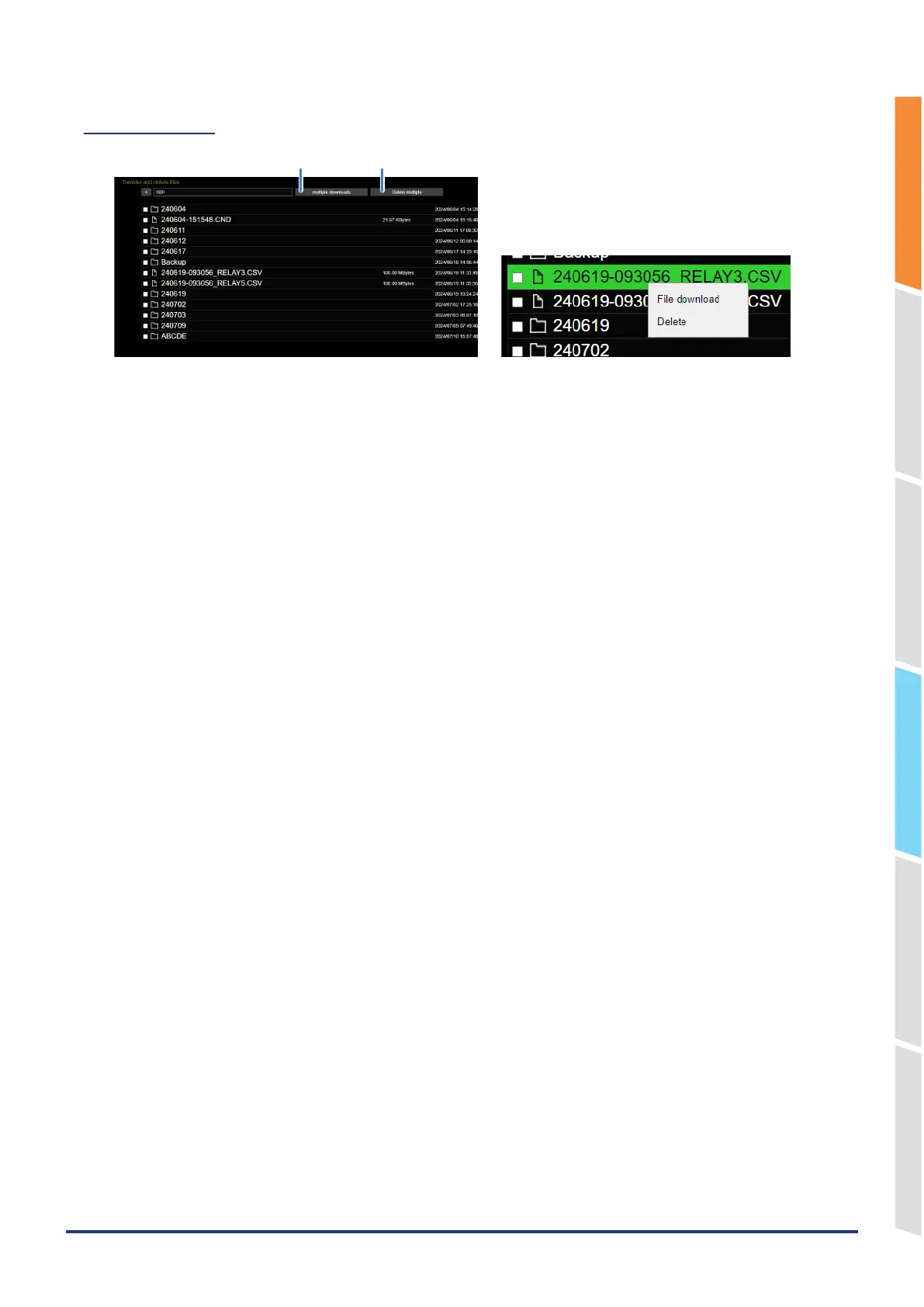
File operation
Delete multiple files
Downloading multiple files
Folder/file display ..........By double-clicking the folder, you can display the files in the folder.
Double-click the file to download the file.
Download .......................By right-clicking the file/folder and selecting "Download", you can download the file.
If you select a folder, all files in the folder are downloaded.
Delete ............................You can delete a file/folder by right-clicking on the file/folder and selecting "Delete".
Download multiple files ...You can download all the checked files/folders at once.
If you select a folder, all files in the folder are downloaded.
Delete multiple files .......You can delete the checked files/folders at once.
* The file is downloaded to the download destination of the browser.
* When you select a folder, only the files in the folder are downloaded. No folder is created.
* Files that are being recorded will not be displayed. It cannot be deleted or downloaded.















 To Next Page