iii
Safety Precautions
Safety Precautions
CAUTIONCAUTION
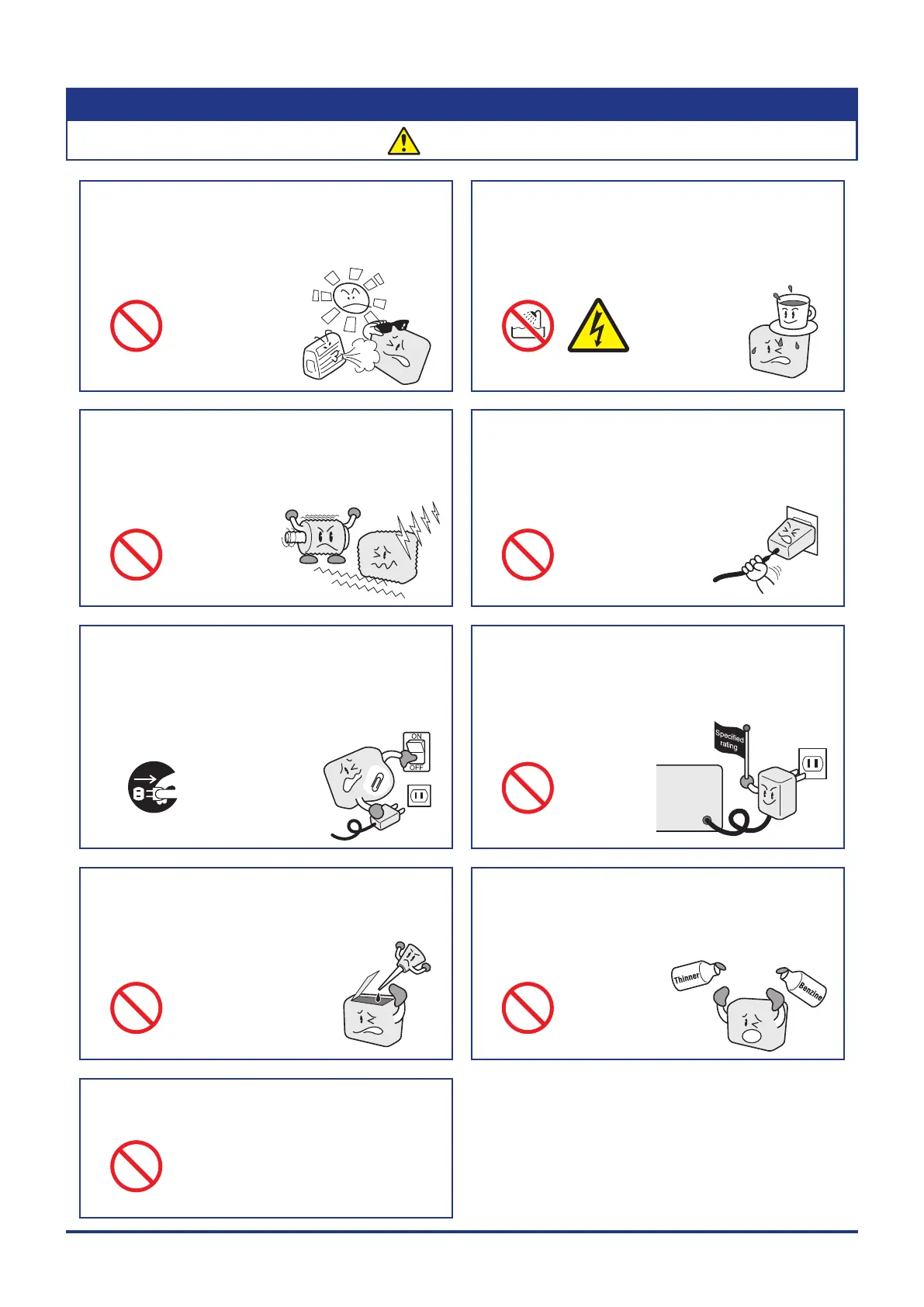
If fluid or foreign matters enters inside the GL860, turn
off the power switch and disconnect the power cord
from the electrical socket.
•
Use in such status may cause a fire hazard due to electrical
shock or current leakage.
•
Contact your sales representative or nearest
Graphtec vendor to request repair.
To insert or disconnect the power cord or a signal input
cable, grasp the power cord’s plug or the signal input
cable’s connector.
•
Pulling the cord/cable itself damages the cord/cable,
resulting in a fire hazard or electrical shock.
Do not use the GL860 in a location subject to excessive
mechanical vibration or electrical noise.
•
Such location may impair the GL860’s performance.
Do not place the receptacles containing fluid onto this
device or close to this device.
•
Fluid spilling inside the GL860 may cause a fire hazard due
to electrical shock or current leakage.
Do not use the AC power supply and the DC power
supply other than the specified supply voltage for this
device.
•
Such action may cause a fire hazard due to electric shock
or current leakage.
Do not use or store the GL860 in a location exposed to
direct sunlight or the direct draft of an air conditioner or
heater.
•
Such location may impair the GL860’s performance.
Do not attempt to lubricate the GL860’s mechanisms.
•
Such action may cause the GL860 to break down.
Never clean the GL860 using a volatile solvent (such
as thinner or benzine).
•
Such action may impair the GL860’s performance.
•
Clean off any soiled areas using a soft dry cloth.
Be sure to use the Graphtec-supplied AC adapter.
•
It will damage this device.
Watch out for
Unplug the power















 To Next Page