2-30
CHAPTER 2 Checks and Preparation
Contents General Description
Checks and Preparation
Settings and Measurement
Example of Use Specification
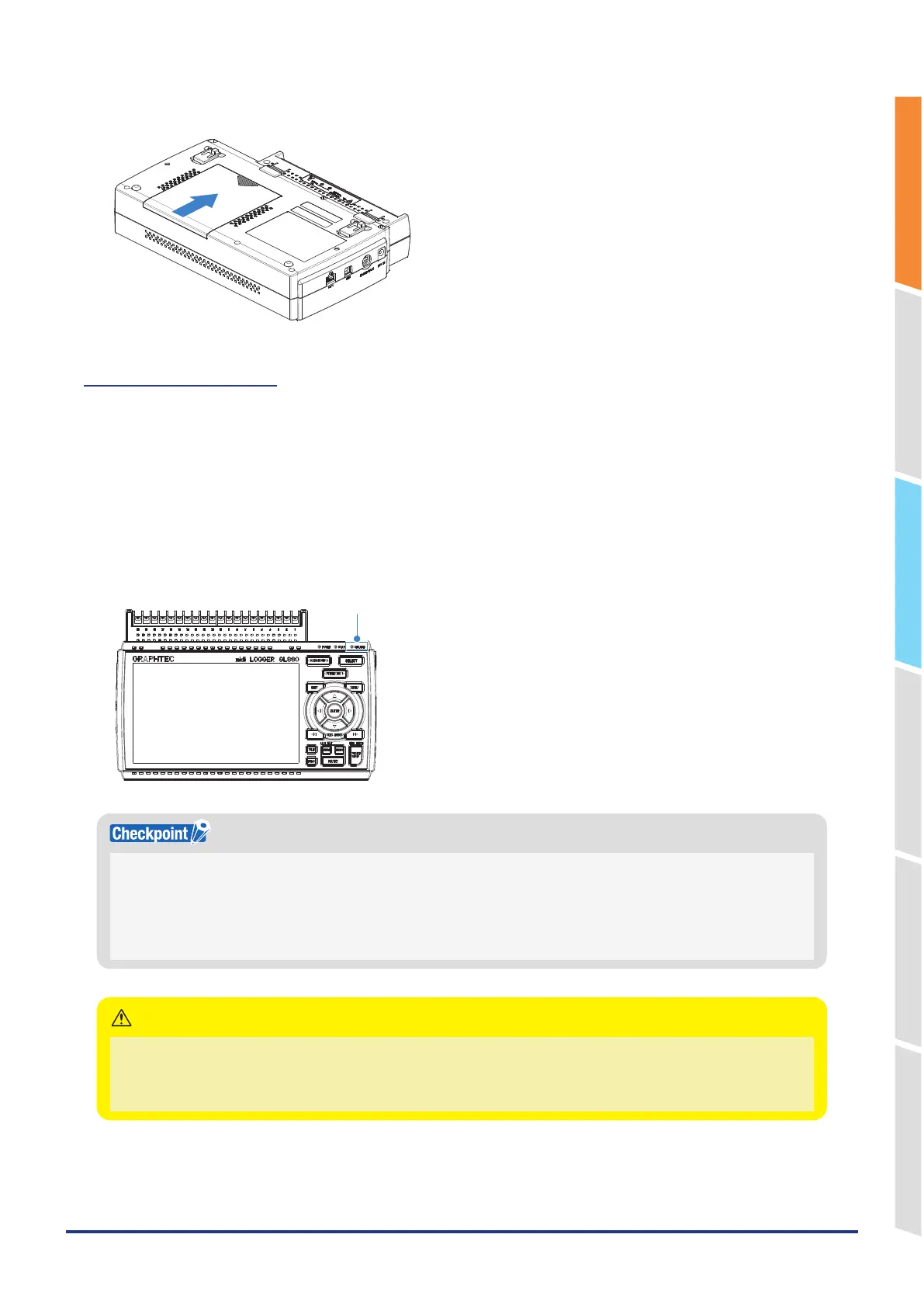
3. Attach the battery cover.
Charging the Battery
Expected time required for charging
• Battery pack x 1: approx. 5 hours
• Battery pack x 2: approx. 10 hours
The battery pack is charged by mounting it in the GL860 are attaching AC adapter to the GL860.
1. Mount the battery pack in the GL860 (see “Mounting the Battery Pack” on the previous page for the mounting
procedure.).
2. Connect the GL860 to the AC power supply (see “2.6 Connecting the Power Cable and Turning on the Power”.).
3. The CHARGE LED lights.
CHARGE LED
•
GL860 is equipped with a temperature monitor function which starts automatic charging as soon as it is cooled down.
Therefore, depending on the internal temperature, charging may not be performed immediately.
•
The operating temperature range during charge is from 15 to 35°C.
•
When charging is attempted while the power is ON, charging may not be performed immediately even if the temperature
environment conforms to the specification. In such a case, set the Screen Saver settings to ON or perform charging while
the power is OFF.
•
During data capture, the file is closed automatically when the battery capacity is lower.
•
When using with the AC adapter, the GL860 is automatically battery-powered in case of power outage.
•
During the power is supplied directly from the DC power without using the AC adapter, the battery charge is disabled
when the DC voltage is 16V or less.
CAUTION















 To Next Page