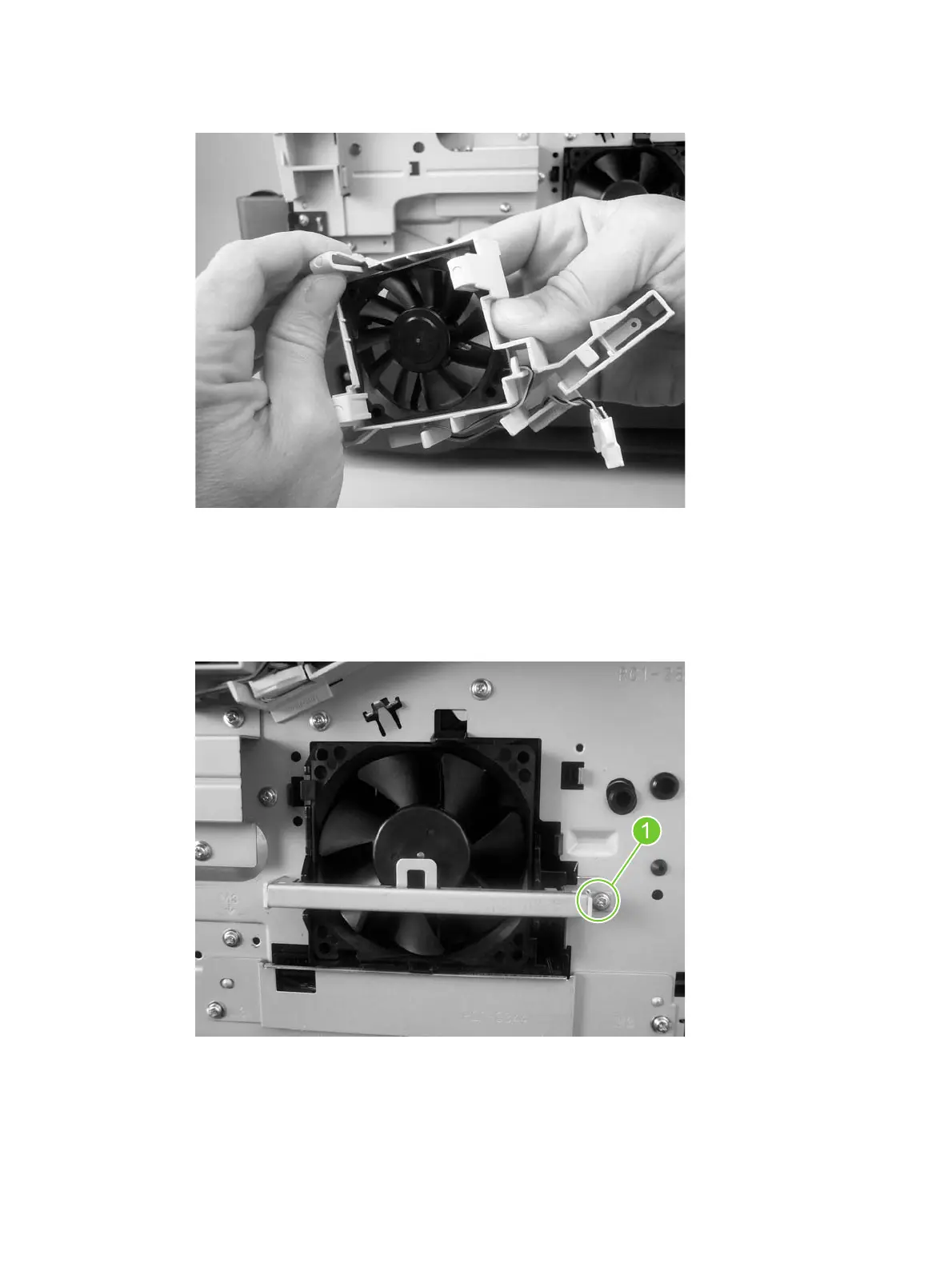
10. Release the three locking tabs on the fan bracket, and then remove the fan from the bracket.
Figure 5-67 Remove the main and reversing-unit fans (9 of 9)
Thermistor (TH3)
1. Remove the front cover.
2. Remove one screw (callout 1), unhook the thermistor, and then move the thermistor to the side.
Figure 5-68 Remove the thermistor (1 of 4)
ENWW Internal assemblies 263
manuals4you.commanuals4you.com



 To Next Page
 Loading...