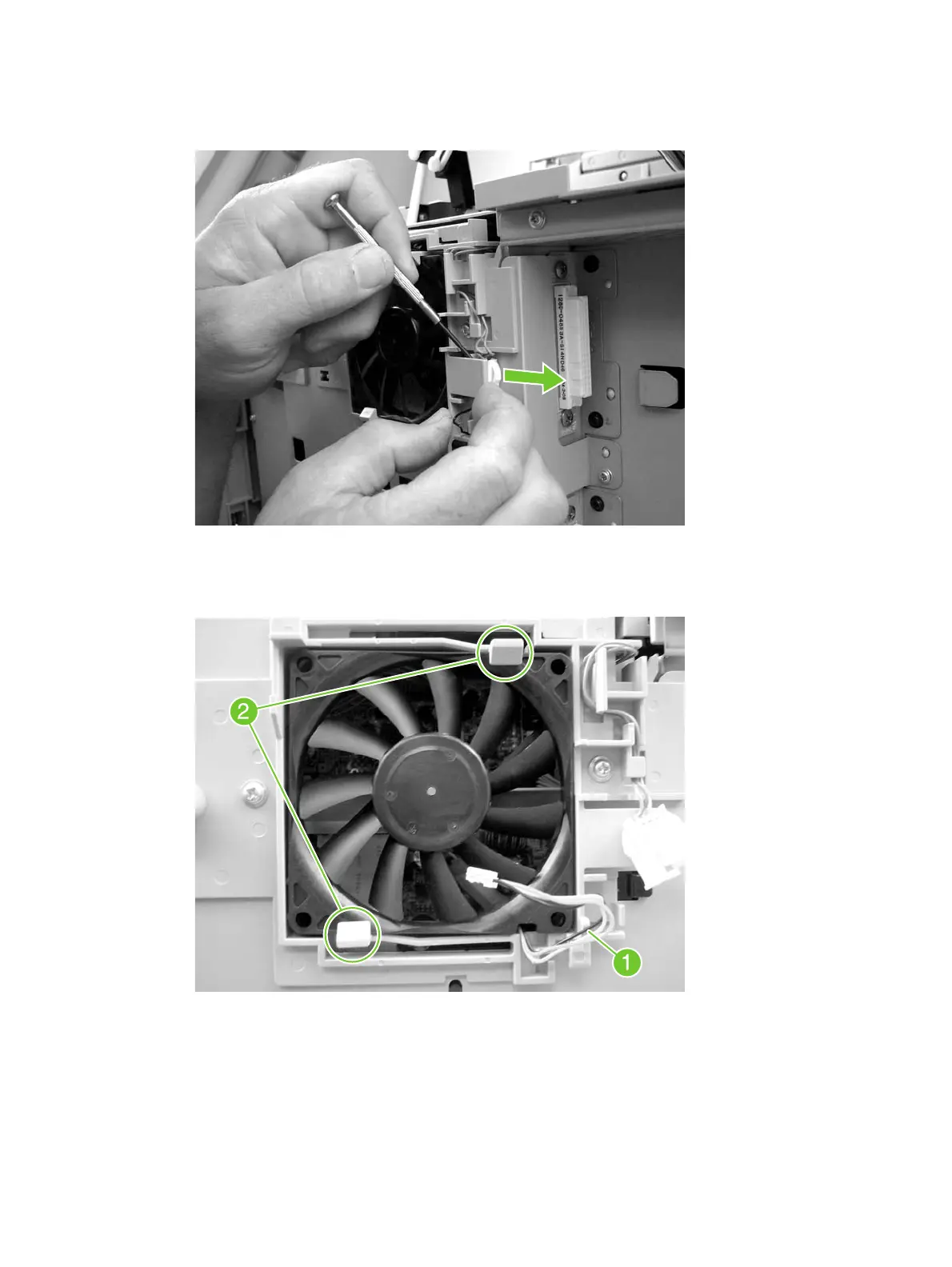
3. Pull away the tab that is to the right of the DC controller fan, and slide out the connector that is
behind the tab. Disconnect the fan connector.
Figure 5-109 Remove the DC controller fan (2 of 3)
4. Unwind the connector wire from the frame (callout 1). Release the two tabs (callout 2), and
remove the fan.
Figure 5-110 Remove the DC controller fan (3 of 3)
Print-cartridge fan (FN102)
1. Remove the back cover.
ENWW Internal assemblies 285
manuals4you.commanuals4you.com



 To Next Page
 Loading...