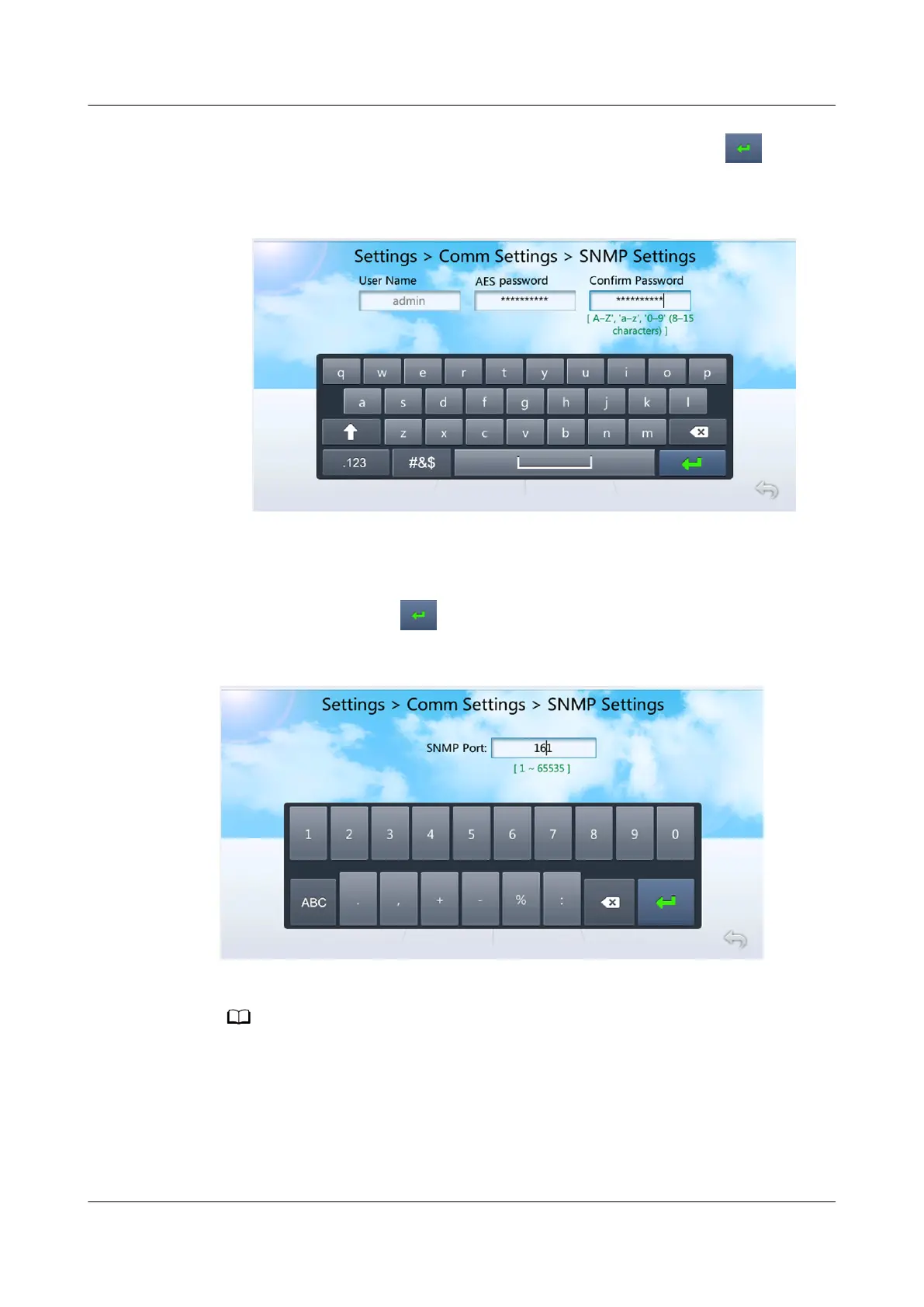
4. Set AES Password and Conrm Password as planned, and tap , as
shown in Figure 4-25.
Figure 4-25 Setting an AES password
5. Tap Submit.
Step 5 Tap the text box after SNMP Port, as shown in Figure 4-26. Set SNMP Port to the
actual port number, tap , and then tap Submit.
Figure 4-26 Setting SNMP port
SNMP Port is set to 161 by default.
Step 6 Tap Next Page.
Step 7 Set SNMP trap parameters.
1. Tap Add under SNMP Trap.
2. Set Trap Address as planned and Trap Port to the actual port number.
NetCol5000-A025 In-row Air Cooled Smart Cooling
Product
User Manual (300 mm Width) 4 Power-On Commissioning
Issue 15 (2020-12-10) Copyright © Huawei Technologies Co., Ltd. 151







 To Next Page