2 General Power Meter Functions
100 Keysight N1913/1914A User’s Guide
Saving and Recalling Power Meter States
To reduce repeated setup sequences, you can save a maximum of ten power
meter states in the non-volatile memory.
The save/recall functions are part of the Sys/Inputs menu, accessed by pressing
the key.
To save a measurement setup:
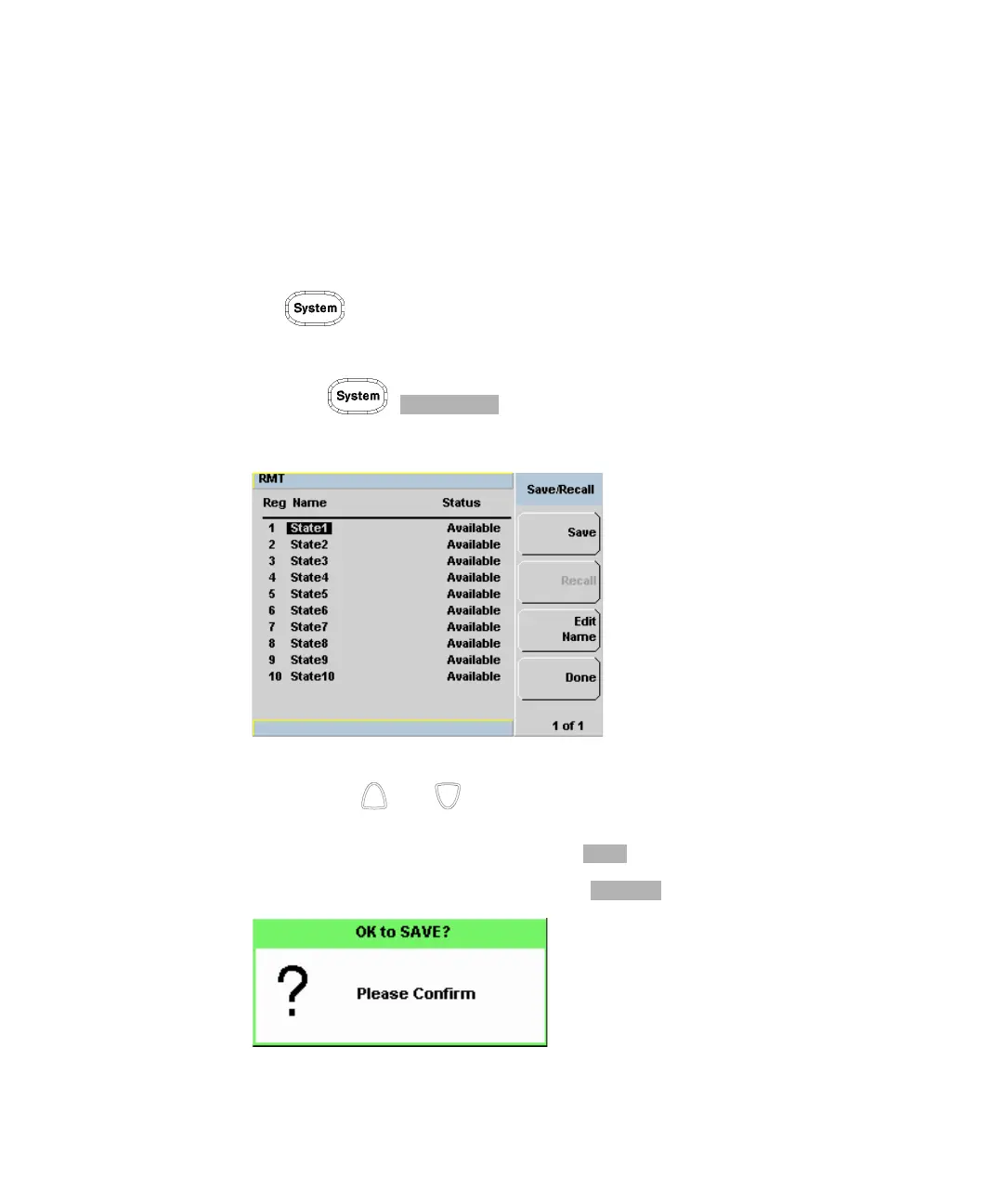
1 Press , to display the Save/Recall screen as shown in
Figure 2-37.
Figure 2-37 Save/Recall screen
2 Using the and keys, select an available name from the displayed list.
To change the name of a register -See Chapter 2, “Editing a Register’s Name,”
starting on page 101, otherwise press .
3 The power meter prompts you to press to proceed.
Figure 2-38 Save confirm pop-up



 To Next Page