2 General Power Meter Functions
102 Keysight N1913/1914A User’s Guide
Zeroing and Calibrating the Power Meter
This section describes how to zero and calibrate the power meter. You should
always zero the power meter prior to calibrating it.
Zeroing the Power Meter
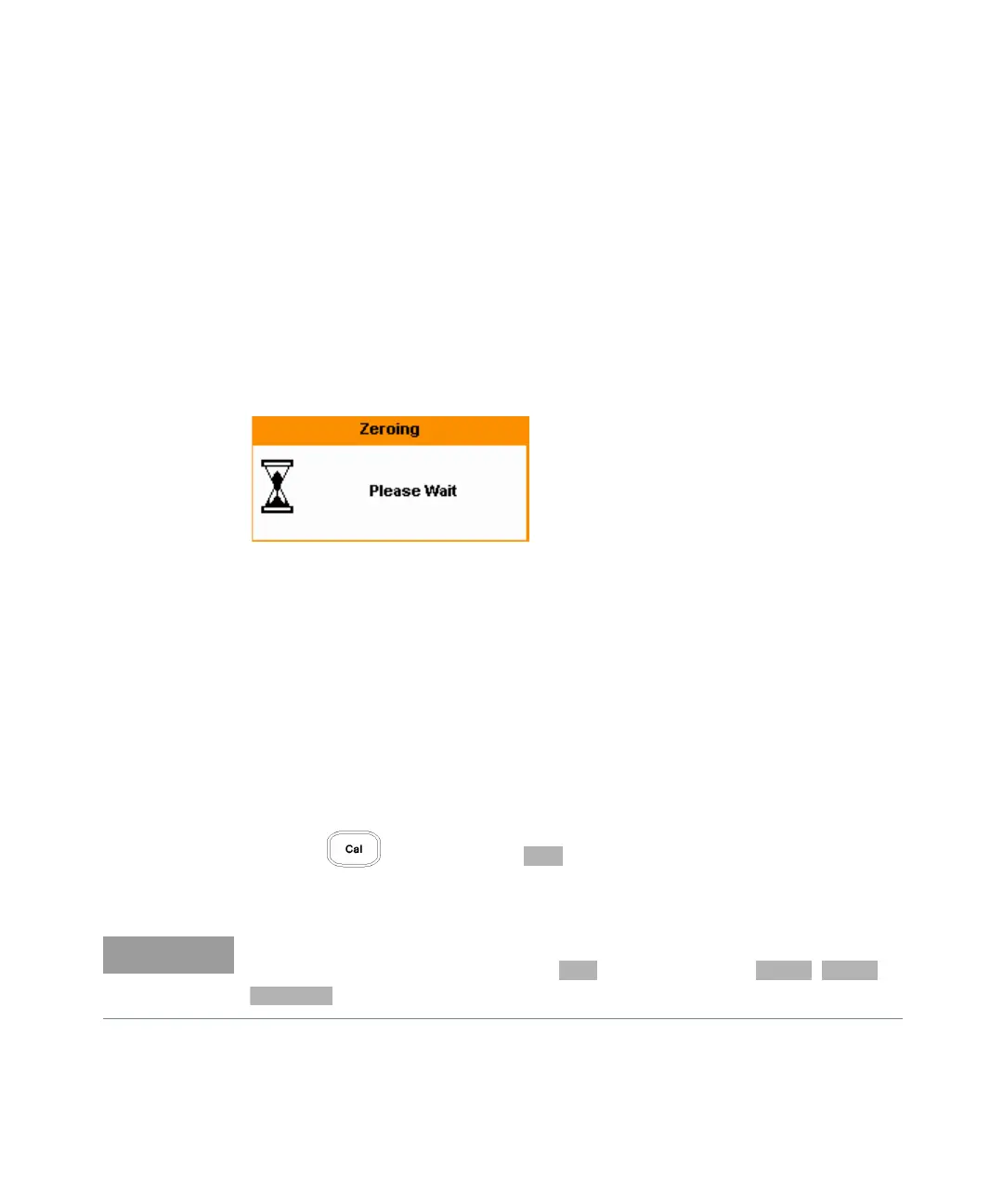
Zeroing adjusts the power meter for a zero power reading with no power applied
to the power sensor. During zeroing, which takes approximately 10 seconds, the
wait symbol is displayed.
Figure 2-41 Zeroing pop-up
When to Zero?
Zeroing of the power meter is recommended:
– When a 5 oC change in temperature occurs.
– Every 24 hours.
– Prior to measuring low level signals. For example, 10 dB above the lowest
specified power for your power sensor.
To zero the power meter:
– Press and the channel softkey.
–The Zeroing pop-up is displayed.
On dual channel meters you can zero each channel independently or both
channels sequentially by pressing the softkey - choosing , or



 To Next Page