2 General Power Meter Functions
98 Keysight N1913/1914A User’s Guide
3 Press to reveal the Recorder option menu.
4 Use the and keys to highlight the option you require.
– The N1913A has only three options, On, Auto, or Off.
– The N1914A has five options: 1, 2, Auto 1, Auto 2, or Off.
5 Press .
6 Use the key to highlight the Recorder Minimum: value field.
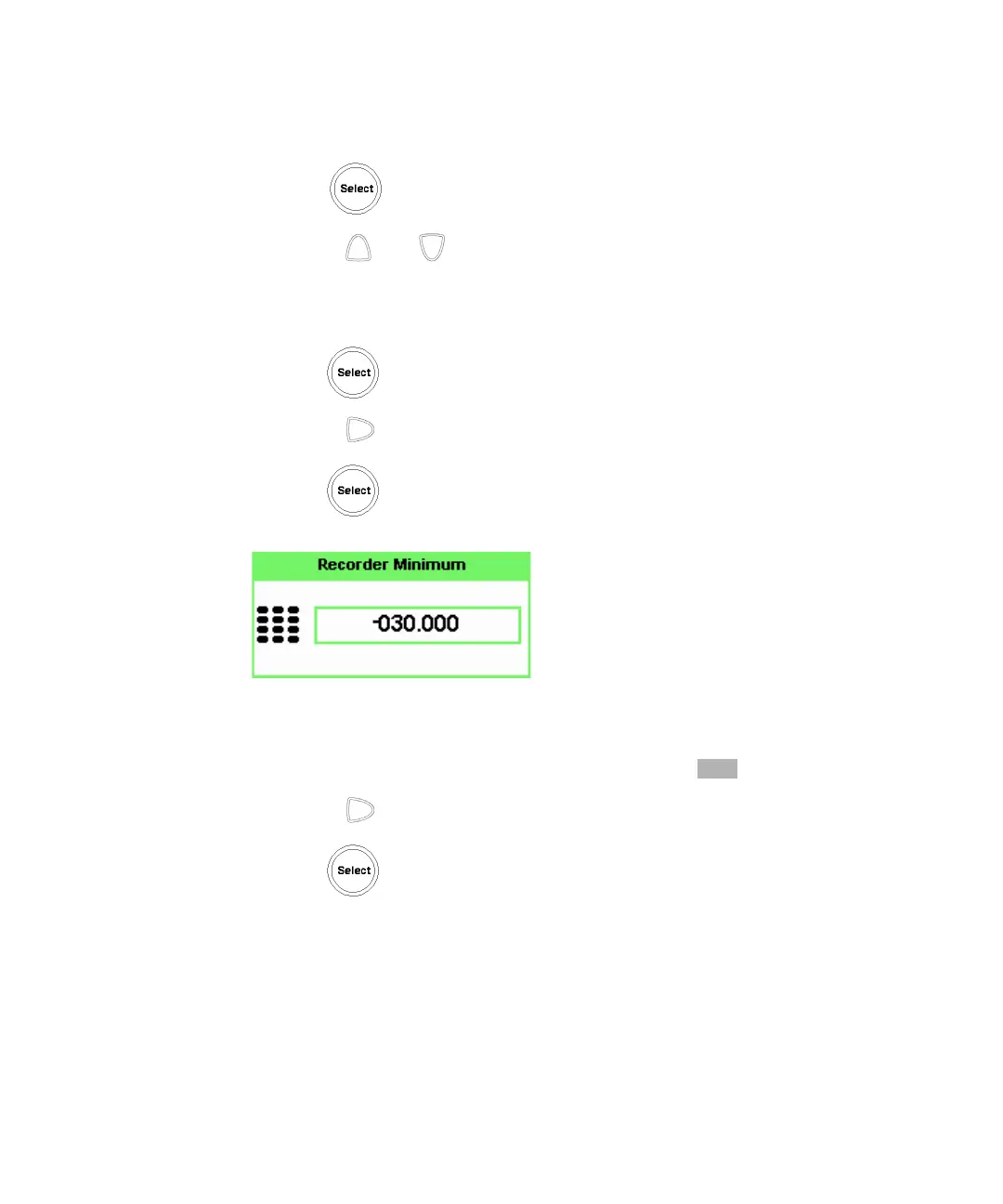
7 Press to display the Recorder Minimum pop-up.
Figure 2-35 Recorder Minimum pop-up
8 Use the numeric keys to enter the power level you want to generate a 1 Vdc
output in the Recorder Maximum pop-up and press .
9 Use the key to highlight the Recorder Maximum: value field.
10 Press to display the Recorder Maximum pop-up.



 To Next Page