2 General Power Meter Functions
130 Keysight N1913/1914A User’s Guide
Setting the Cable Short/Long
When connecting the power sensor with Keysight 11730F power sensor cable, 61
m (200 ft), you are required to change the cable setting from Short (default
setting) to Long, or an error will occur when the power sensor is connected.
To access the cable setting,
1 Press , and select .
2 In the Service menu, press and select to toggle
between the short or long cable option.
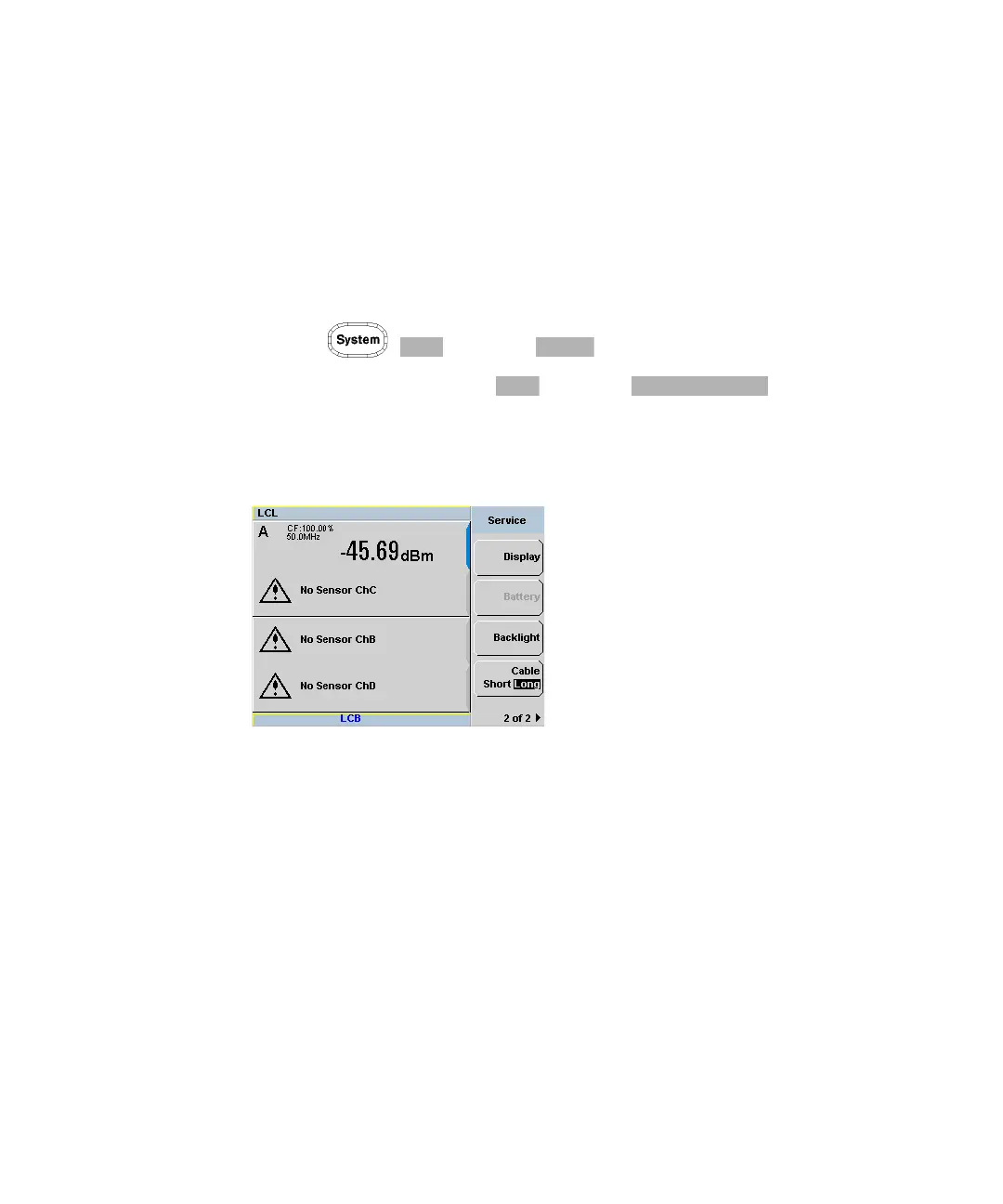
The LCB indicator will appear in blue at the bottom of the display to indicate that
the long cable option is selected as shown in Figure 2-68.
Figure 2-68 Short/long cable option



 To Next Page