Introduction 1
Keysight N1913/1914A User’s Guide 43
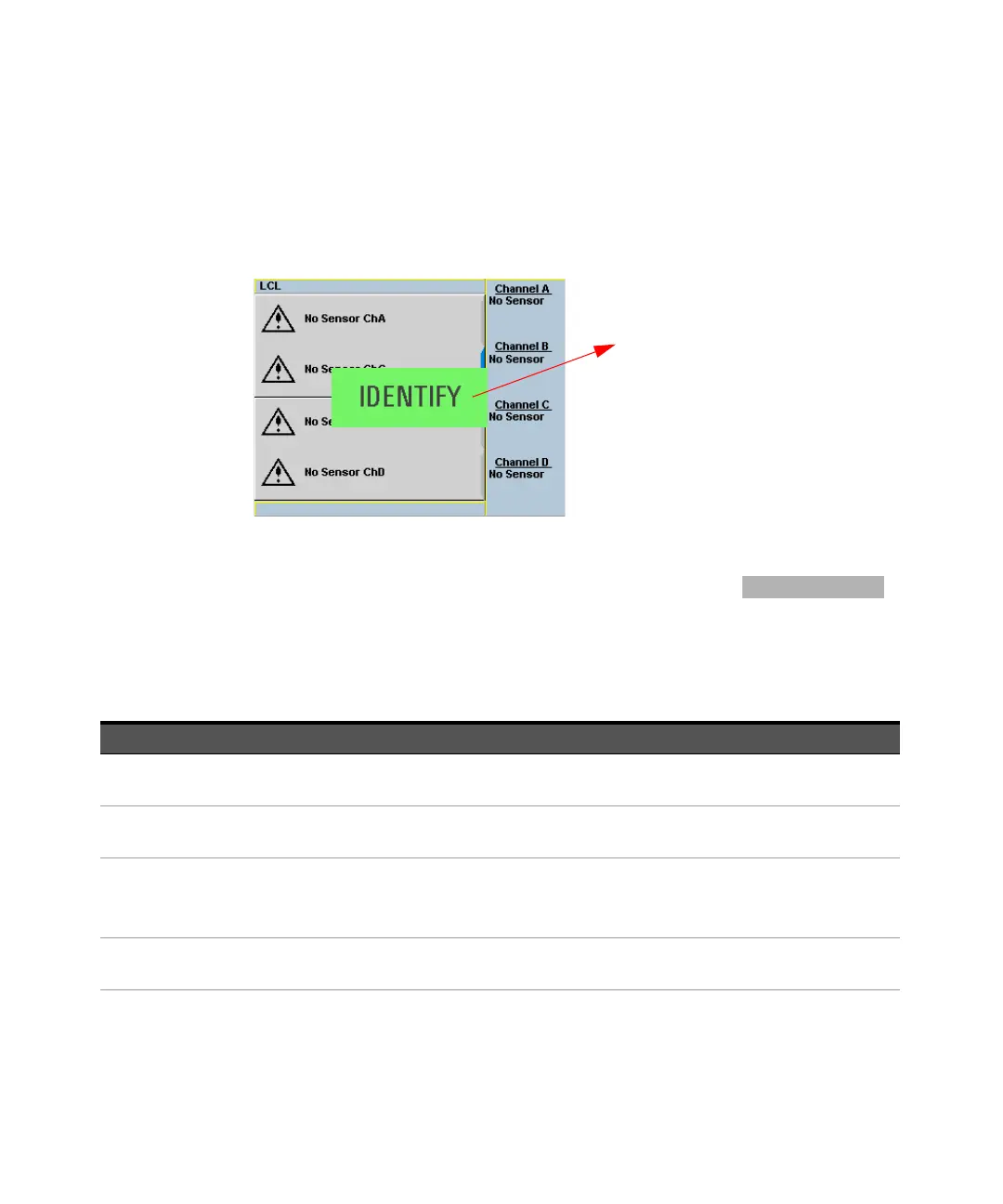
When the front panel identification indicator is turned on, a blinking “IDENTIFY”
message is displayed on the screen of the front panel. See Figure 1-6. The
“IDENTIFY” message will blink to identify the instrument until you click Turn Off
Front Panel Identification Indicator.
Figure 1-6 Message to identify the instrument
When the instrument is configured to LAN, the Lan Status on
screen will show the LAN error condition and status of the LAN configuration
connection. There are six types of Lan Status messages that may occur. See
Figure 1-1. See also Figure 1-7 for the example of Lan Status message.
Table 1-1 Type of Lan Status message
“IDENTIFY” message to
blink when the front panel
identification indicator is
turned on.
Type of message Description
Lan: No Fault
Status: Initialized
– A valid IP address is successfully obtained using selected LAN configuration
and the network state is initialized.
Lan: No Fault
Status: Running
– A valid IP address is successfully obtained using selected LAN configuration,
while network is running.
Lan: Fault
Status: Initialization failed
– IP conflict occurs, or
– IP address failed to be obtained using selected LAN configuration, or
– No LAN configuration is selected.
Lan: Fault
Status: Disconnected
– LAN cable is unplugged.



 To Next Page