General Power Meter Functions 2
Keysight N1913/1914A User’s Guide 73
Setting Measurement Averaging
The power meter uses a digital filter to average power readings. The number of
readings averaged can range from 1 to 1024. This filter is used to reduce noise,
obtain the desired resolution and to reduce the jitter in the measurement results.
Increasing the value of the measurement average reduces measurement noise.
However, the measurement time is increased. You can manually select the
measurement average or you can set the power meter to auto measurement
average mode. The default is AUTO.
When the auto measurement average mode is enabled, the power meter
automatically sets the number of readings averaged together to satisfy the
filtering requirements for most power measurements. The number of readings
averaged together depends on the resolution setting and the power level
currently being measured.
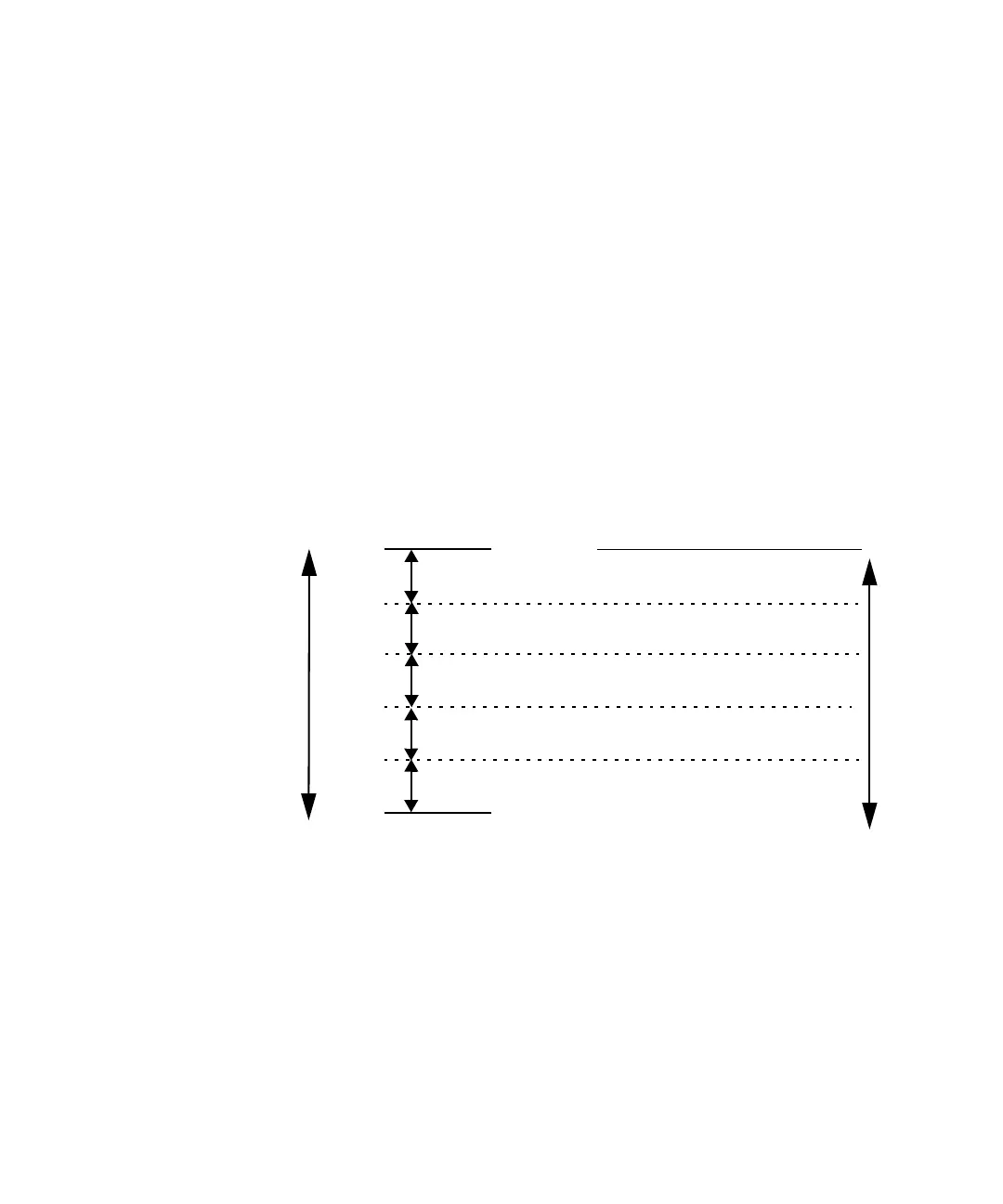
Figure 2-14 Typical averaged readings
Figure 2-14 shows the typical number of averages for each range and resolution
when the power meter is in auto filter mode and is set to normal speed mode.
N1913/1914A EPM Series power meters recognize different sensor types when
they are connected, and configure suitable averaging automatically.
10 dB
10 dB
Minimum sensor power
Maximum sensor power
Power Sensor
Dynamic Range
10 dB
10 dB
1234
1 8 128 128
Resolution Setting
Number of Averages
1 1 16 256
11232
11116
1118



 To Next Page