2 General Power Meter Functions
118 Keysight N1913/1914A User’s Guide
Backlight Intensity Control
The backlight intensity control allows you to increase or decrease the backlight
brightness. This feature helps to prolong the usage hours when the meter is
running under battery power.
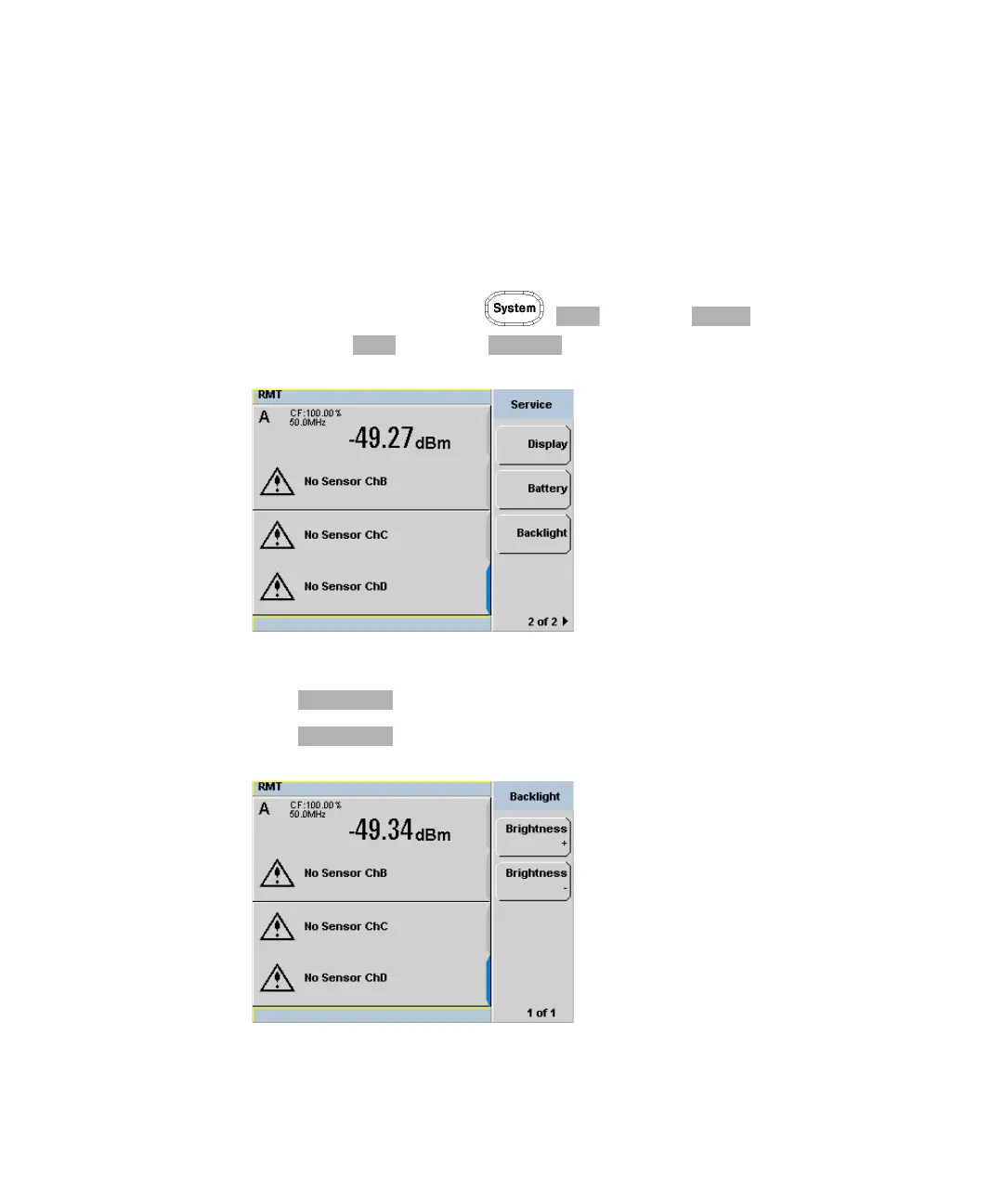
To access this feature, press , and select . In the Service
menu, press and select .
Figure 2-54 Backlight intensity control
Press to increase the backlight’s brightness.
Press to decrease the backlight’s brightness.
Figure 2-55 Increase or decrease the backlight brightness



 To Next Page