Using 8480 Series Power Sensors 5
Keysight N1913/1914A User’s Guide 155
Power Meter Configuration
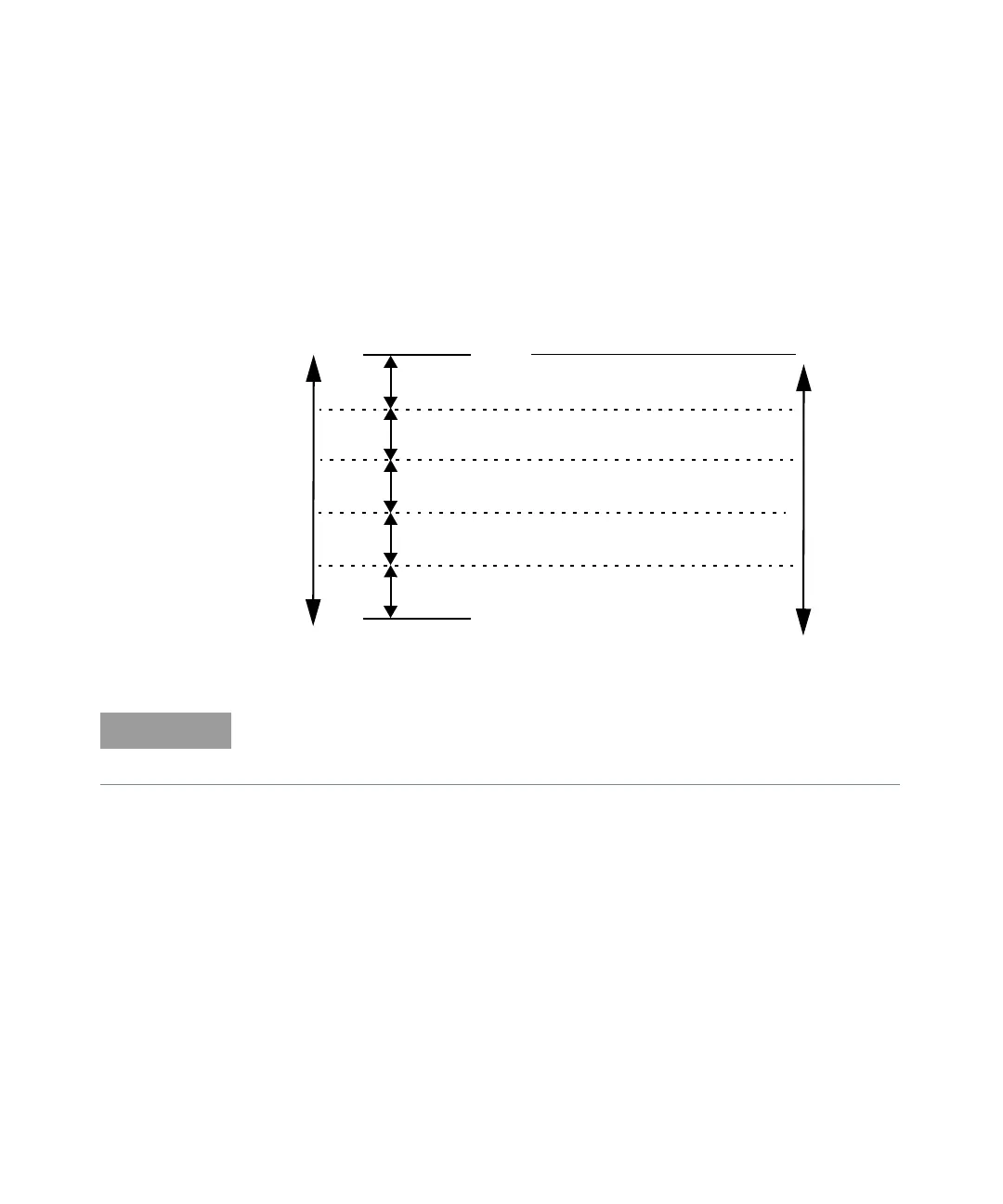
The N1913/1914A EPM Series power meters automatically recognize an 8480
Series power sensor when it is connected. The averaging settings shown in
Figure 5-1 are automatically configured.
Figure 5-1 8480 Series auto-averaging settings
10 dB
10 dB
Maximum Sensor Power
Minimum Sensor Power
Power Sensor
Dynamic Range
10 dB
10 dB
1234
1118
Resolution Setting
Number of Averages
11116
11232
1 1 16 256
1 8 128 128
These values are valid only for the power meter channel connected with
Keysight 8480 Series power sensors. Averaging settings can also be manually
configured.



 To Next Page