2 General Power Meter Functions
70 Keysight N1913/1914A User’s Guide
Enter (or edit) the frequency and offset pairs as follows:
1 Press to add a new frequency value (or press to edit). Use the
numeric keypad to enter the required value in the Frequency pop-up window.
Complete the entry by pressing the , keys.
2 Enter the new offset value (or press to edit). Use the numeric keypad
to enter the required value in the Offset pop-up window. Complete the entry by
pressing the key.
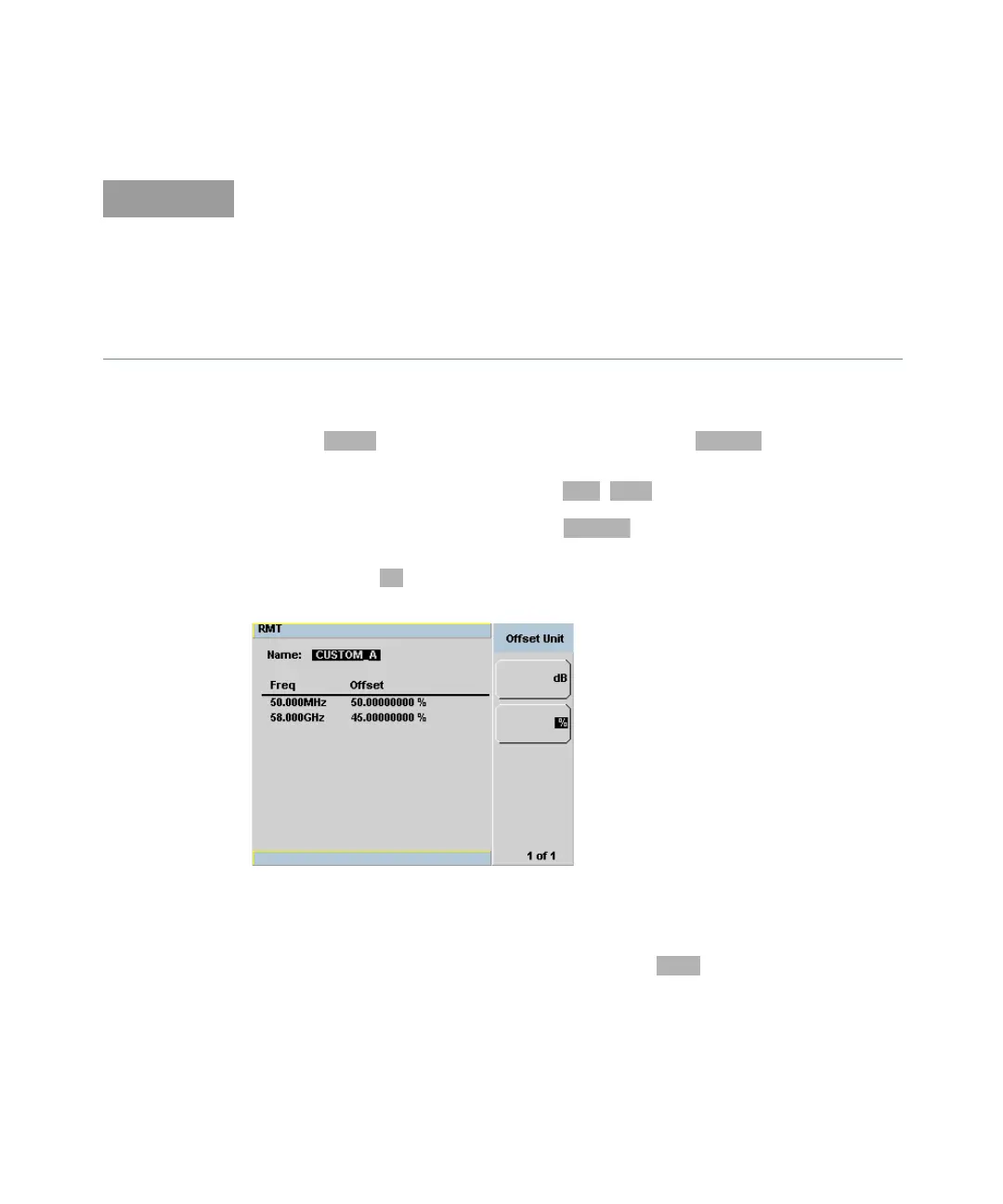
Figure 2-12 Changing offset unit
3 Continue adding/editing values until you have entered all the data you require.
4 When you have finished editing the table press to save the table.
The following rules apply to naming sensor calibration tables:
– The name must consist of no more than 12 characters.
– All characters must be upper or lower case alphabetic characters, or numeric
(0-9), or an underscore (_).
– No other characters are allowed.
– No spaces are allowed in the name.



 To Next Page