Using U2000 Series USB Power Sensors 7
Keysight N1913/1914A User’s Guide 203
Measurement Accuracy and Speed
The power meter has no internal ranges. The only ranges you can set are those of
the U8480 Series USB thermocouple sensors. With an U2000 Series power sensor
the range can be set either automatically or manually. Use autoranging when you
are unsure of the power level you are about to measure.
Setting the Range
There are two manual settings, LOWER and UPPER. The LOWER range uses the
more sensitive path and the UPPER range uses the attenuated path in the U8480
Series USB thermocouple sensors.
The default is AUTO. In AUTO the range crossover value depends on the sensor
model being used.
To prevent damage to your sensor do not exceed the power levels specified
in the sensor user’s guide. The U2004A sensor is DC coupled. DC voltages in
excess of the maximum value (5 VDC) can damage the sensing diode.
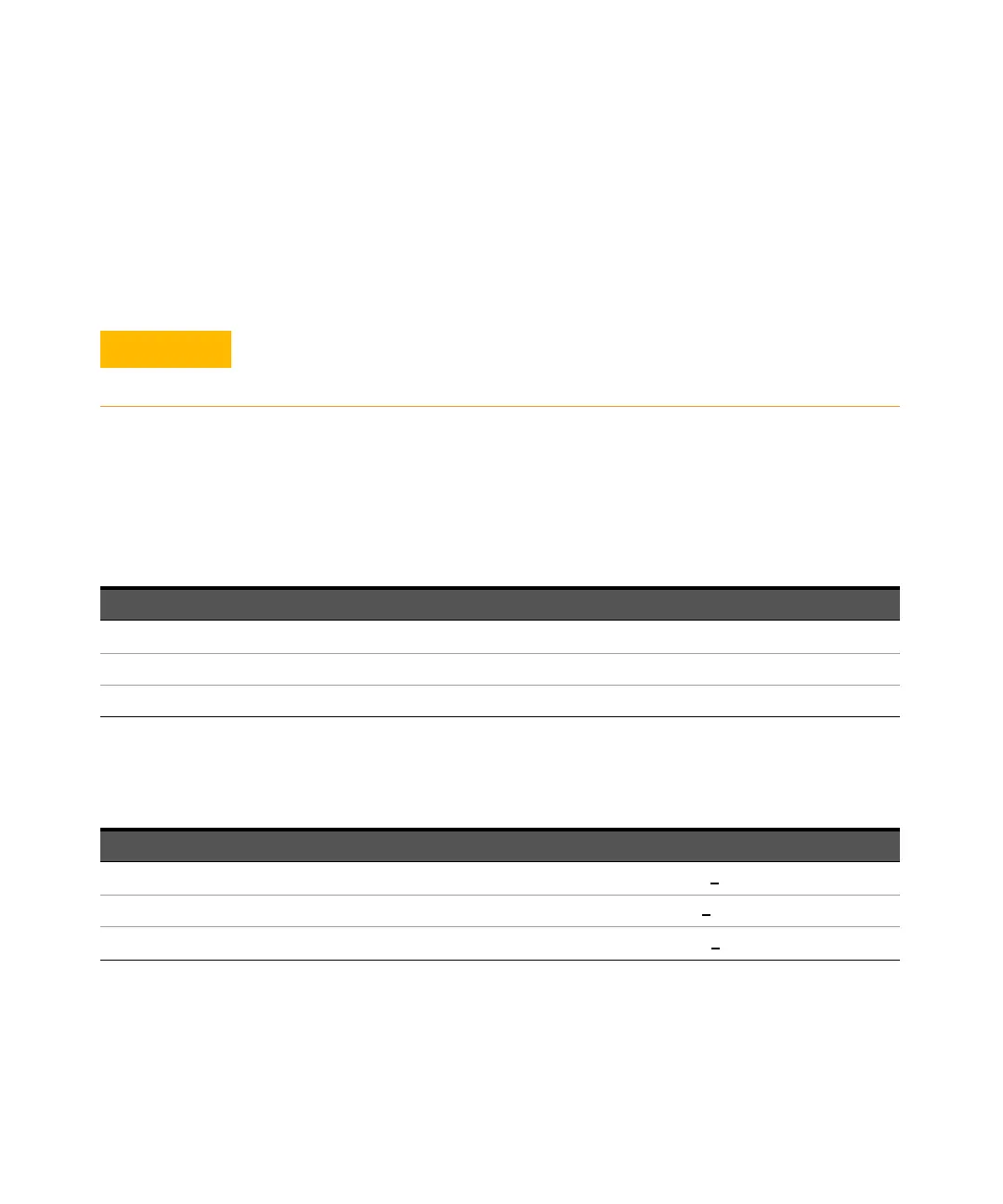
Sensor LOWER range UPPER range
U2000A, U2001A, U2002A, U2004A
–60 dBm to –10 dBm –10 dBm to +20 dBm
U2000H, U2001H, U2002H –50 dBm to 0 dBm 0 dBm to +30 dBm
U2000B, U2001B –30 dBm to +20 dBm +20 dBm to +44 dBm
Sensor Range Crossover Values
U2000A, U2001A, U2002A, U2004A
–10 dBm + 1 dB
U2000H, U2001H, U2002H 0 dBm + 1 dB
U2000B, U2001B
+20 dBm + 1 dB



 To Next Page