Using 8480 Series Power Sensors 5
Keysight N1913/1914A User’s Guide 161
10 To change the settings, use the and keys to highlight the Cal Fac
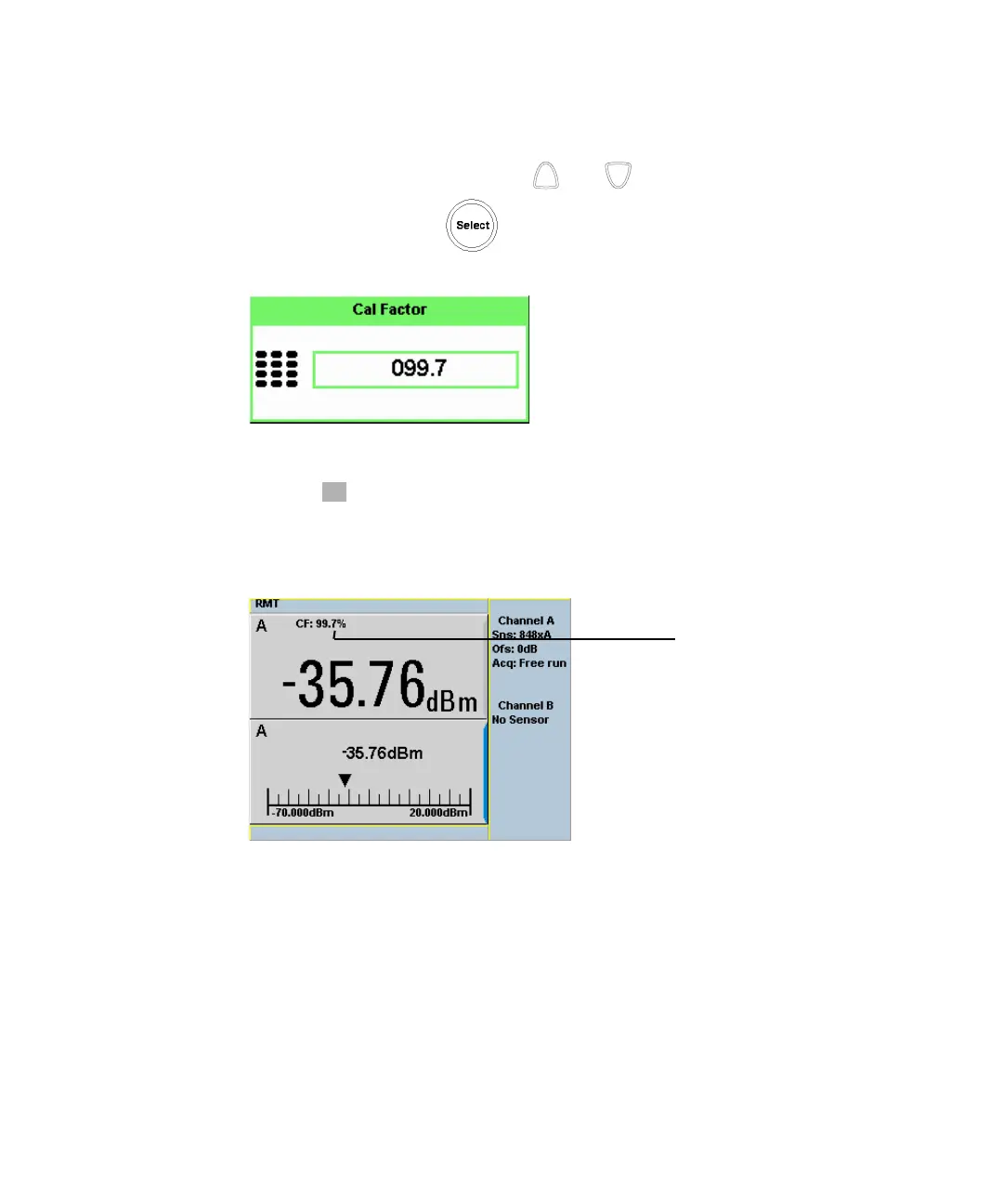
value field and press to display the Cal Factor pop-up. Use the
numeric keypad to enter the required value in the Cal Factor pop-up window.
Figure 5-4 Calibration factor pop-up window
11 Press to complete the entry.
12 Connect the power sensor to the signal to be measured.
13 The corrected measurement result is displayed.
Figure 5-5 Calibration factor display



 To Next Page