Introduction 1
Keysight N1913/1914A User’s Guide 51
Making Socket Connection
The following steps describe how the power meter can be remotely connected via
socket connection:
1 Right-click the Keysight IO Libraries icon on the taskbar and select
Keysight Connection Expert.
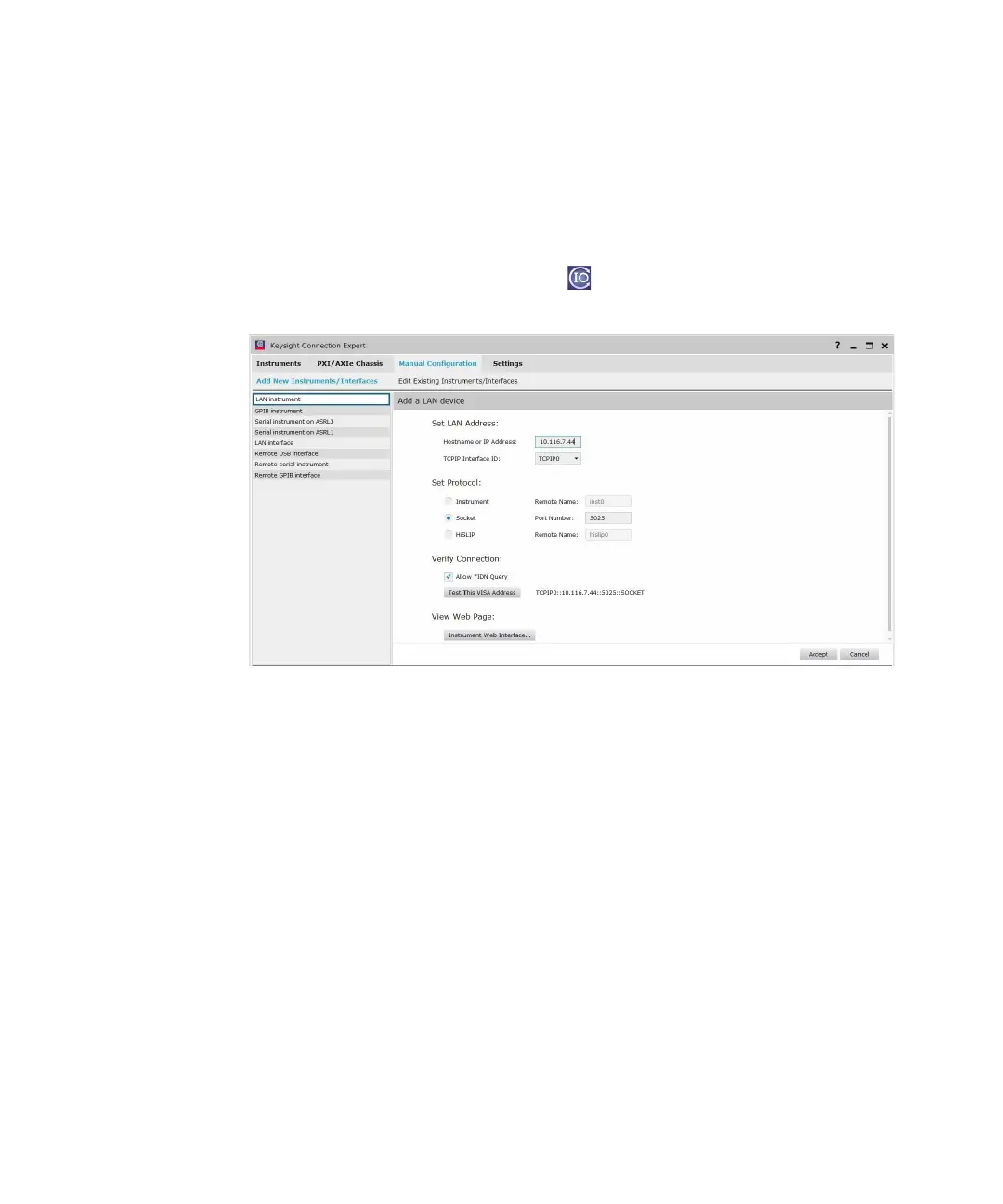
Figure 1-11 Manual Configuration window
2 Click Manual Configuration on the Keysight Connection Expert window.
3 Click LAN instrument.
4 Enter the Hostname or IP Address and TCPIP Interface ID.
5 Select Socket.
6 Click Test This VISA Address to test if the instrument is present.
7 Click Accept. You will then return to the Keysight Connection Expert window.
Your power meter is successfully connected via socket connection.



 To Next Page