2 General Power Meter Functions
106 Keysight N1913/1914A User’s Guide
Calibration Procedure Using 8480 Series Power Sensors and N8480
Series Power Sensors (with Option CFT)
The following procedure describes how you calibrate the power meter with the
8480 Series power sensors and N8480 Series power sensors with Option CFT.
There are a variety of methods to connect the power sensors to the power meter
depending on the model of power sensor you are using. Refer to Table 2-5 on
page 107 for details on connecting different power sensor models.
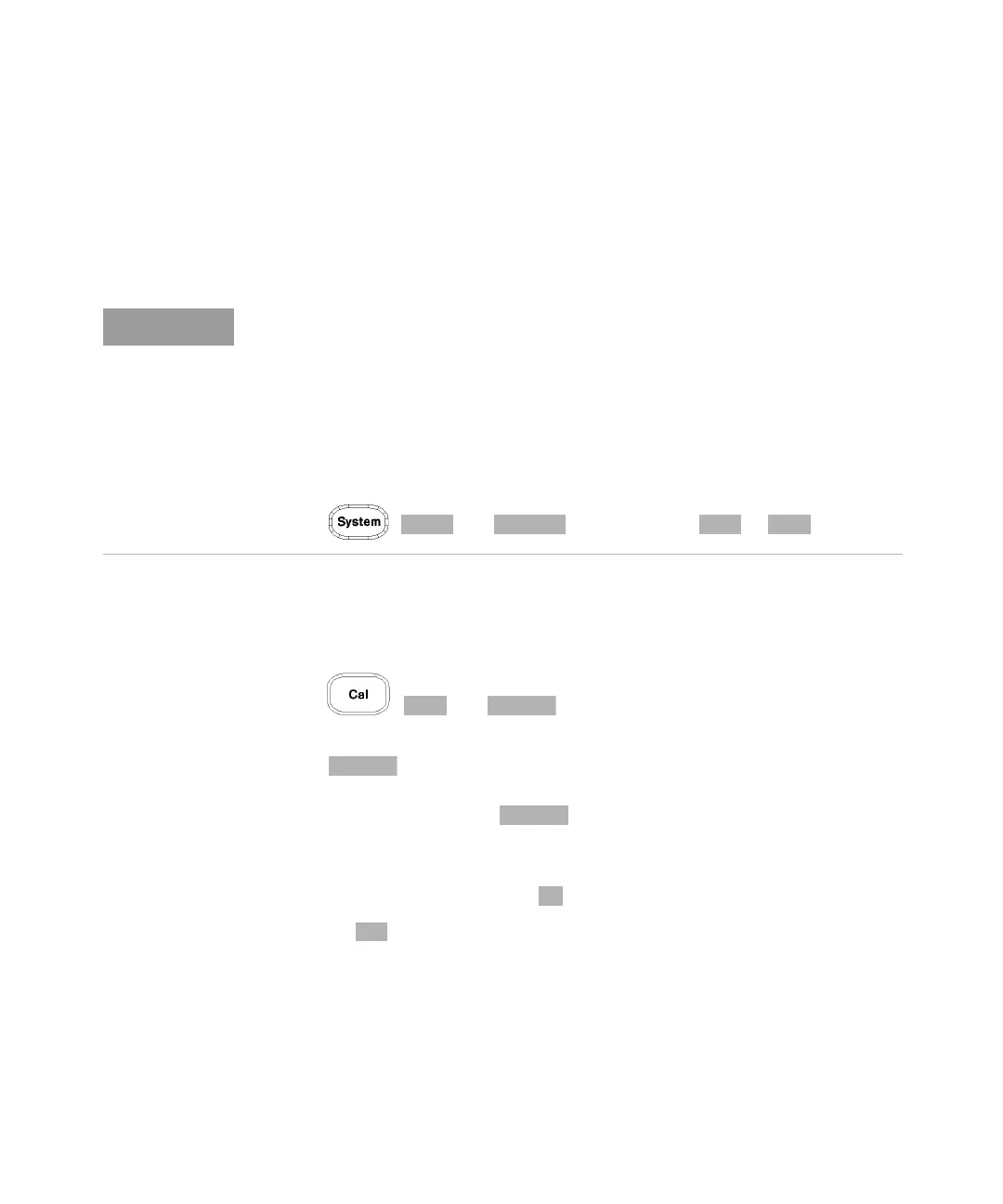
1 Press , and .
Verify the reference calibration factor of your power sensor with that displayed
under . The value shown is obtained from the sensor calibration table
(if one is selected), otherwise it is the last value set or the default of 100%. If
the value is incorrect, press . The reference calibration factor pop- up
window will be displayed. Use the numeric keypad to enter the required value
in the pop-up window.
2 Confirm your choice by pressing .
3 Press the to start the calibration routine. The Calibrating pop-up is then
displayed (the power meter automatically turns on the POWER REF output).
V8486A, W8486A, and E8486A-100 sensors
For most 8480 Series sensors, the correct (A type or D type) linearity correction
table is automatically selected. However, for the V8486A, W8486A, and
E8486A-100 sensors, the automatic selection must be overridden and the D type
correction selected. Subsequent connection of another A type sensor will result
in a warning message stating that “Linearity Override May be Required”.
To select the linearity type to be applied,
– Press , and to select either or .



 To Next Page