9 Maintenance
224 Keysight N1913/1914A User’s Guide
Error Messages
Introduction
This section contains information about error messages. It explains how to read
the power meter’s error queue and lists all error messages and their probable
causes.
When there is a hardware related problem, for example, a power sensor overload,
the error message is displayed on the status line at the top of the display. In
addition, the errors are also written to the error queue. If there are any errors in
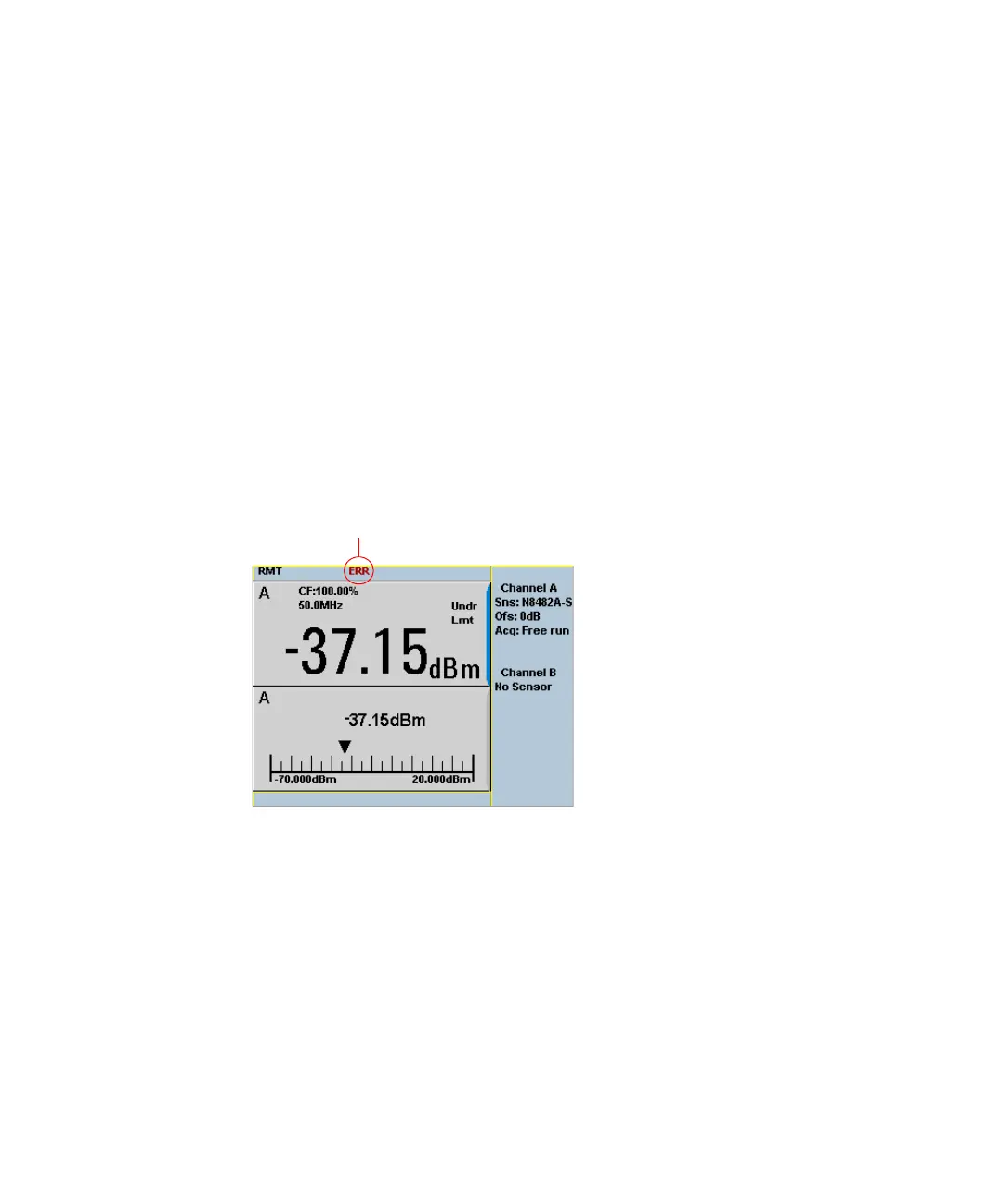
the error queue the front panel error indicator is displayed as shown in Figure 9-2.
Other errors can also be generated when the power meter is being operated over
the remote interface. These errors also display the error indicator and are written
to the error queue.
Figure 9-2 Error indicator position



 To Next Page