Maintenance 9
Keysight N1913/1914A User’s Guide 225
To read the error queue from the front panel:
– Press , and use to scroll through each error message.
To read the error queue from the remote interface use:
–the SYSTem:ERRor? command.
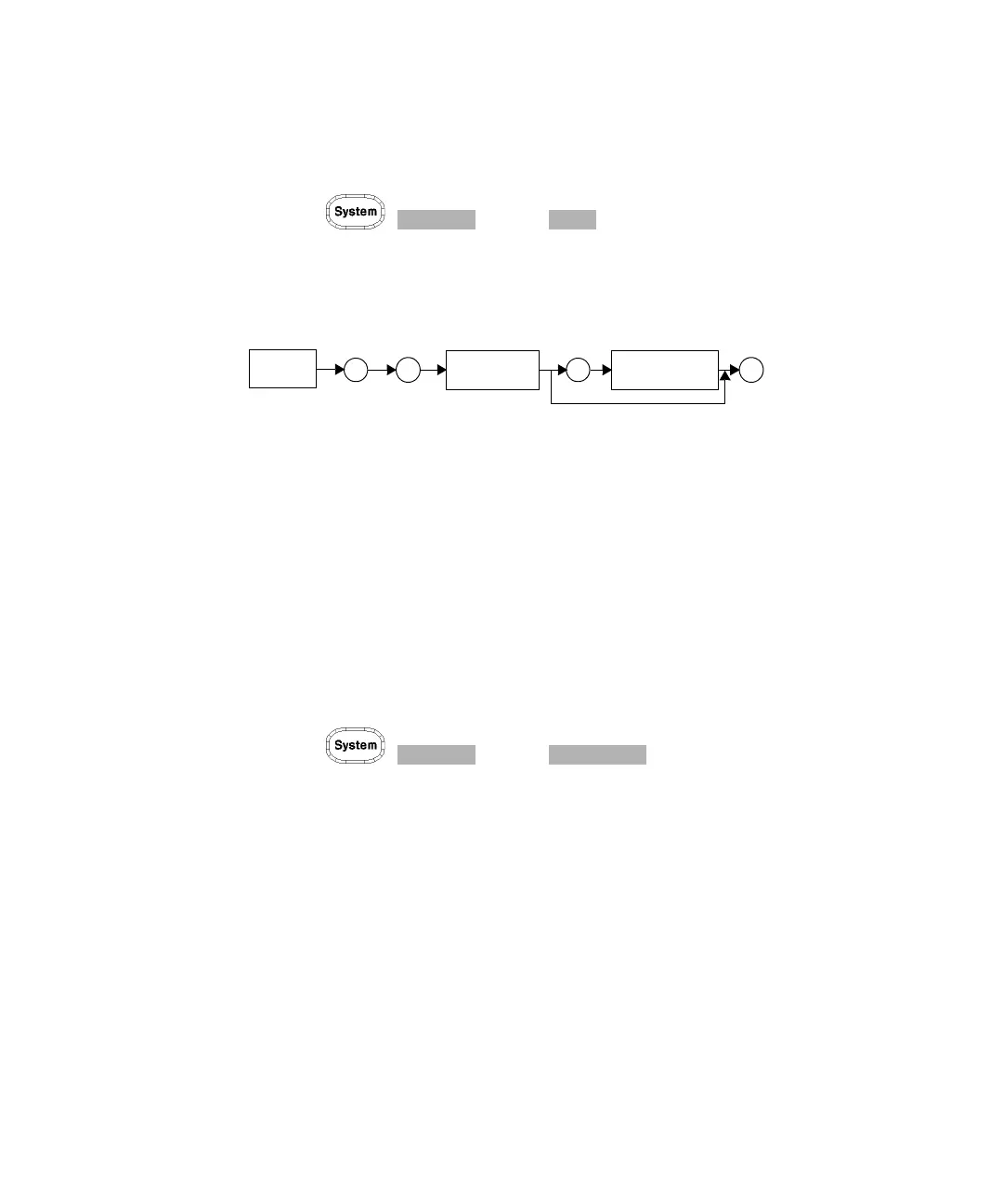
Error queue messages have the following format:
Error Queue Message
For example, –330, “Self-test Failed;Battery Fault”.
Errors are retrieved in a first in first out (FIFO) order. If more than 30 errors occur,
the error queue overflows and the last error in the queue is replaced with error
–350, “Queue Overflow”. Any time the queue overflows the most recent error is
discarded.
When the errors are read they are removed from the error queue. This opens a
position at the end of the queue for a new error message, if one is subsequently
detected. When all errors have been read from the queue, further error queries
return +0, “No errors”.
To delete all the errors in the queue from the front panel press:
– Press , and use .
To delete all the errors in the queue remotely use:
–the *CLS (clear status) command.
The error queue is also cleared when the instrument power has been switched off.
Error
”
;
Device
Error
Description
Dependent
Info
Number
“
,



 To Next Page