1Introduction
42 Keysight N1913/1914A User’s Guide
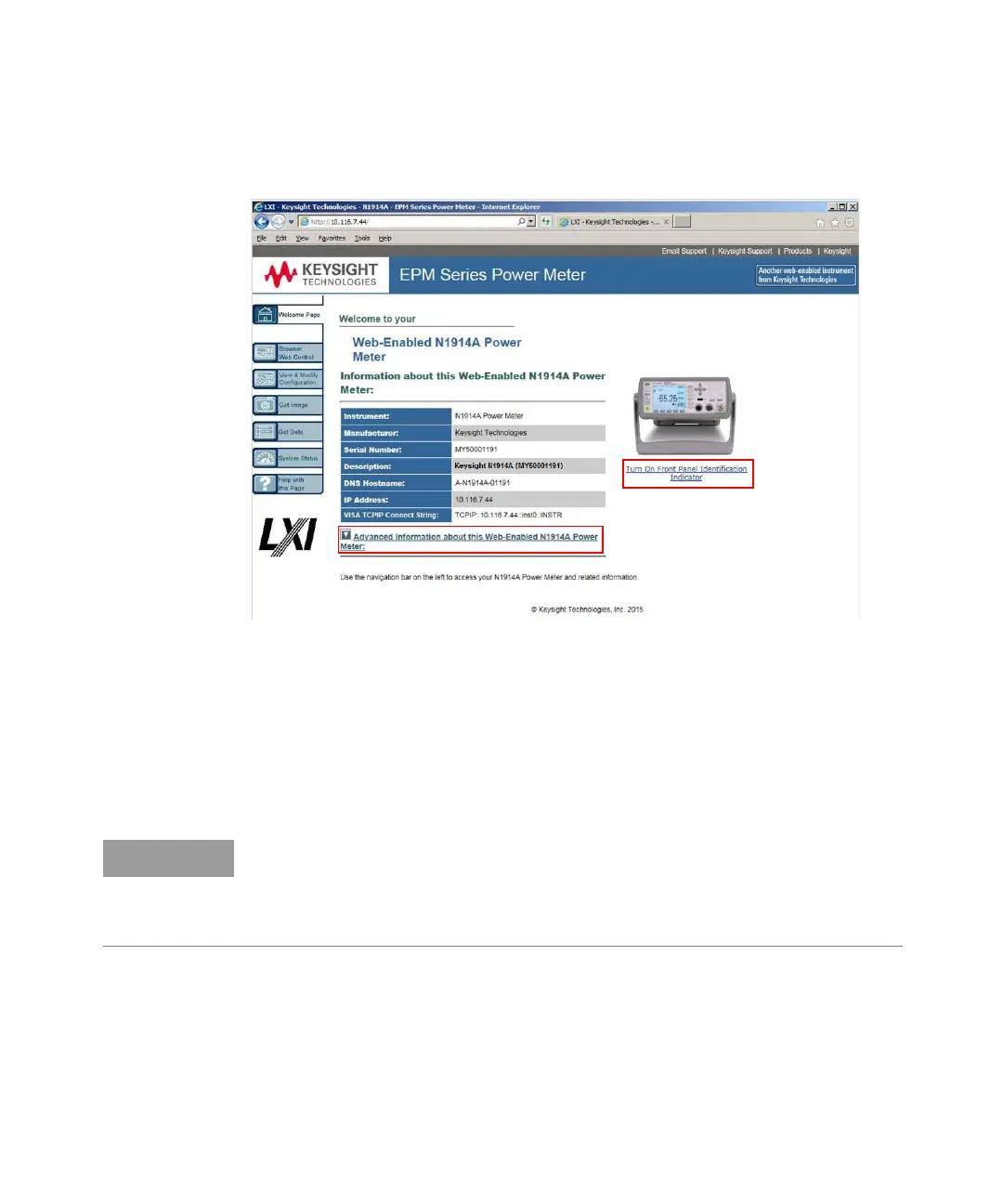
An example of the instrument Web interface (Welcome Page) is shown in
Figure 1-5.
Figure 1-5 N1914A EPM Series power meter Web interface
(Welcome Page)
You can control the instrument via GPIB, LAN, and USB connection. The
connection parameters can be found on the Welcome Page. For example, SCPI
TCPIP socket port (5025), SCPI Telnet port (5024), VISA TCPIP Connect String,
VISA USB Connect String, and GPIB address are shown. Click Ad vanced
Information… to display more information about the instrument.
Instrument on the network can be physically identified from the blinking message
on front panel screen by clicking Turn On Front Panel Identification Ind icator on
the Welcome Page.
– The instrument has an embedded Web server, which is listening on port 80 to
serve Web pages.
– The Web pages can be browsed using Web browser such as Internet Explorer
and Mozilla Firefox.



 To Next Page