Introduction 1
Keysight N1913/1914A User’s Guide 49
Capturing the Screen Image
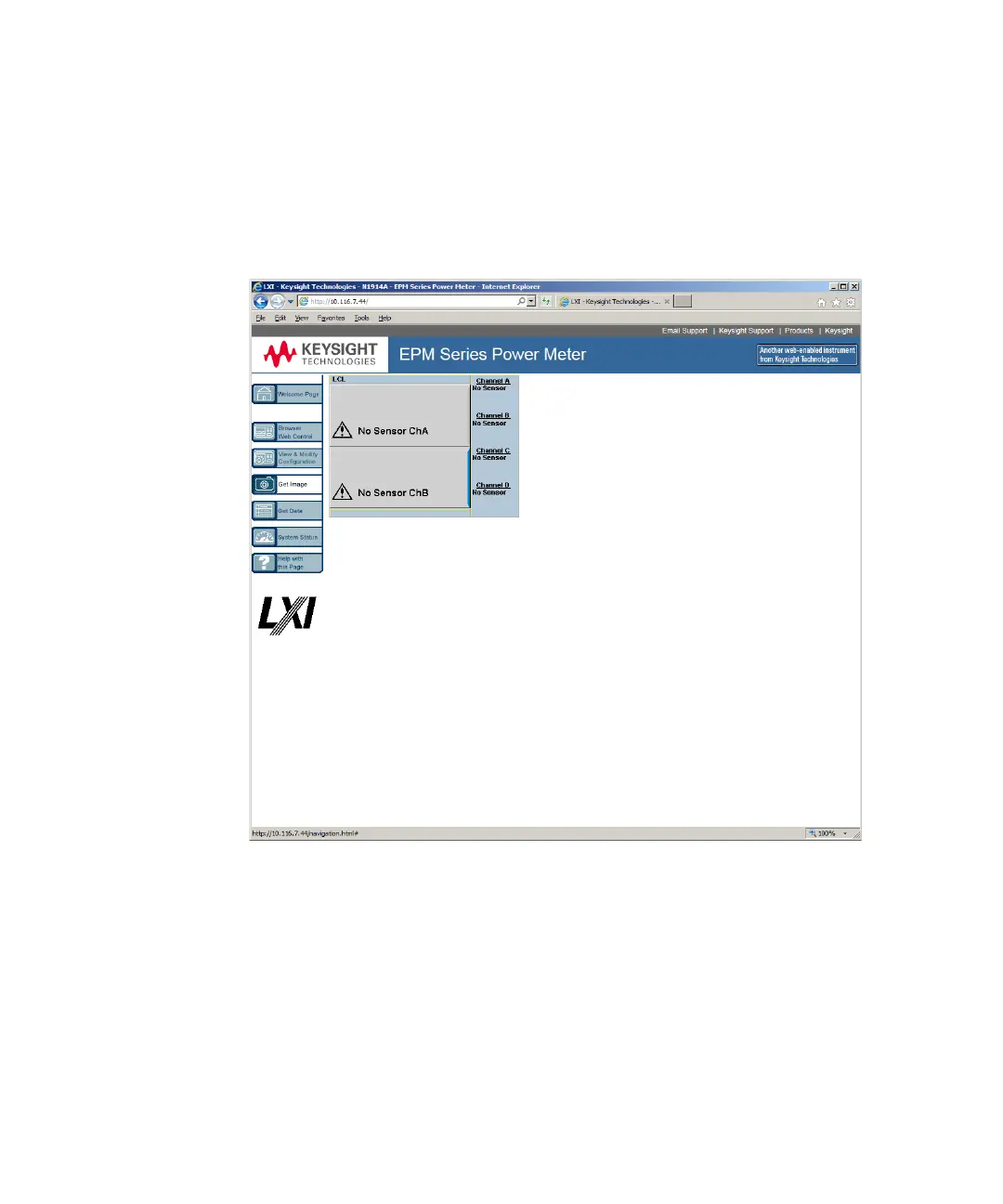
To save the instrument’s display from the Web interface:
1 On the left of the Welcome Page, select Get Image. The screen image will be
displayed.
2 Right-click on the image and select Save Picture As….
3 Select a storage location for the image file and click Save.
The image is captured as a Bitmap (BMP) file, to the default file name
display.bmp.



 To Next Page