General Power Meter Functions 2
Keysight N1913/1914A User’s Guide 113
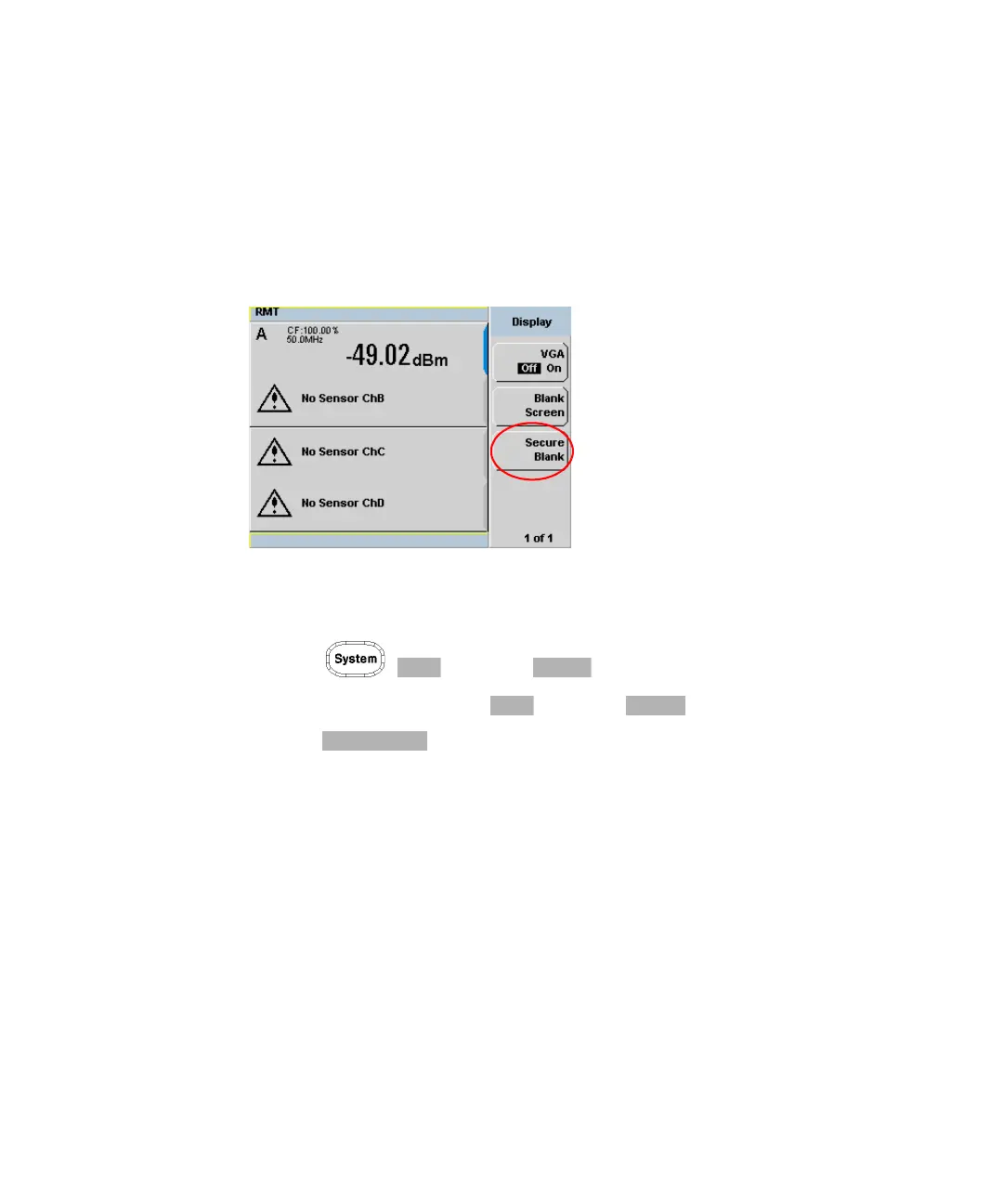
Secure Blank
The secure blank feature is the next level of security to the blank screen feature.
The data’s confidentiality can be secured with the password protection feature. To
restore the display, you are required to enter the correct password.
Figure 2-46 Secure Blank feature
To access the secure blank feature,
1 Press , and select .
2 In the Service menu, press and select .
3 Press . The Enter 6-digit Password pop-up is displayed. You are
to enter a 6-digit password upon activating the secure blank feature (see
Figure 2-47).



 To Next Page