Introduction 1
Keysight N1913/1914A User’s Guide 47
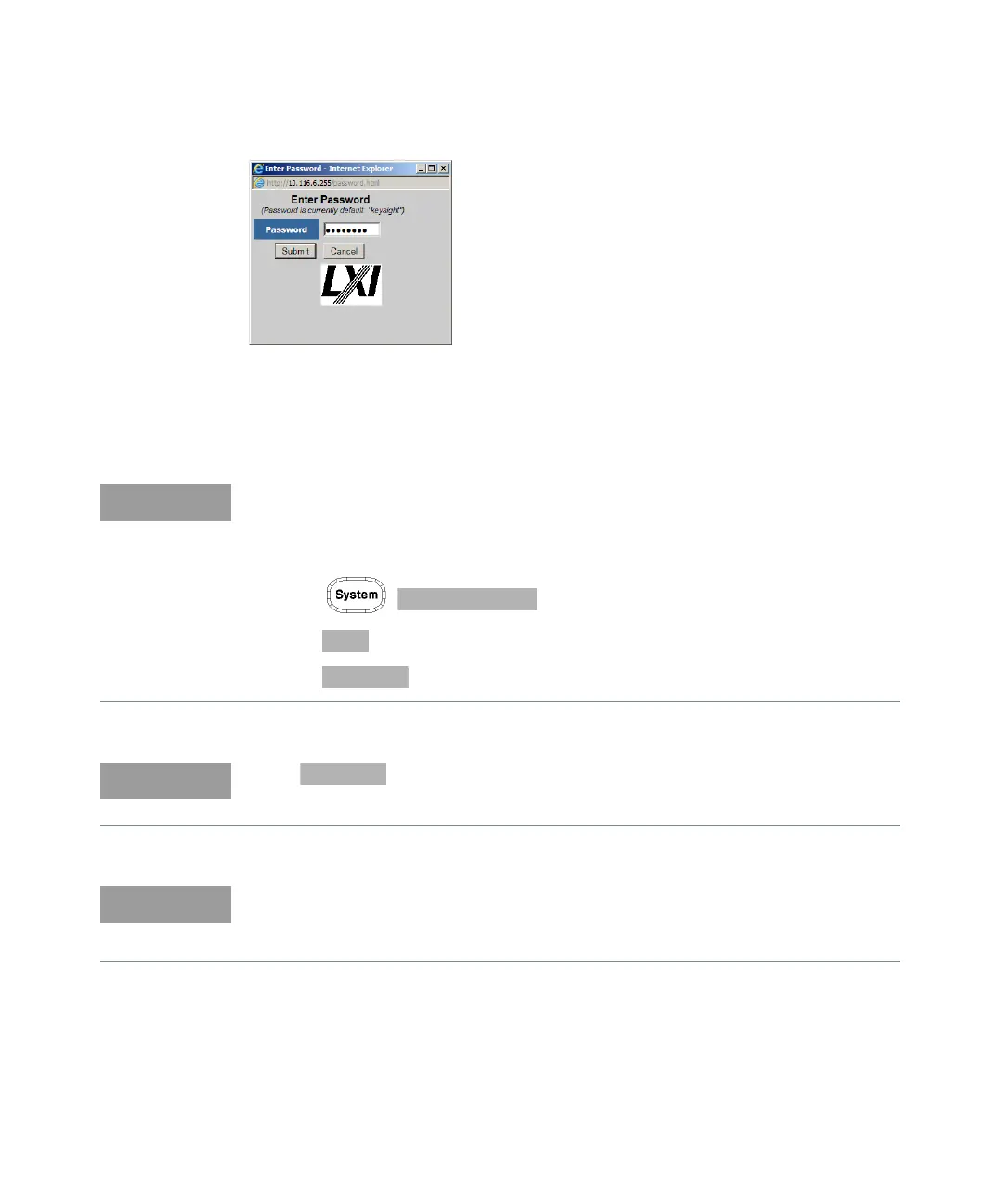
Figure 1-9 Password security dialog box
Click the Submit (accept the default password) and the window opens as shown
in Figure 1-10. The default password is “keysight”.
A LAN reset needs to be performed to ensure that the password is reset to
default. See LAN reset procedure as below.
Procedure:
– Press , to display the Remote Interfaces screen.
– Press softkey to display the second page of the Remote I/F menu.
– Press softkey to reset the LAN settings to default.
When softkey is pressed, it will also change the GPIB address to
default.
You can change the password from the Configuring your N1914A Power Meter
window as shown in Figure 1-10. Scroll down the Parameter column until you
locate the Change Password parameter.



 To Next Page