General Power Meter Functions 2
Keysight N1913/1914A User’s Guide 81
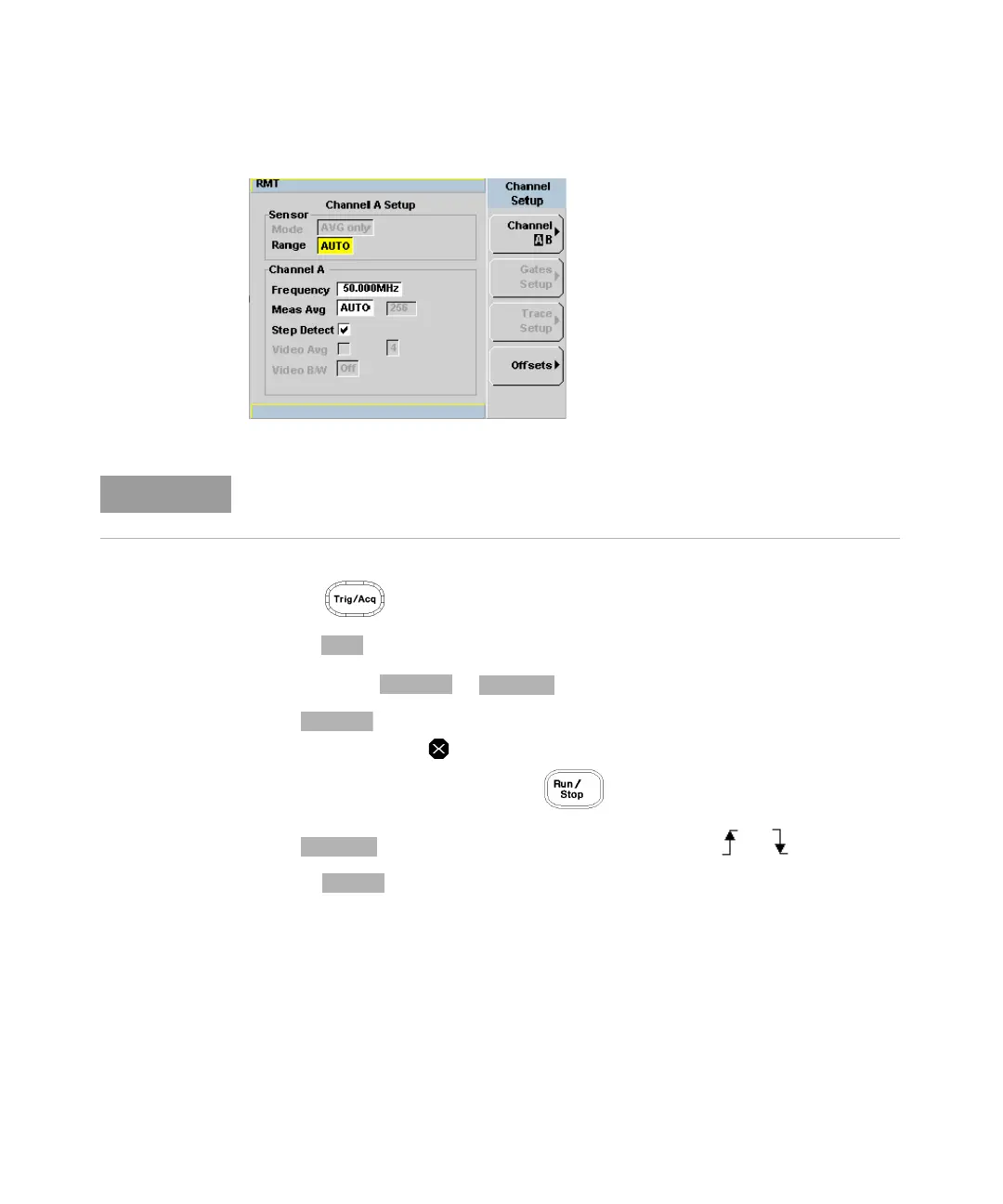
Figure 2-20 Channel Setup display
4 Press . The Trigger menu is displayed.
5 Press softkey to configure the trigger.
6 Select either or .
– is a single shot mode. After triggering, the measurement is
halted, and the symbol is displayed. You can start another
measurement by pressing the key.
– is a continuous trigger mode. The symbol or is displayed.
7 Press to configure the remaining trigger parameters. The trigger
Settings menu consists of two pages. Figure 2-21 shows page 1 and
Figure 2-22 shows page 2.
When 8480 Series, N8480 Series, E-Series E4410, E-Series E9300 or U2000
Series sensor is connected, Sensor Mode is set to AVG only by default.



 To Next Page