5 Using 8480 Series Power Sensors
164 Keysight N1913/1914A User’s Guide
Procedure
First select the table for the sensor you are using as follows:
1 Press , , .
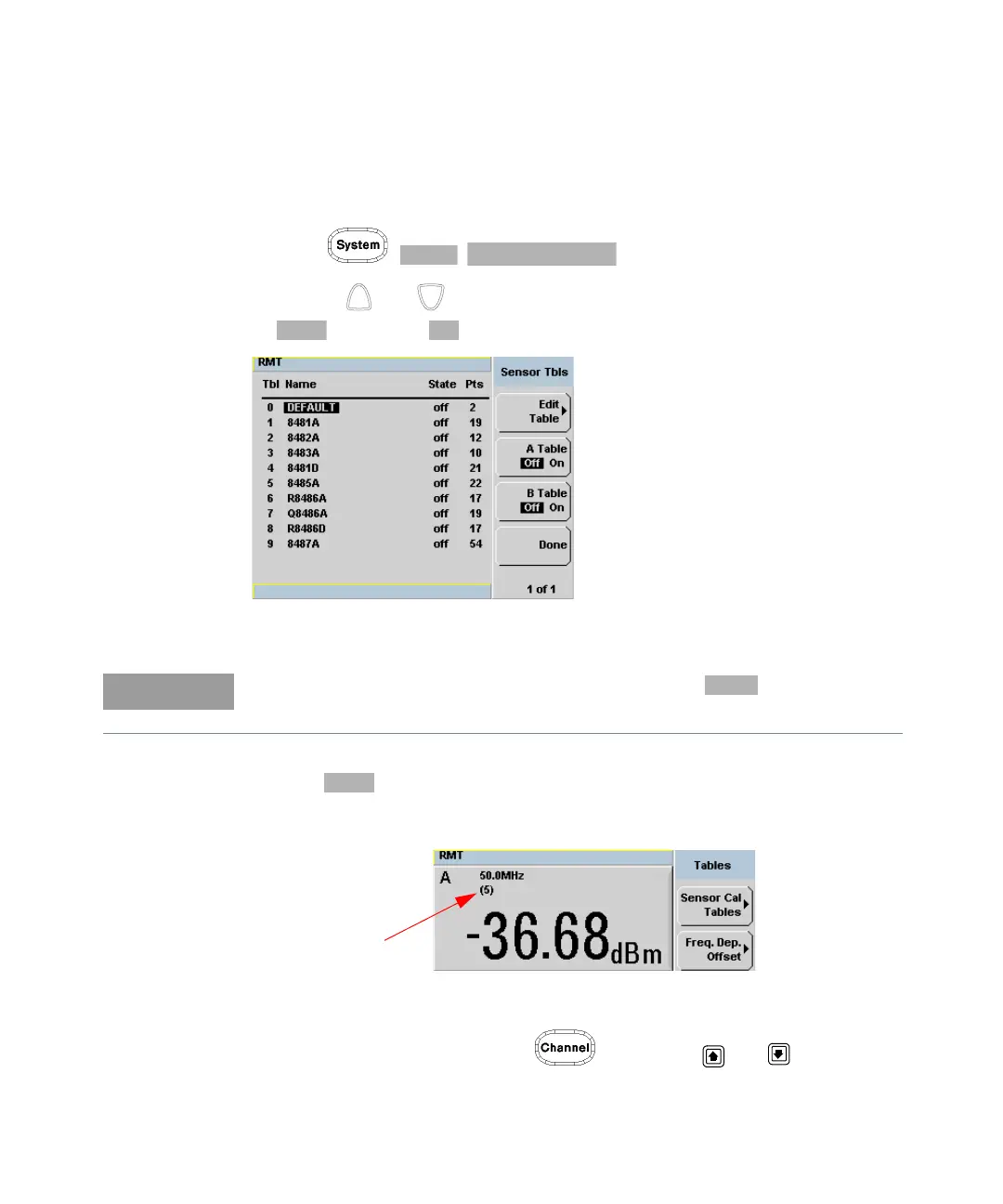
2 Use the and keys to highlight one of the 20 table titles and press
to highlight .
Figure 5-6 Sensor table selected
3 Press to complete the selection of the calibration factor table.
Figure 5-7 shows which offset table is selected.
Figure 5-7 Frequency dependent offset indicator
4 To change the frequency, press and use the and keys to
highlight the Frequency field.
When no data is contained in the highlighted table, the key is disabled
(grayed out).



 To Next Page