Introduction 1
Keysight N1913/1914A User’s Guide 39
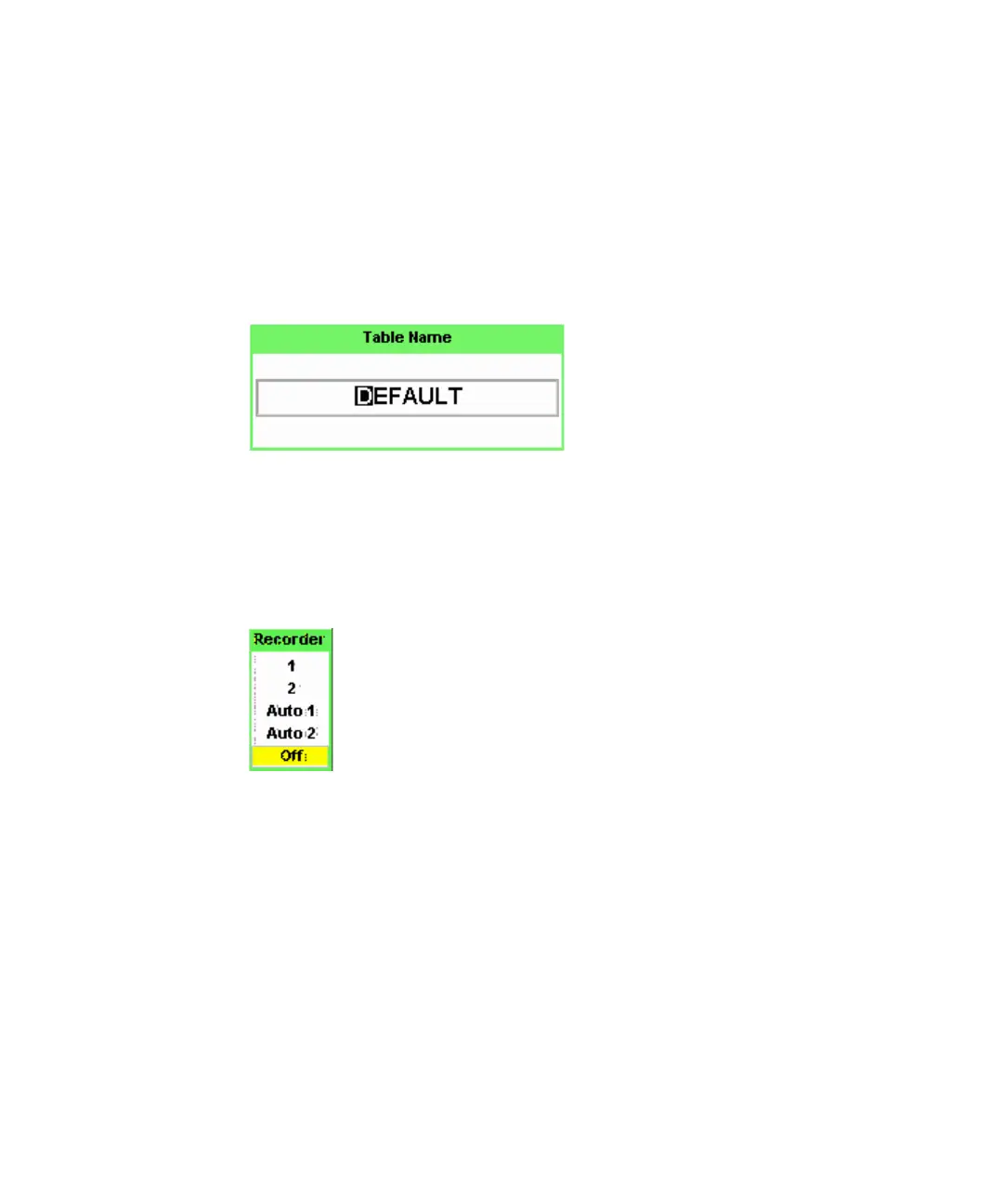
Text Entry Pop-up
This type of pop-up window is displayed when you need to modify alphanumeric
data such as table names. The up/down arrow keys increment and decrement the
alphanumeric digit that the cursor is currently positioned. The left/right arrow
keys move the cursor to another alphanumeric digit.
List Pop-up
This pop-up window is displayed when you are required to select an entry from a
list. Use the up/down arrow keys to highlight your choice. Press select to
complete the entry.



 To Next Page