2 General Power Meter Functions
126 Keysight N1913/1914A User’s Guide
Battery Status Display
The meter’s system will stop charging the battery once the battery pack internal
temperature is higher than 45 °C. The battery’s rated temperature range is from
0 °C to 50 °C for discharging mode. Pop-up messages will be displayed to advise
you to power down the meter once the battery temperature is under or above the
rated temperature.
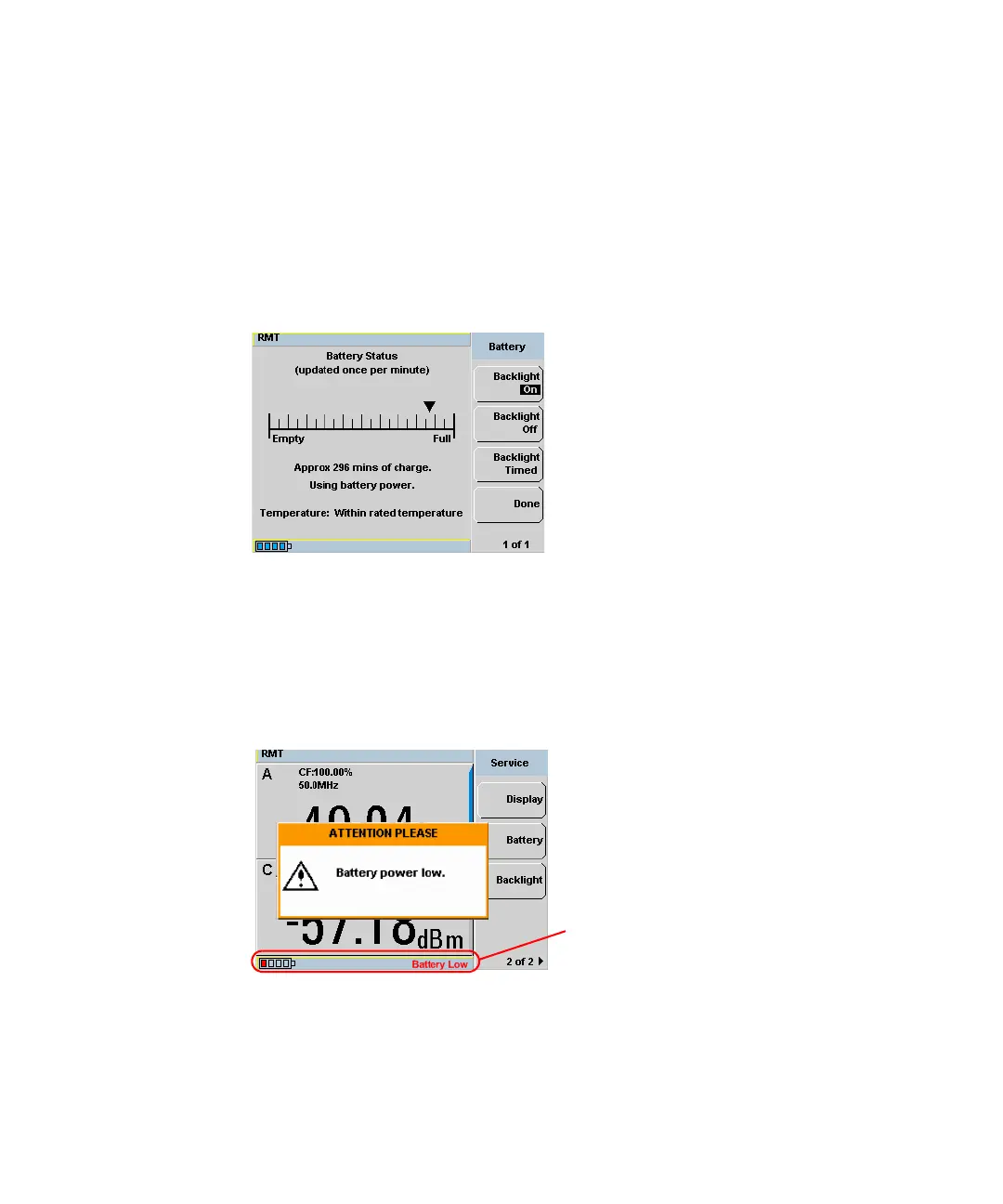
Figure 2-65 Battery status display
Low Power Battery Condition
When the power meter is running on battery power and there are less than 10
minutes of run-time remaining, a “Battery Power Low” pop-up message will be
displayed. In addition, the message “Battery Low” will appear at the bottom of the
display screen with the battery indicator filled with red (see Figure 2-66).
Figure 2-66 Low battery indicator



 To Next Page