EasyManua.ls Logo

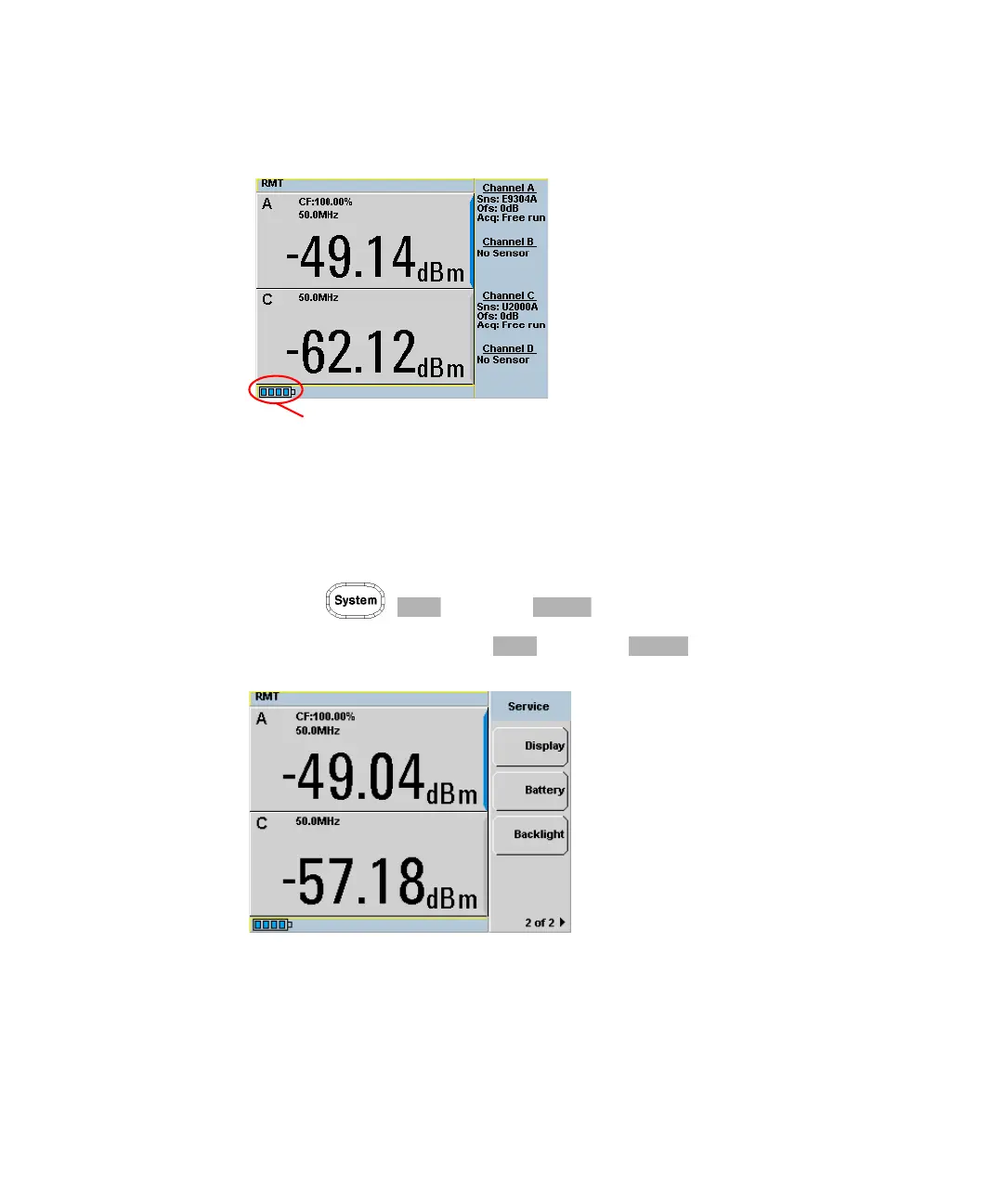
Keysight N1913 - Battery Menu; Figure 2-63 Battery Indicator; Figure 2-64 Battery Menu

Keysight N1913
243 pages
Print Icon
To Next Page IconTo Next Page
To Previous Page IconTo Previous Page
Loading...
General Power Meter Functions 2
Keysight N1913/1914A User’s Guide 125
Figure 2-63 Battery indicator
Battery Menu
For power meters with battery option, to access the battery menu,
1 Press , and select .
2 In the Service menu, press and select .
Figure 2-64 Battery menu

Battery indicator
1 of 2
Service
1 of 2
Battery

Table of Contents

Related product manuals