Using N8480 Series Power Sensors 6
Keysight N1913/1914A User’s Guide 177
Power Meter Configuration Changes
The N1913/1914A EPM Series power meter recognizes when a N8480 Series
power sensor is connected. The N8480 Series power sensors’ (excluding Option
CFT) calibration data is automatically read by the power meter. In addition, the
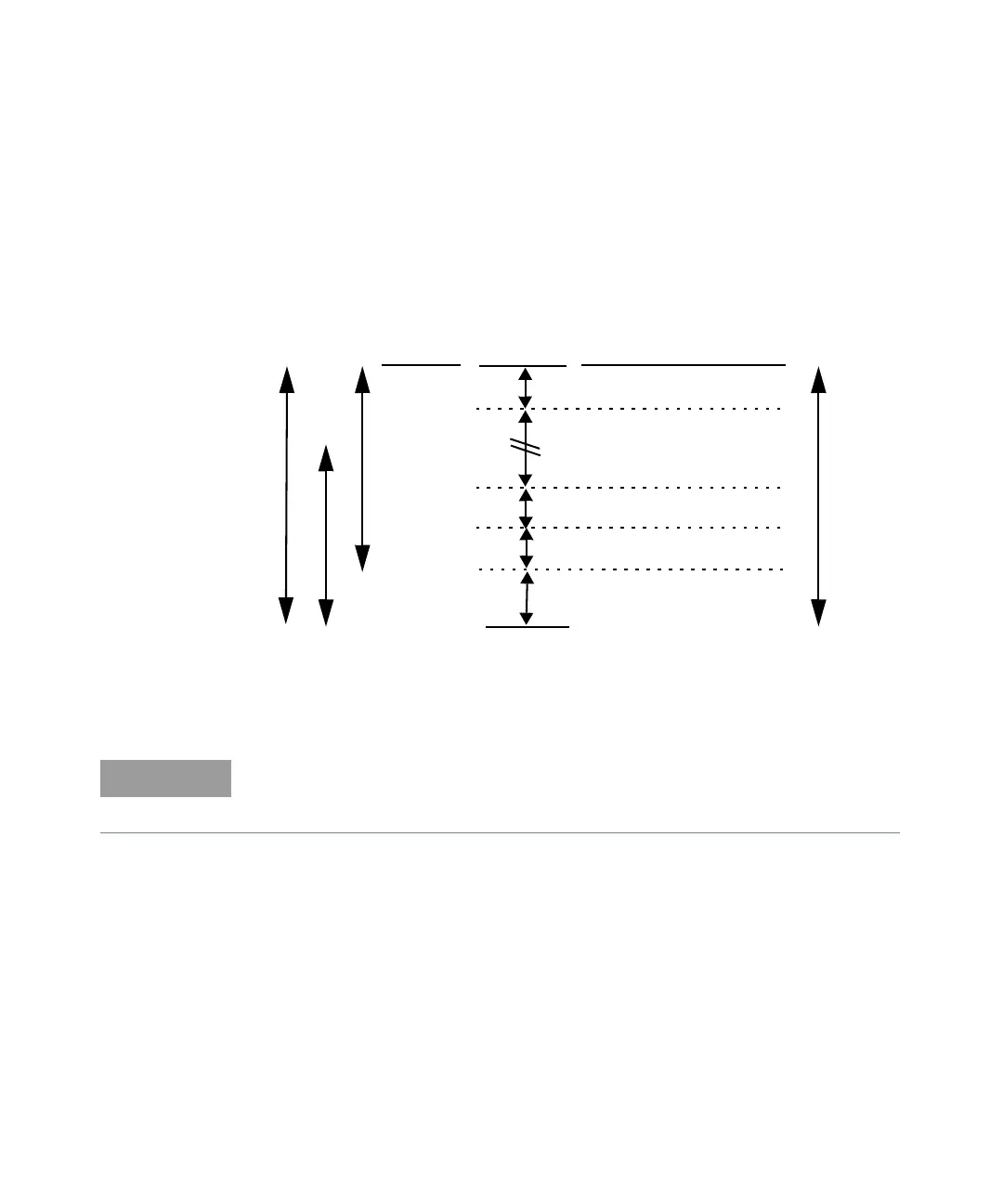
auto-averaging settings shown in Figure 6-1 are automatically configured.
Figure 6-1 Auto-averaging settings
Sensor Dynamic Range
Number of Averages
Upper Range
Lower Range
Sensor Power
Minimum
1234
1128
Resolution Setting
22432
2 2 432
2 2 16 256
2 8 128 128
Maximum
4 64 256 512
Sensor Power
0 dBm
–1 dBm
–30 dBm
–10 dBm
–20 dBm
N8481/2/5A
These values are valid only for the power meter channel connected to a N8480
Series power sensor. Averaging settings can also be manually configured. Refer
to “Setting Measurement Averaging” on page 73 for more details.



 To Next Page