General Power Meter Functions 2
Keysight N1913/1914A User’s Guide 63
6 Confirm your choice by pressing .
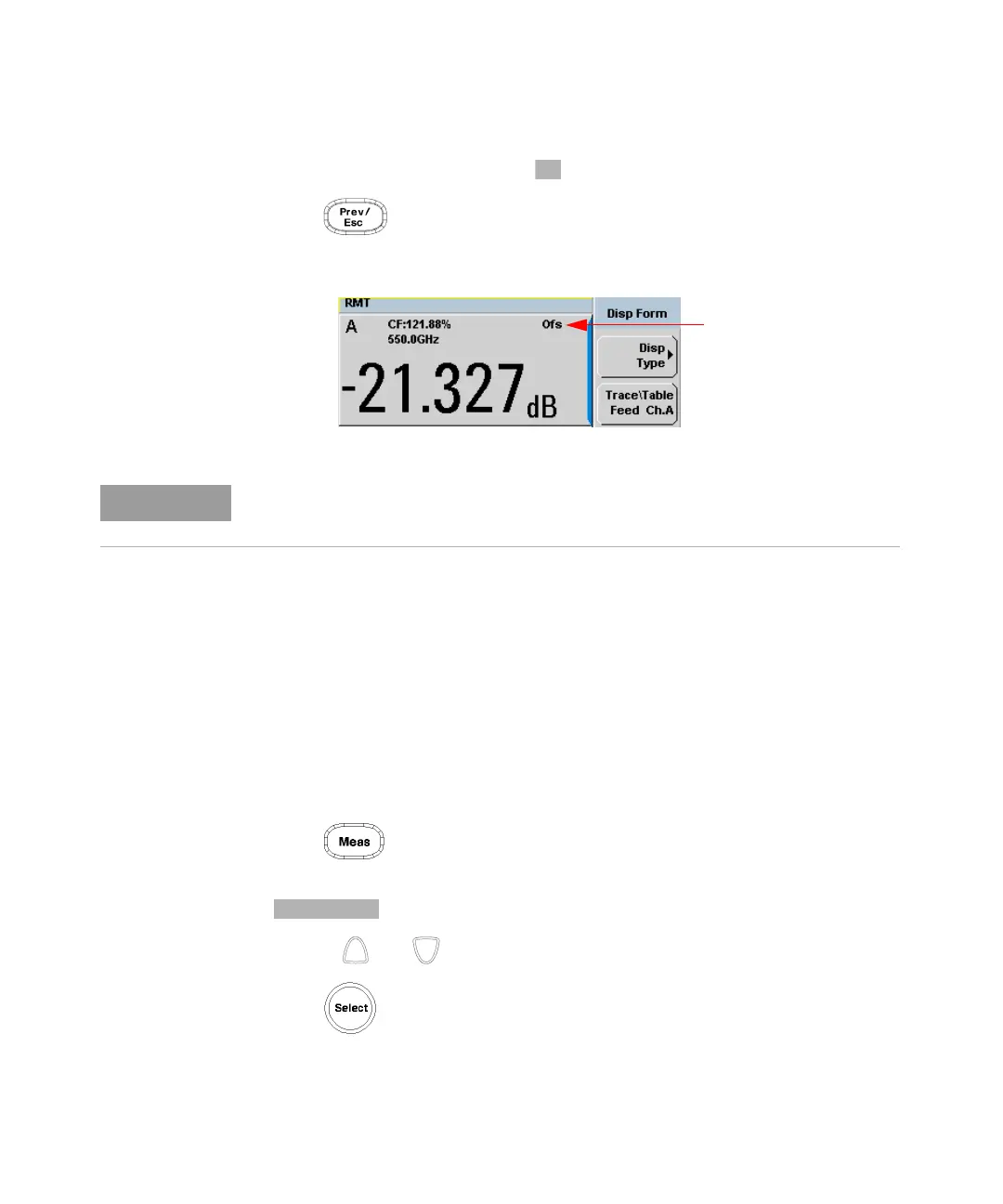
7 Press key to complete the offset entry. If either a channel or a display
offset is set, the Ofs indicator is displayed.
Figure 2-6 Channel offset indicator
Setting Display Offsets
This gain or loss is applied to the measured power after any channel offsets or
mathematical functions have been included.
Offsets are entered in dB and the range of values is –100 dB to +100 dB. A positive
value compensates for a loss, and a negative value compensates for a gain.
Procedure
Enter a display offset on the currently selected window:
1 Press to display the Measurement Setup screen.
2 Select the window you wish to set the offset value on by pressing the
key. The currently selected window/measurement is displayed.
3 Use the and keys to highlight the Offset setting field.
4 Press to check the Offset setting field.
The Ofs symbol is not displayed when the associated measurement is displayed
in Dual Numeric or Analog format.



 To Next Page