Using E4410 E-Series Power Sensors 4
Keysight N1913/1914A User’s Guide 149
Power Meter Configuration
The N1913/1914A EPM Series power meters automatically recognize an E-Series
E4410 power sensor when it is connected. The sensor calibration data is
automatically read by the power meter. Also, the power meter automatically
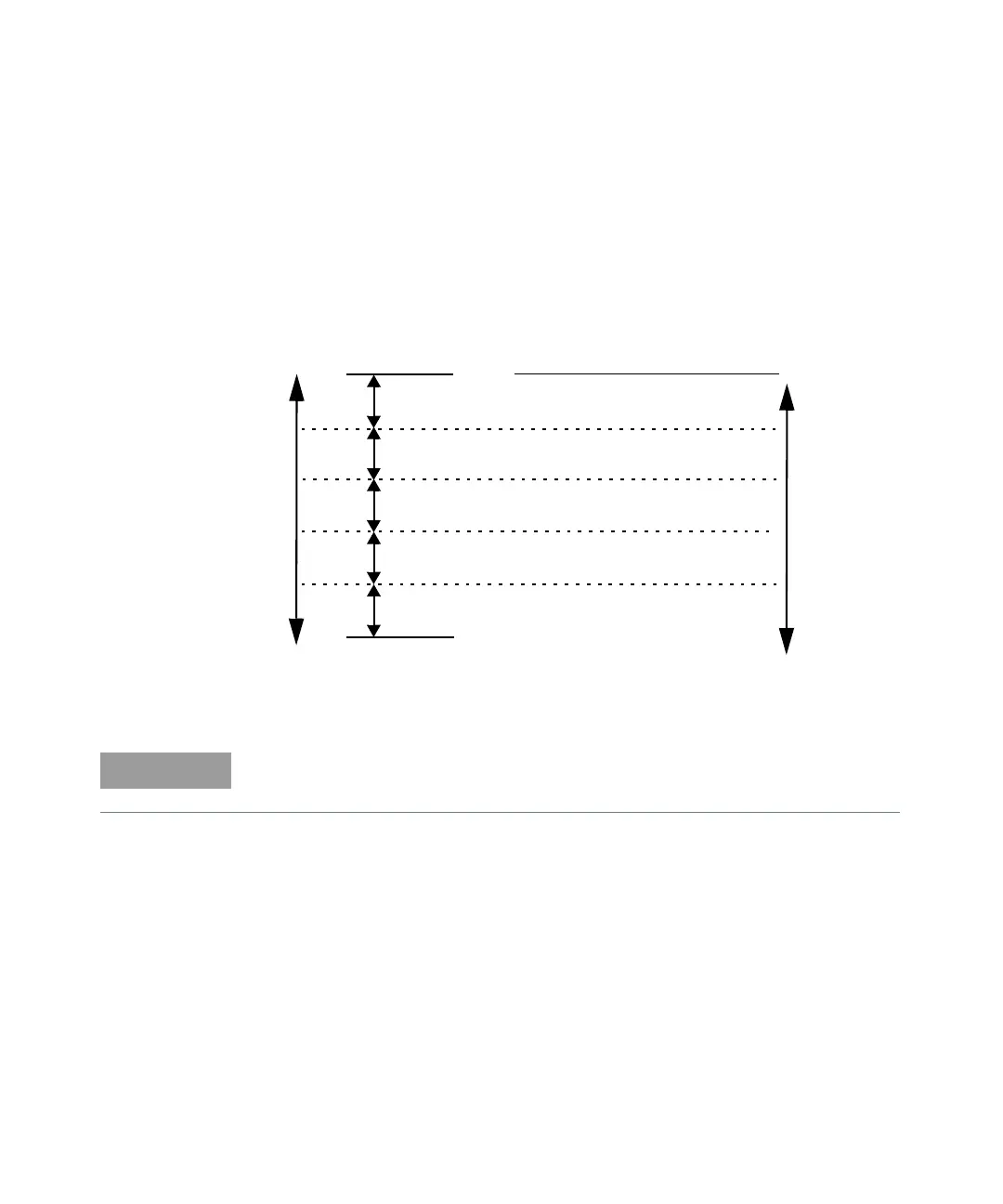
configures the averaging as shown in Figure 4-1.
Figure 4-1 E-Series CW sensor auto-averaging settings
10 dB
10 dB
Maximum Sensor Power
Minimum Sensor Power
Power Sensor
Dynamic Range
10 dB
10 dB
1234
1118
Resolution Setting
Number of Averages
11116
11232
1 1 16 256
1 8 128 128
These values are valid only for the power meter channel connected with E-Series
E4410 power sensor. Averaging settings can also be manually configured.



 To Next Page