6 Using N8480 Series Power Sensors
184 Keysight N1913/1914A User’s Guide
Now, set the sensor calibration factor for the frequency of the signal to measure.
9 Check the current reference calibration factor setting by pressing ,
. The value is displayed on the Cal Fac field.
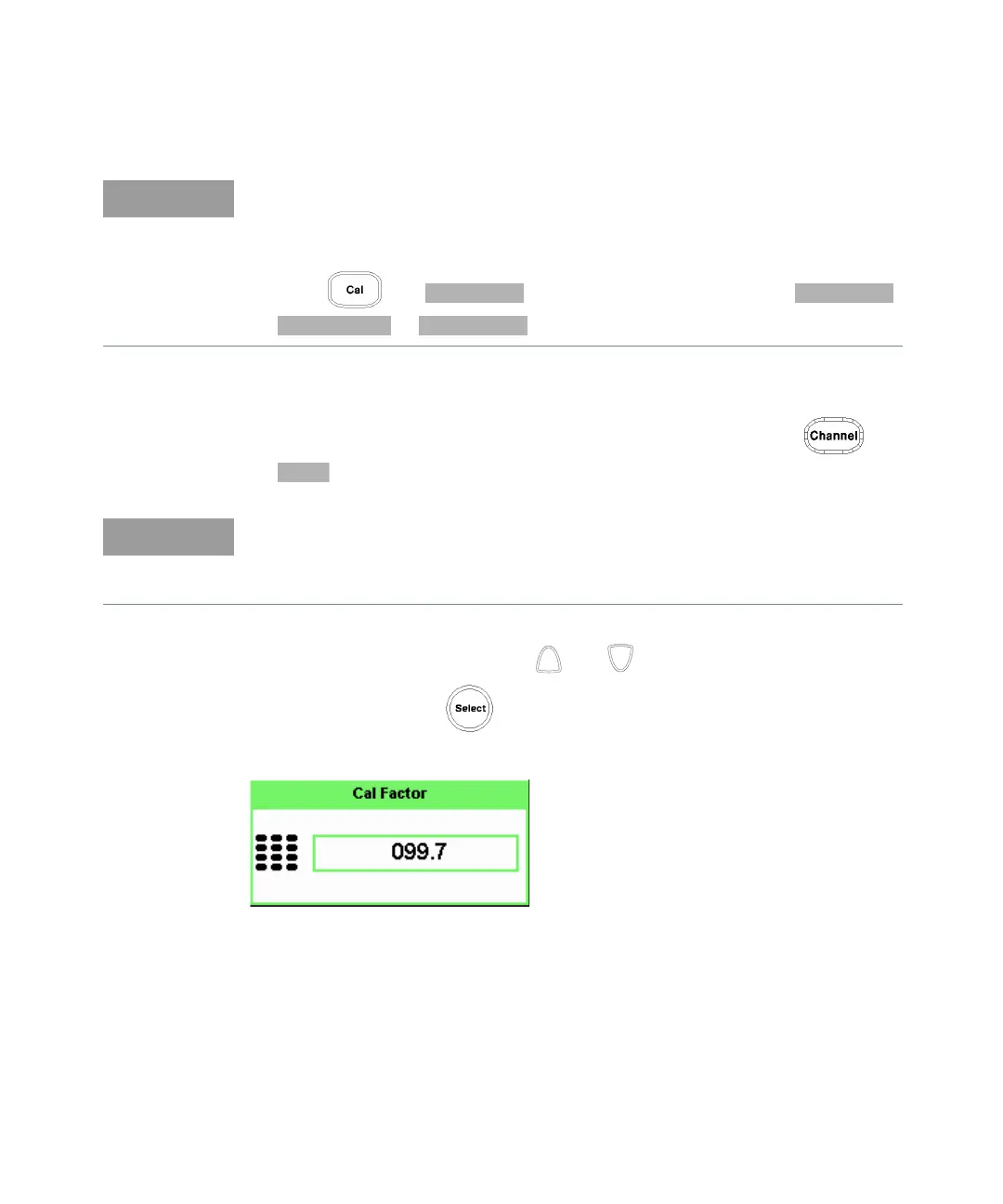
10 To change the settings, use the and keys to highlight the Cal Fac
value field and press to display the Cal Factor pop-up. Use the numeric
keypad to enter the required value in the Cal Factor pop-up window.
Figure 6-6 Calibration factor pop-up window
You can reduce the steps required to carry out the zero and calibration
procedure as follows:
– Connect the power sensor to the POWER REF output.
– Press and . (For dual channel meters, press ,
or as required).
Does this setting match the value for the sensor?
The power sensor reference calibration factor can normally be found above the
calibration factors table on the power sensor body.



 To Next Page