8 Using U8480 Series USB Thermocouple Sensors
218 Keysight N1913/1914A User’s Guide
Reference Manual
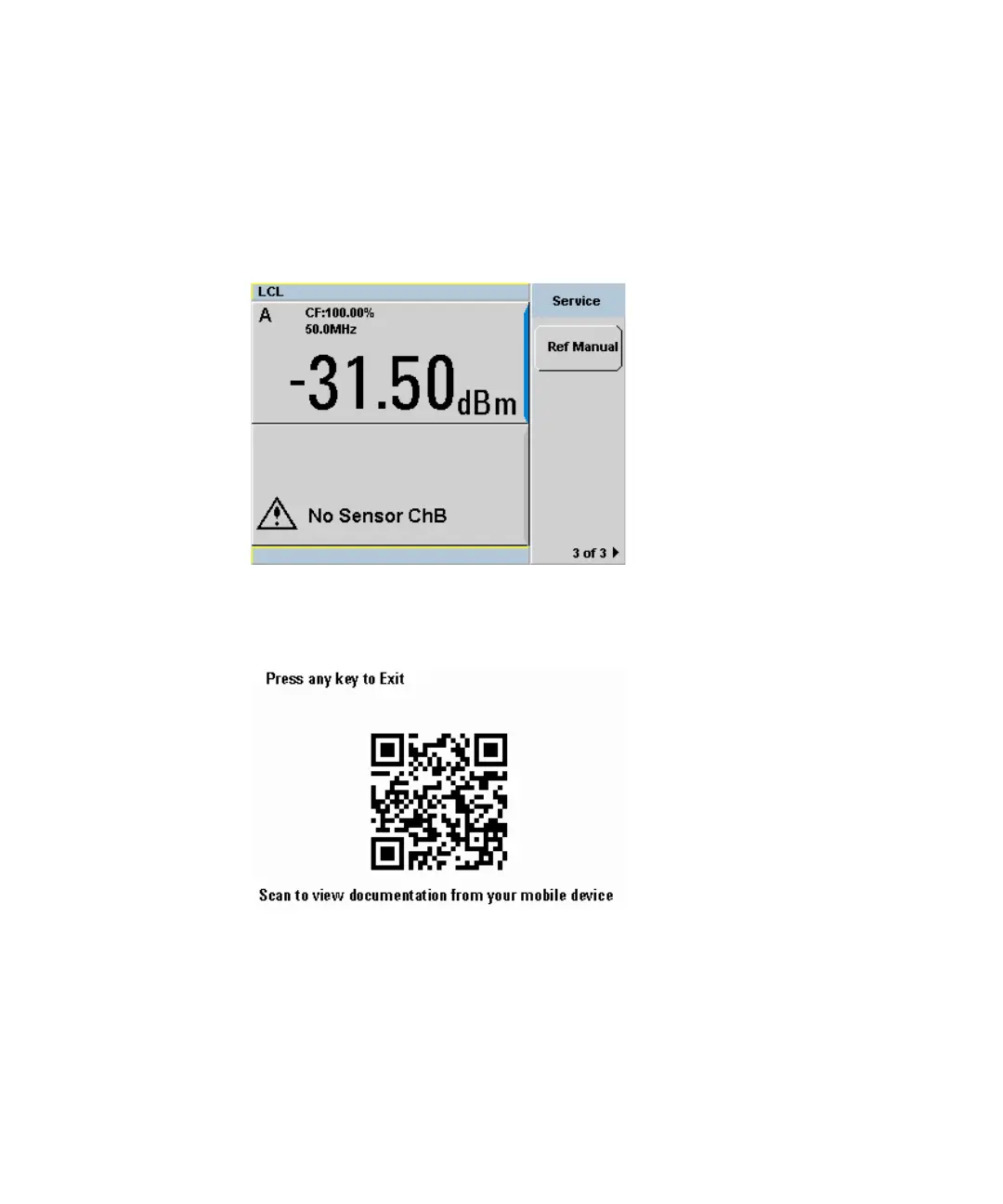
A link to the reference manuals is available under System > Service in the form of
a QR code. The softkey is as shown in the figure below:
Figure 8-10 Reference manual softkey
When you press the softkey, a screen containing a QR code appears:
Figure 8-11 QR code screen
To exit this screen, you may use either one of the following steps:
1 Press any front panel key.
2 Place the N1913/1914A EPM Series power meters in remote (RMT) mode.



 To Next Page